


What is a PPC audit and how do agents help?
A pay-per-click (PPC) audit is a structured check of an ad account's performance, spend, delivery, creatives and tracking to find what's wasting budget or broken. AI agents help by running that check across every client account on a schedule and sending your team one digest of the biggest changes.
When you have dozens of campaigns across multiple platforms for multiple clients, keeping track of everything becomes a very manual, tedious process.
Even if you have dashboards for each client, you’d still need to open each dashboard, check what’s changed, write insights, and repeat this process again and again. This process of gathering data takes up so much time and brainspace that there’s little to no room to actually act on the data.
In fact, that was the exact pain Anna Alexiadi Smyrniotaki, Director of Digital Analytics & Strategy at GKV, faced. The two-person analytics team used to spend 3 out of 4 weeks creating monthly reports for their 12 clients. As she put it: "we are not looking at the data. We are doing the report."
That changed when Anna tested out Whatagraph IQ Agents. She built an audit digest agent that audited creatives and media across the entire clientbook every day. This means Anna finds out what moved across all the clients before they ask and can take proactive action.
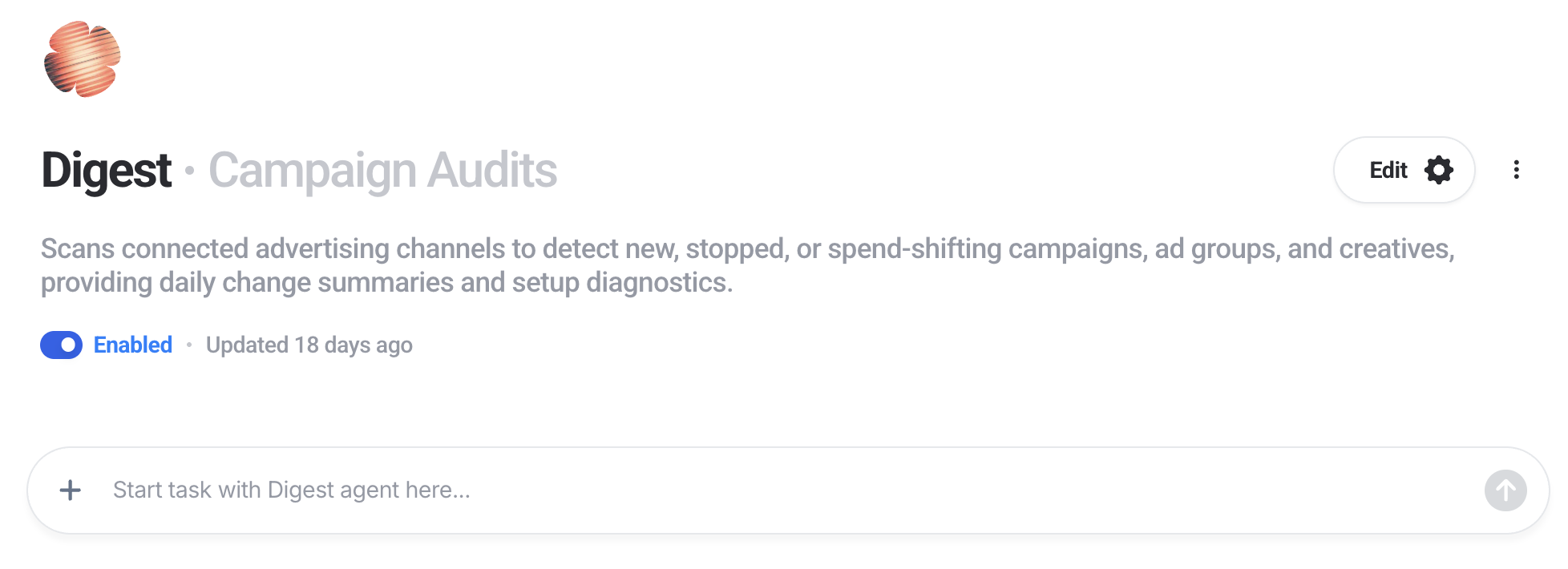 The audit digest agent runs every day at 09:00 and returns the biggest performance changes across all clients’ accounts, without Anna having to open the laptop or log into Whatagraph.

Once she logs into work, the audit report is already there for her. From there, Anna makes the judgment calls: which movements matter, what needs a closer look, and which campaigns to flag to the media team for optimization.
With the agent, follow-up questions and new ad hoc analyses now start in about 10 minutes. Analyses that used to need at least a two-day turnaround go out in one to two hours, up to 92% faster.
How AI agents help with PPC audits
AI agents check performance changes across every campaign, account, and client on a schedule you set so you can take action fast. Agencies already use agents for this and other AI marketing workflows.
Here’s how the process works. The agent:
- Reads every client's connected ad accounts.
- Runs the checks on your audit checklist.
- Compares each account against yesterday and against its own recent average.
- Ranks the biggest changes by how much spend is at stake.
- Writes one digest, grouped by client.
- Posts the digest to a Slack channel or sends it by email.
- Stops there. It doesn't change campaigns, budgets or reports.
The digest the agent returns could look like this table here:
| Client | Campaign | What changed | Size of change | Owner |
|---|---|---|---|---|
| Client A | Brand search | Spend up vs yesterday | +68% | PPC lead |
| Client B | Meta prospecting | Delivery stopped | 0 impressions since 06:00 | Paid social |
| Client C | All Google Ads | Source disconnected | No data for 2 days | Ops |
This means you can take action quickly on the accounts and campaigns that need immediate attention, instead of being buried under manual work of checking each campaign individually.
PPC audit case studies: how agencies use AI agents
GKV: a daily audit of creatives and media across all clients
GKV is a Baltimore communications agency. Its analytics team of two runs reporting and analysis for 12 clients, and monthly reporting used to take up most of each month.
The team built a digest agent that audits creatives and media across all clients every day at 09:00. The audit is ready when the team logs in. It flags new, stopped and spend-shifting campaigns and surfaces the biggest changes across all accounts. The director of digital analytics decides which changes matter and which campaigns to flag to the media team.
The team still checks the numbers and t analysis, the judgment and every recommendation that reaches a client still lies with the team. The agents handle the groundwork, so the team can spend its time on the thinking.
“Agents advance our team's mission to empower the client teams with data-driven insights and recommendations that ensure the best possible decisions and outcomes for our clients."
A US agency: one agent watching campaign performance
A US agency built one monitoring agent to watch campaign performance and suggest fixes. The agency's principal rated the two halves of the output differently. He said: "From a monitoring standpoint, I'll give it an A. From a recommendation standpoint, I'd probably give it a B."
The agency had been trying to solve the monitoring problem for months. He said:
"Agents solved the problem really quickly that we were trying to solve for a few months."
Automated vs. manual PPC audits
Comparing PPC audits vs manual audits comes down to how many accounts you check and how often. Automate the performance and change checks that repeat across every account. Keep the strategy audit manual.
| Manual audit | Automated audit with an agent | |
|---|---|---|
| How often | Quarterly, or when something looks wrong | Daily, or any schedule you set |
| Accounts covered | One at a time | Every connected client account in one run |
| Time per account | Hours | Minutes to read the digest |
| What it catches | Structure, strategy, setup | Spend, delivery, conversion and connection changes |
| Where findings go | A document or slide deck | Slack or email |
| Who decides | The specialist who ran it | Your team, after reading the digest |
| Typical failure | Problems found weeks after they start | Too many low-value flags if thresholds aren't tuned |
PPC audit checklist: what to check daily, weekly and quarterly
A PPC audit checklist works best when it's split by how fast each problem costs money. Spend, delivery and tracking problems cost money every day, so check them daily. Search terms and creative fatigue change over a week. Structure and strategy change over months.
| Check | What it catches | How often | Platforms |
|---|---|---|---|
| Spend vs yesterday and vs budget | Overspend, underspend, campaigns that stopped spending | Daily | All |
| Conversions, CPA and ROAS vs recent average | Drops in results, tracking that stopped firing | Daily | All |
| Campaigns started, stopped or shifting spend | Unplanned launches, pauses and budget shifts | Daily | All |
| Delivery per creative | Creatives that stopped delivering or never started | Daily | Meta, LinkedIn, TikTok, Google |
| Ad and asset policy status | Disapproved or limited ads | Daily | Google, Meta, Microsoft |
| Data connections and tracking | Broken sources, expired access, empty data | Daily | All |
| Search terms and negatives | Wasted spend on irrelevant queries | Weekly | Google, Microsoft |
| Creative fatigue | Rising frequency, falling CTR | Weekly | Meta, LinkedIn, TikTok |
| Structure, bidding strategy, audiences, landing pages | Strategy drift, poor targeting, weak pages | Quarterly | All |
Two of the daily checks come straight from how the platforms work. Google Ads lets a campaign spend up to twice its average daily budget on a given day, so a single day can run well over plan. And an ad marked Disapproved in Google Ads gets no impressions, so a policy problem stops delivery until someone fixes it.
The same checks apply to a Google Ads account audit and a Facebook or Meta ads audit. Only the platform-specific rows change. An in-house marketer at a New Zealand brand described the manual version: "It's literally every day going campaign by campaign... But there's times where I set up a creative and I forget that I set it up."
Best PPC audit tools in 2026
The right tools for PPC audit analysis depend on how many accounts you audit, which platforms you run and how often you need the results. These four cover most agency setups. The details below come from each vendor's own site.
1. Whatagraph (IQ Agents). Whatagraph is a marketing intelligence platform. Its AI agents audit every client's accounts across Google, Meta, LinkedIn and other connected sources on a schedule you set, rank the biggest changes across all accounts, and send one digest to Slack or email. The agents read the same data your client reports use, so the audit and the report show the same numbers. Best for agencies that want the audit and client reporting in one place.
2. Optmyzr. PPC management software for Google, Microsoft, Amazon, Meta, LinkedIn and TikTok Ads. Optmyzr suggests starting with an audit for "a bird's eye view of account health", and adds KPI and budget alerts, a rule engine and a dashboard across client accounts. Changes need your approval before they run.
3. TrueClicks. Monitoring and auditing for Google and Microsoft Ads, with performance monitoring for Meta. TrueClicks runs "50+ daily monitoring checks" across all accounts, alerts you when an account or conversion tracking goes down, tracks disapprovals, and sends a weekly email digest with an account score.
4. Adalysis. PPC management for Google and Microsoft Ads, built for agencies. Adalysis runs "100+ prebuilt checks" to audit accounts, monitors performance around the clock and lets you set custom alerts.
| Whatagraph | Optmyzr | TrueClicks | Adalysis | |
|---|---|---|---|---|
| Platforms | Google, Meta, LinkedIn, Microsoft and other connected sources | Google, Microsoft, Amazon, Meta, LinkedIn, TikTok | Google, Microsoft (Meta for performance) | Google, Microsoft |
| Audit approach | Agent runs your checklist on a schedule | Account audit plus alerts and rules | 50+ daily checks | 100+ prebuilt checks |
| Delivery | Slack, email or in-app digest | Alerts | Alerts and weekly email | Alerts |
| Built for | Agencies and in-house teams across channels | PPC teams and agencies | PPC teams and agencies | PPC agencies |
If you only run Google Ads and want a free starting point, Google's own optimization score rates accounts from 0 to 100% and works at manager-account level, and Google's Account Anomaly Detector script emails you when one account's numbers differ from its usual weekday pattern.
How to conduct a PPC audit with AI agents in Whatagraph
Here's a step-by-step guide to PPC auditing with agents in Whatagraph.
- Connect every client's ad accounts. Connect Google Ads, Meta, LinkedIn and your other channels, and tag each account by client. The Roster agent does this for you.
- Run an account health check first. Ask a pre-made agent on Whatagraph - Pacing - for a full account health check. It lists broken connections, missing sources and setup gaps. Fix those before the first audit, or the digest fills up with noise.
- Pick your checks and thresholds. Use the checklist above. Set thresholds per client, because a 30% change means something different for a small account than for a large one.
- Build the audit agent. Paste the brief from the first section into the Agent Builder and fill in the placeholders.
- Test it on two clients. Run it once and compare every finding with the ad platforms. Adjust the brief where it's wrong or too noisy.
- Choose where the digest goes. Connect Slack or add the email recipients. Connecting Slack can need approval from your IT team, so ask early.
- Add the schedule. Pick daily at a set time, such as 9:00, or any schedule that fits your team.
- Lock down write access. Set every tool that can change something to "needs approval" or "denied". The audit only reads.
- Review the first week. Read the digests, note false flags, and tune the brief.
Best practices for PPC audits
The best PPC audits are short, regular and quick to act on. These practices keep a daily audit useful after the first week:
- Fix connections before the first run. A broken source shows up as a drop to zero, which looks like a performance problem.
- Set thresholds relative to each account. Compare each account with its own recent average, not one number for every client.
- Rank by spend at stake. Put the changes that cost the most money at the top of each client's section.
- Cap the digest. Limit it to the top changes per client. A long digest stops getting read.
- Send it where the team already works. Pick one channel the team reads every morning.
- Keep the quarterly manual audit. The daily audit catches changes. The quarterly audit checks whether the strategy still fits.
- Review false flags every week. Tune the brief until most lines lead to an action.
An agency co-founder who manages about 60 accounts said: "All I want to do is find what's broken, like, quickly. How do I get to what's broken quickly? I can fix that, and then I can worry about optimization."
Pick the channel with the same care. A US agency said: "I know that for most of us that has like a lot of emails, just like an email notification, maybe I'm not going to see it." For threshold alerts that fire between audits, see PPC monitoring with AI agents.
Challenges in conducting a PPC audit
Most PPC audit challenges come from scale: too many accounts, too many platforms and not enough time to check them. Here are the common ones and how to handle each.
Too many accounts to audit by hand. Opening every ad account every morning takes hours once you pass a dozen clients. Run one scheduled pass across all accounts and read one digest. A digital director at a UK agency said: "instead of having to go into each individual account, you can see a top-line view. Are we up? Are we down?"
Problems found at the next client meeting. Ad platforms don't always flag a campaign that stops spending or overspends. A US agency said: "Google doesn't tell you, Facebook doesn't tell you, until it's like suddenly we're at our next meeting. We're like, oh, that spent $5. It was supposed to spend $10,000." Daily checks on spend and delivery close that gap.
Broken connections nobody notices. When a data source disconnects, reports can keep loading and show zeros or stale numbers. A US agency said a broken connection "usually takes a while for us to find out, and that's really frustrating." Include connection status in the daily checks. Agents read the same governed data layer your reports read, so a broken source shows up in the audit and the report at the same time.
Different filters and goals per client. One client reports web and in-store sales separately, another counts only qualified leads. Set each client's filters, source groups and custom metrics once, so every audit run uses the same definitions as the client's report.
Slack or email blocked by IT. Some companies need security approval before a new app can post to Slack. Start with in-app digests and request approval early.
Common mistakes in PPC audits
- Treating the audit as a quarterly project only. Spend and delivery problems need a daily check. Strategy can wait for the quarter.
- Judging every client by the same change. A 20% drop is normal for one account and a crisis for another.
- Reading a zero as a real result. A zero often means a broken source, not a campaign that stopped.
- Acting on a finding before checking the platform. Confirm the number first.
- Letting the digest grow until nobody reads it. Cut checks that never lead to action.