Google Ads in Claude.
Backed by a data layer that actually holds up.
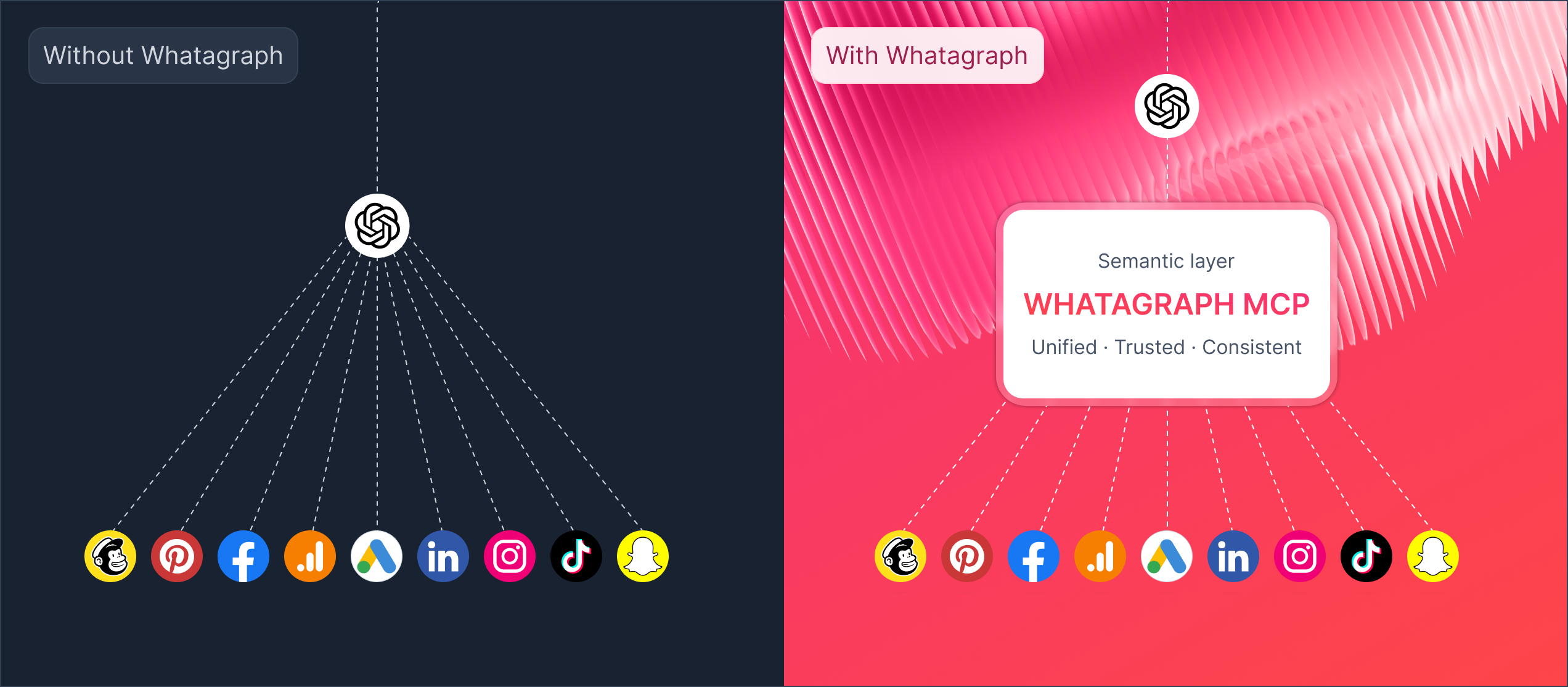
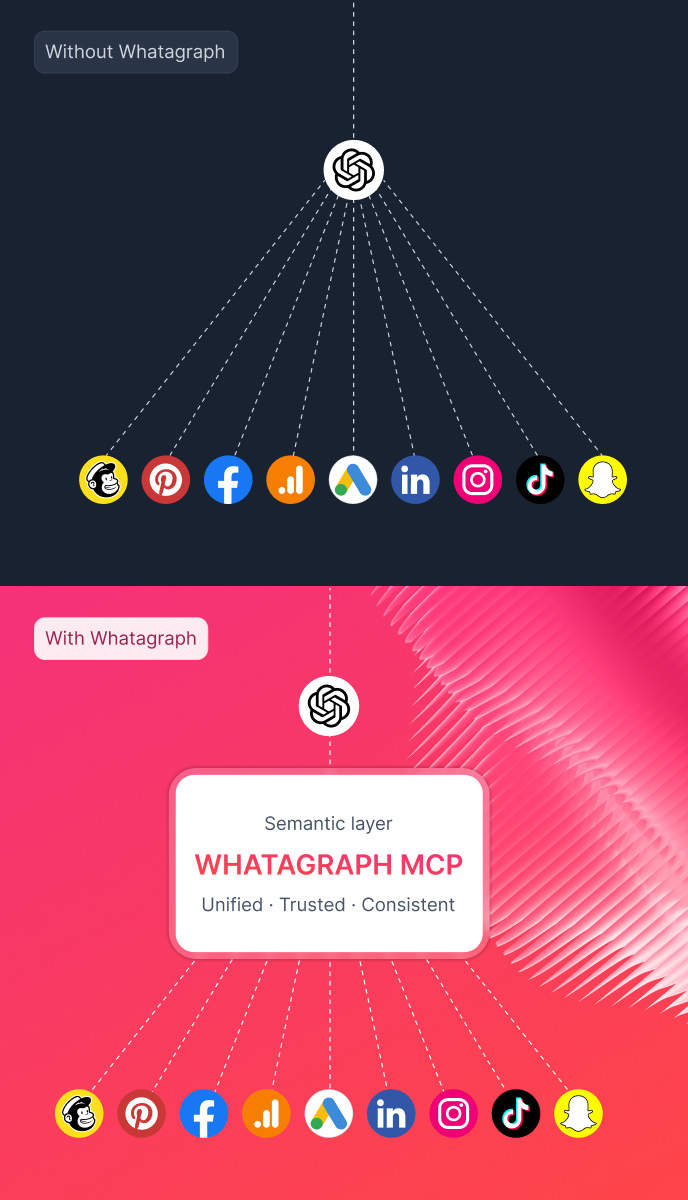
Whatagraph is a marketing intelligence platform that governs it first — unified, normalised, defined once across every channel and account.
Connect it to Claude and the answers are ones you can trust.












You connected Google Ads to Claude.
The connector works. The answer doesn't.

Hallucinated math
The more channels you add, the worse it gets. Google Ads counts conversions one way, Meta another. Without an aggregation layer in between, the AI does its own data engineering inside the conversation. The numbers drift.

No governance
Same Google Ads question, different answer depending on how you phrase it. No shared definitions means no shared truth — and no answer you can put in a client report.

Nowhere to land
A chat reply isn't a client deliverable. The reporting workflow still happens elsewhere. Connecting Claude to a raw API doesn't close that gap.
This is what Whatagraph MCP does differently
No rewiring, no definitions to maintain per channel. Ask anything. The foundation holds.
What you can do with Whatagraph MCP
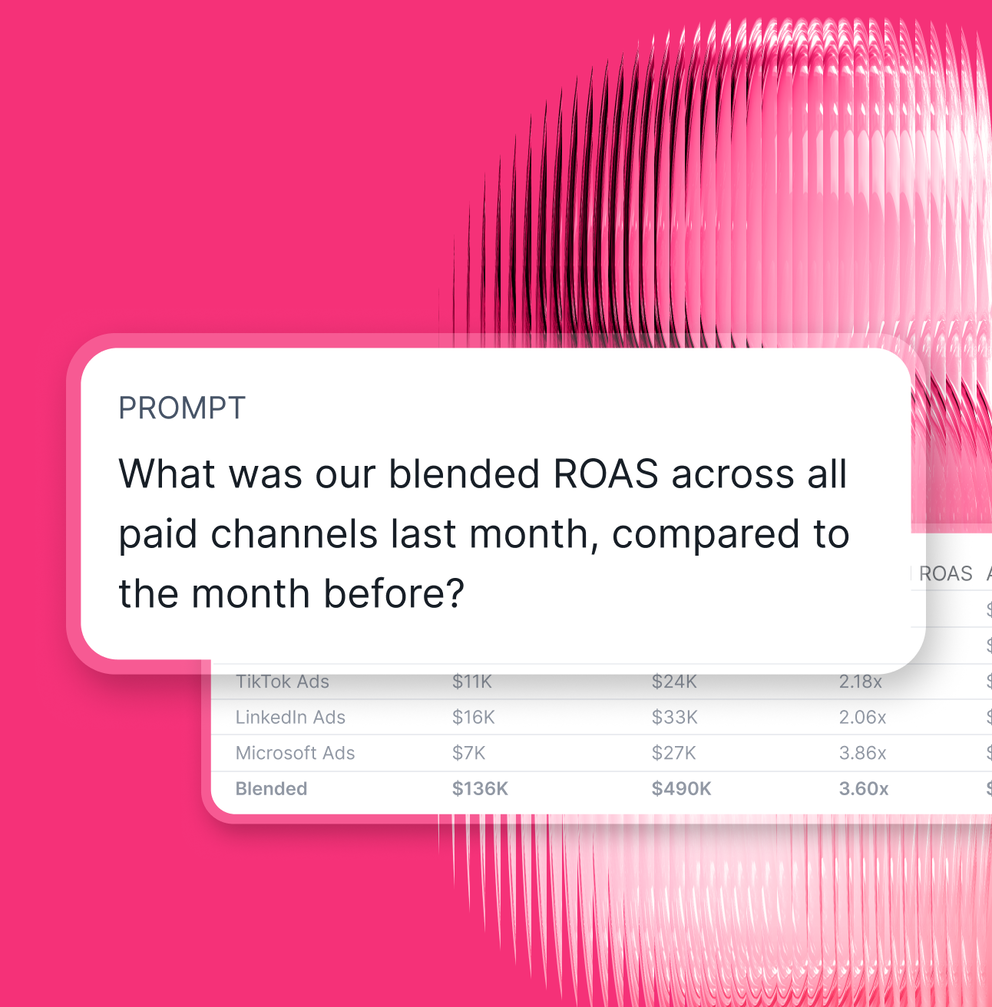
Get cross-channel answers instantly
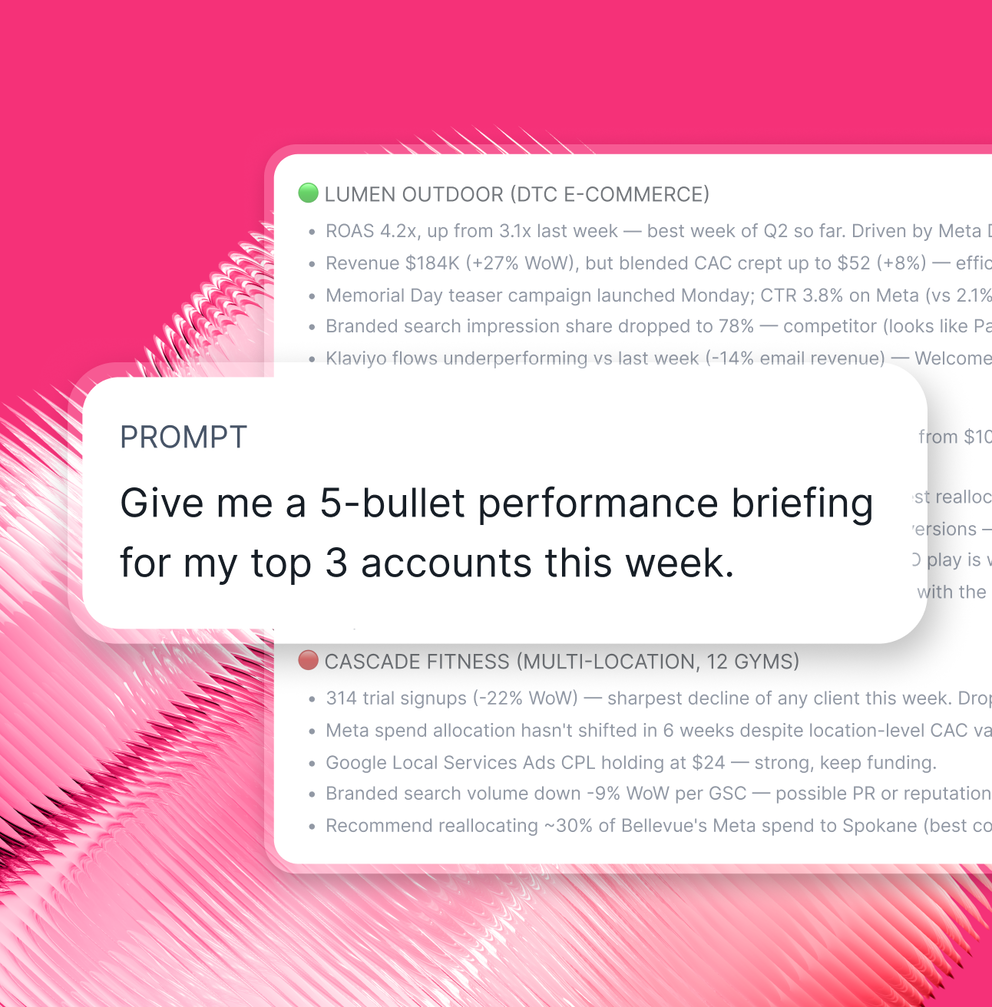
Morning briefings without opening a dashboard
Let your team self-serve without tickets
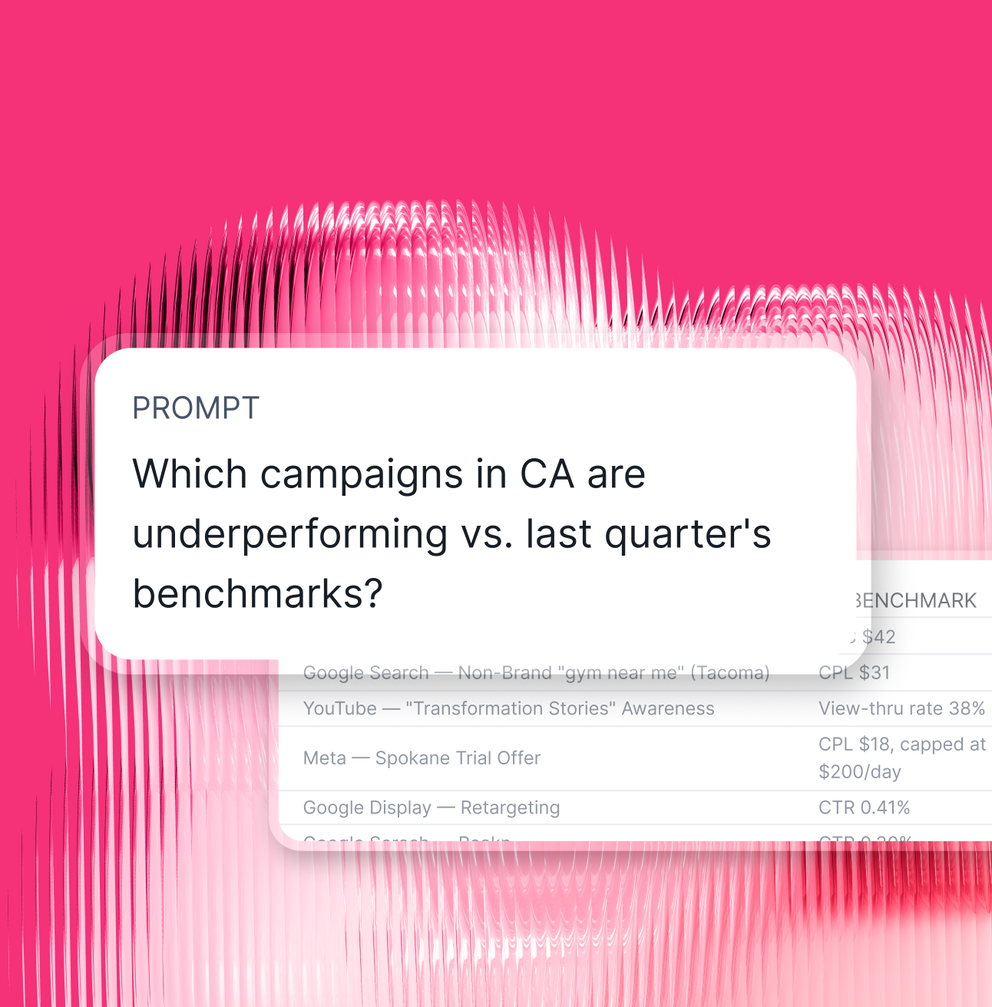
Build AI agents on a foundation that doesn't break
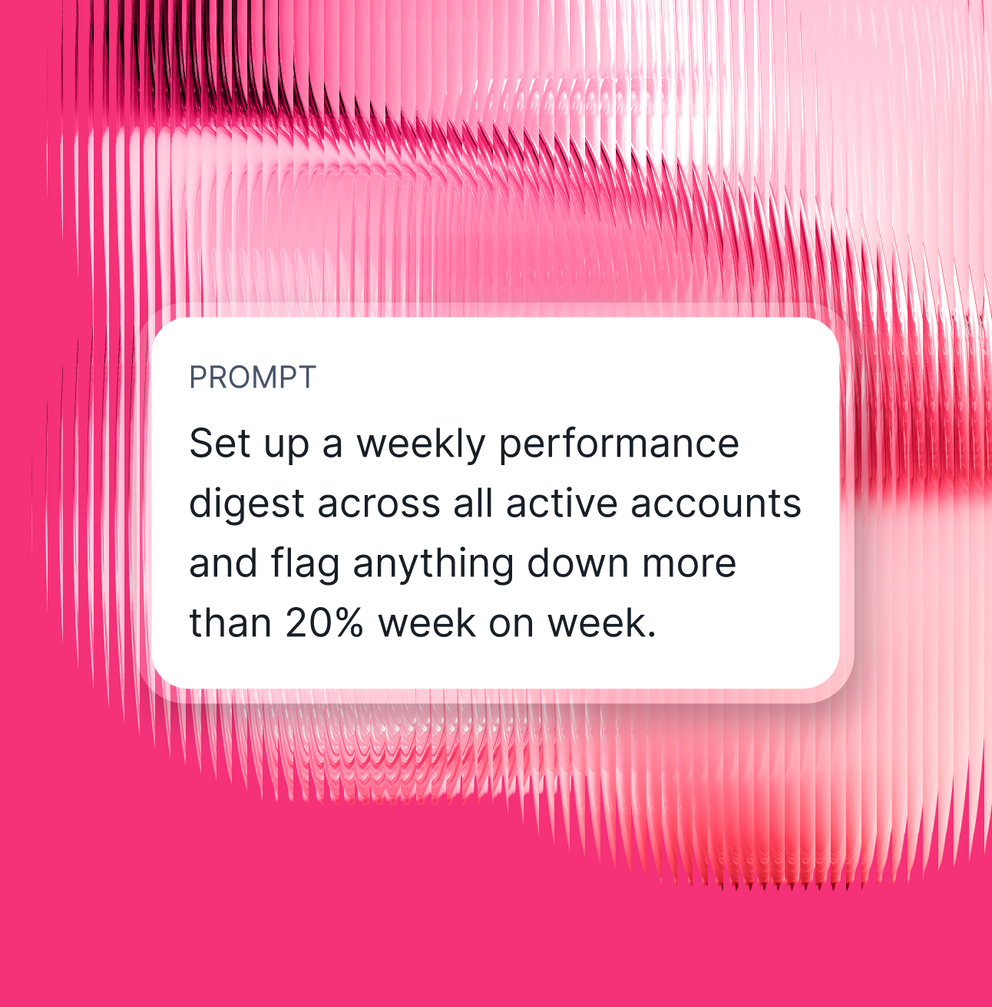
Ask anything. Act on the answer.
Query your marketing data
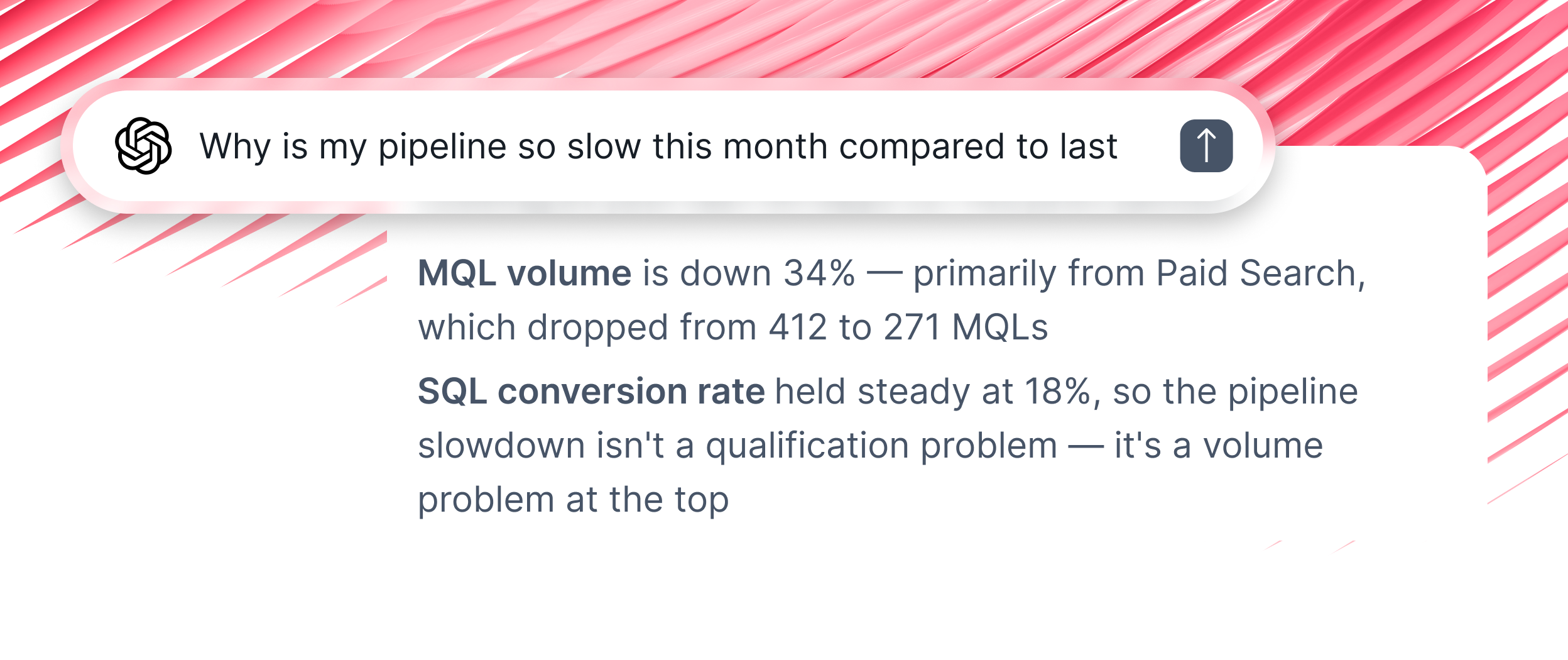
Take action through AI
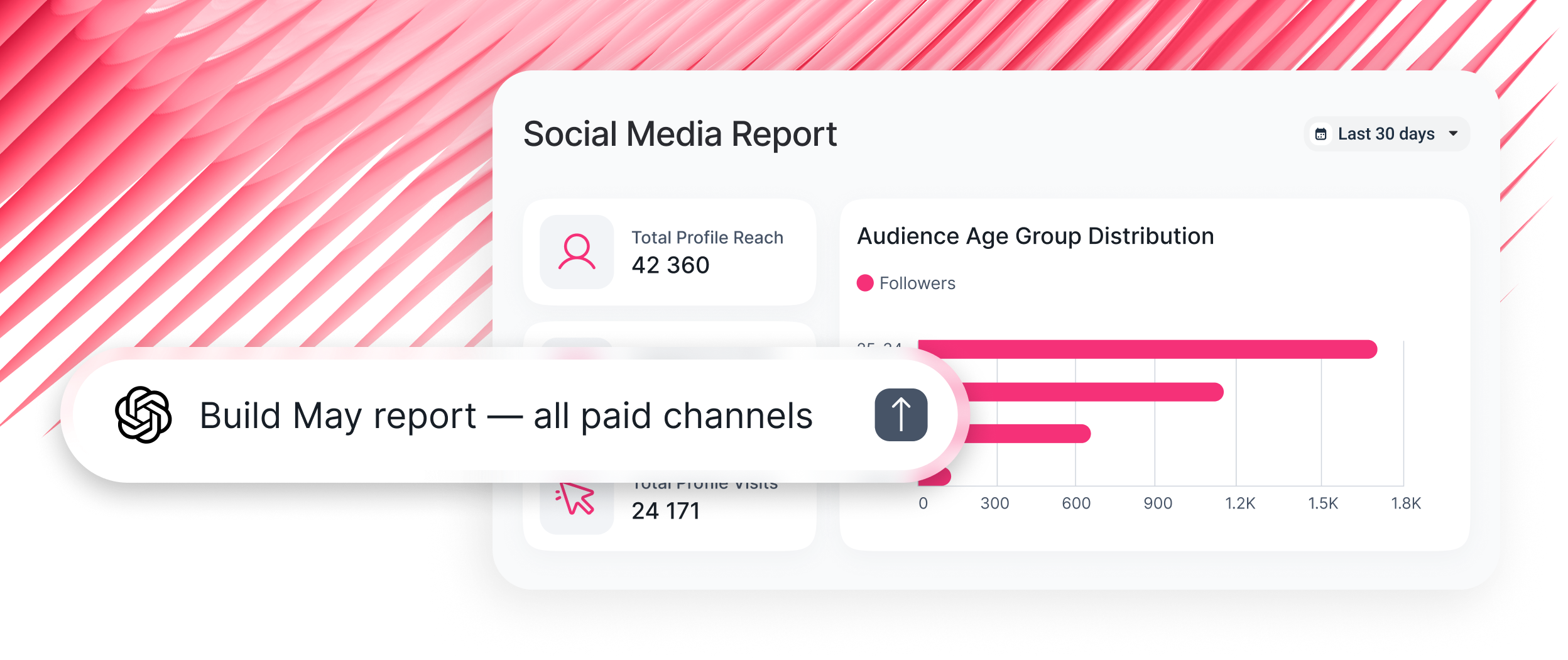
Frequently asked questions
What is MCP?
MCP stands for Model Context Protocol — it's what makes it possible for AI assistants like Claude or ChatGPT to read from external systems like Whatagraph. Instead of copying data into a chat, your AI connects directly to the source.
How to connect Whatagraph MCP to Claude?
Follow these simple steps, no coding required:
- Open Settings in Claude and go to Connectors
- Add a custom connector and paste the Whatagraph MCP server URL
- Authorize with your Whatagraph account
- Start querying — ask anything about your Google Ads data in plain language
- Scale with skills — load ready-made prompt skills for briefings, audits, and pacing checks
Check out the documentation for more details.
Do I need a Whatagraph account to use the MCP?
Yes. The MCP connects to your Whatagraph data hub. Your existing integrations, blends, custom metrics, and source groups are all accessible through the MCP connection, no duplicate setup.
Is this different from Whatagraph IQ (the in-platform AI)?
Yes. Whatagraph IQ lives inside the Whatagraph platform. The MCP lets you access the same governed data foundation from outside the platform — in Claude, ChatGPT, Cursor, or any MCP-compatible tool your team already uses.
How is this different from connecting an AI tool directly to my Google Ads API?
Direct API connections give AI raw channel data — different metric names, different attribution windows, different currencies. The AI has to stitch them together and often gets it wrong. Whatagraph MCP gives AI your governed, blended, unified data. The same data model that powers your reports. No stitching, no hallucinated math.
Is the data secure?
The MCP connection uses the same authentication and access controls as your Whatagraph account. Each user only accesses accounts and data they're authorized to see. No data is stored by the AI application, queries are resolved in real time using your Whatagraph data.