


What is a custom API integration?
A custom API integration is a connection you set up yourself to pull data from a tool's API when no ready-made integration exists. An API is the way one app shares its data with another. A custom integration uses it to bring a tool's numbers, like spend, installs or AI visibility scores, into the place where you report on everything else.
Marketing teams need one when a client uses a tool their reporting platform doesn't support: an app analytics tool, a retail media network, a niche CRM or a local media provider.
Normally to build a custom integration, you'd need to contact the reporting platform and put in a feature request. Or you'd need a developer to build it for you.
But with Whatagraph IQ Agents, you can just describe in plain language what integration you want to build, share the API key, and the agent will build it for you in minutes.
Custom API integration: built by an agent vs. a developer
An agent builds a custom API integration in minutes, inside your reporting platform, and checks the numbers before it goes live. A developer can build the same thing, but you wait for their time and depend on them for every change after.
That wait is where most teams get stuck. A marketing consultancy that works with car dealerships said: "I'm making fast progress on... building what I want to see, but I will not be making fast progress on getting the data to the place that I can build what I want to see." The same consultancy said: "we don't have a developer team".
| Agent-built | Developer-built | |
|---|---|---|
| Who builds it | An agent, from the tool's API docs | A developer or an outside firm |
| Time to first data | About 10 minutes in the case studies below | Depends on the developer's time and the API |
| What you give it | An API key and the numbers you need | A spec, access and a budget |
| Checking the numbers | The agent compares them with an export you share | Up to you or the developer |
| Limits on past data | Found in the API docs and shared before the build | Depends on the developer |
| Another client's account of the same tool | Add their key to the same integration | Depends on how it was built |
| Adding new data later | Ask the agent to extend the integration | Back to the developer |
A developer is still the right call when the API doesn't fit an agent-built integration:
- The API only lets you request a report and download it later as a file (Amazon DSP, Amazon's Selling Partner API and Walmart Connect work this way).
- Every request has to be specially signed (TikTok Shop, for example).
- The API has no reporting data, or the tool has no API at all.
- You need to send data back into the tool, not only read it.
Custom API integration case studies: how agencies use AI agents
If a native integration you need isn't there, you can ask an agent to build a custom integration for you from the tool's API. Here's how two agencies did it.
A US communications agency connects its AI visibility data in 9 minutes
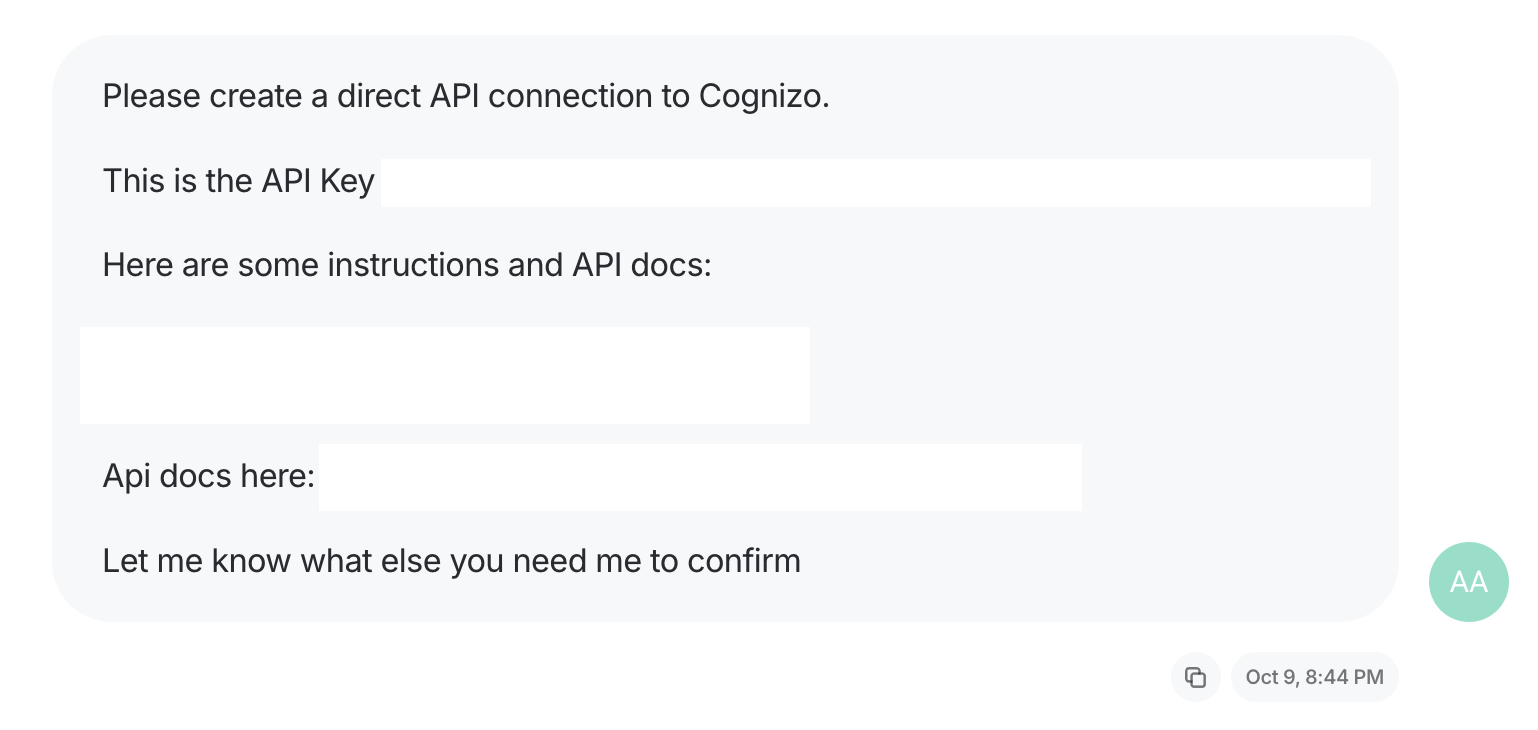
The analytics lead at a US communications agency wanted data from Cognizo, an AI search visibility tool, in the agency's reports. She built a custom integration in Whatagraph by asking an agent in plain language.
Her prompt was the API key, a few instructions and a link to the tool's API docs:
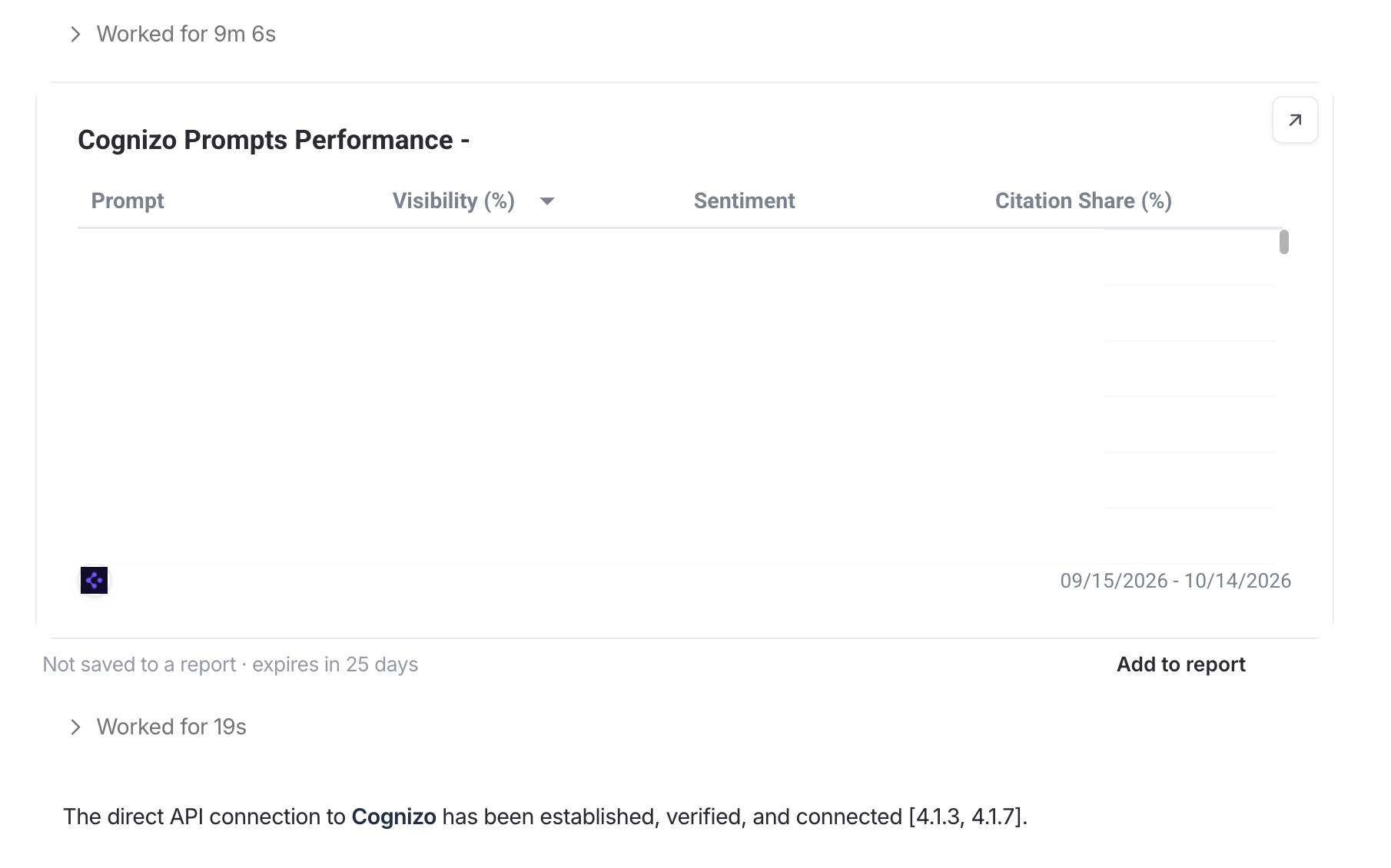
The agent created the integration in 9 minutes. To show the data was coming through, it also pulled a table of prompts with their visibility, sentiment and citation share for the past month:
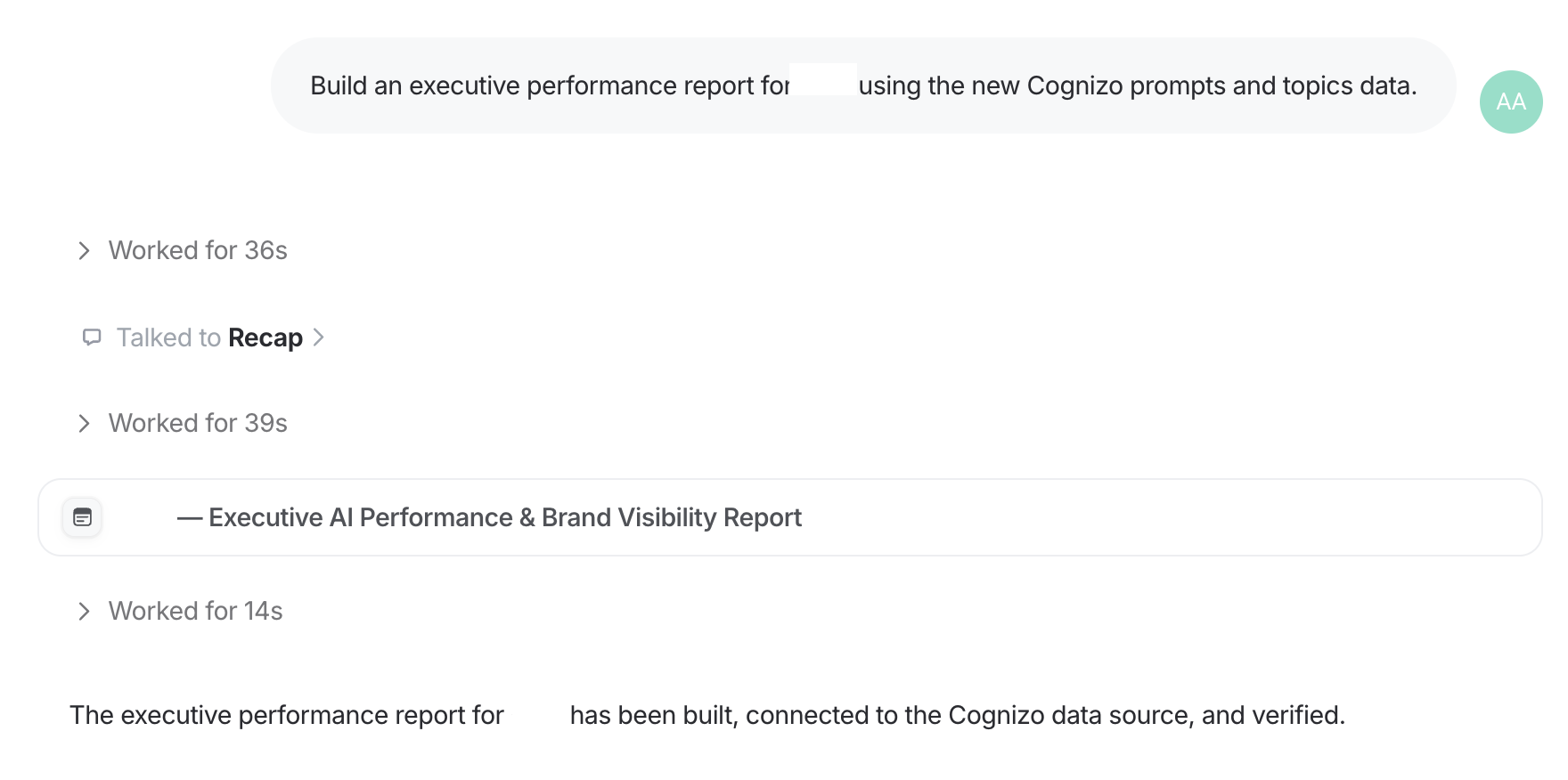
The analytics lead then asked the agent for an executive performance report built on the new Cognizo data. The agent handed the build to Recap, the pre-made agent that builds reports, and the report was ready in under two minutes:
A digital agency adds Adjust data
A digital agency that runs mobile app campaigns needed data from Adjust, the app analytics tool, in a client's report. The paid connector it already used didn't support Adjust.
The agency gave an agent on Whatagraph its Adjust API token and a few CSV exports from Adjust. The agent built the integration, and Adjust appeared as a source in the agency's account next to its other channels.
How to build a custom API integration in Whatagraph
You build a custom API integration in Whatagraph by asking Origin, the pre-made agent that builds new integrations from a tool's API. Only a team admin can build one. Here are the steps:
- Check the integrations list. Check the integrations list first. If the tool is there natively, you don't need to build it yourself.
- Create a read-only API key in the tool. If you do need to build a custom integration, get the API key from the platform you want to connect to. You can find it mostly in your account or profile settings. In the Adjust platform, for example, the API token sits in your profile.
- Open IQ Agents and paste in this prompt. In IQ Agents you can just open up a conversation and paste in this prompt - you don't even need to find the correct integration building agent.
Build a custom integration for [tool] from its API.
Use this API key: [key]. It has read-only access.
API docs: [link, if you have it]
Ask me before you publish the integration or connect my account.
If you can't bring something in, tell me instead of skipping it.
Build a starter report on my home screen.
Finish with a short summary of what I need to review.
Don't share the report with anyone.
- Approve going live. The agent asks before publishing the integration to your team and before connecting your account.
- Connect your accounts. You can then ask the same agent to connect your account. All you need to do then is authenticate the connection.
- Build your report. Once your account is connected, ask the same agent to create the first report for you with the metrics you care about and in a structure and style you want. Tweak the report and send it to your client.
- Set a reminder to renew the key. Agents will tell you if the tool's keys expire.
Your team owns the decisions: which tool, which account, which numbers matter, and whether the data is right. Origin does the technical work, and it asks before anything goes live.
Your part:
- Create the key and pick the account.
- Approve what gets brought in.
- Approve publishing and connecting.
- Check the numbers against the tool.
- Decide when the data goes into client reports.
Checking matters most, because a wrong number in a client report costs more than a late one. An in-house marketing team at a consumer tech brand said: "I don't want to get to the automation stage, send out a report, and then someone come back and say, I think the data's wrong."
Before you use the integration in a client report, check that:
- A few numbers match the tool for one date range.
- You know how far back the data goes, and the report's date range sits inside it.
- Every metric the client reports on is there.
- Currency and timezone match the tool.
- The key's renewal date is in your calendar.
What are the benefits of a custom API integration?
A custom API integration puts a tool's data in the same reports as every other channel, so it stops being a separate job. The main benefits:
- One report per client. The niche tool's numbers sit next to Google Ads, Meta and GA4 instead of in a separate spreadsheet.
- No more monthly exports. The data refreshes by itself, so nobody downloads and uploads CSVs.
- Numbers you've checked. You compare the integration with the tool's own dashboard once, then rely on it.
- It works like a built-in source. The data lands in the Data Hub, where Whatagraph stores and cleans your data so every report and agent reads the same numbers. It works with blends (a few channels joined into one view on a shared field like date), source groups (many similar accounts added up into one source) and custom metrics (numbers you calculate from others, like cost per install).
- The next client takes minutes. One integration serves every account of the same tool, so a second client only needs their own key.
- You say yes to client requests. A client's niche tool stops being the reason their data lives outside the report.
- Time back. Hours that went to exports and fixing scripts go to analysis.
Best practices for custom API integrations
The best custom API integrations bring in raw, complete data under names that match your other channels, and use keys with as little access as possible.
- Use read-only keys. The integration only needs to read data. Google Cloud's guidance on managing API keys recommends restricting keys and creating new ones periodically, and the same habits apply to any tool.
- List every metric up front. An agent builds what you ask for and what it sees in your samples. Name every number your clients report on.
- Bring in raw numbers. Pull clicks and impressions, not CTR. A rate calculated before it arrives comes out wrong when you add up days or accounts. Add rates in the report as custom metrics.
- Keep date as a breakdown. Daily rows let you report by week, month or any custom range.
- Match names to your other channels. Calling spend "Spend" or "Cost" like your ad platforms do makes it simple to combine it with your other channels in one view.
- Prefer standard fields. If the integration uses data every account of the tool has, the same integration works for your next client.
- Keep the first export. It's your reference if numbers look off later.
Common challenges of custom API integrations
Most problems with custom API integrations come from limits in the tool's API, not from the build. Here are the common ones and how to handle each.
Limited past data. Many APIs only share a set window of history. Meta's insights API, for example, returns a maximum of 37 months of data. Some tools only share current values, like follower counts, with no history at all. The fix: find the limit before you build and keep report date ranges inside it. For current-only data, history starts building from the day you connect.
Keys that expire or get reset. Some tools expire keys on a schedule, and resetting a key cancels the old one. The integration stops updating until you reconnect. The fix: note the renewal date when you build, and reconnect with a fresh key when it's due.
Rate limits. APIs cap how many requests you can make in a set time, and the other tools you use spend the same allowance. The fix: an agent-built integration paces its requests and retries when the tool responds slowly.
Accounts set up differently. CRMs and product analytics tools are often built on each account's own custom fields, so an integration mapped to one account won't fit the next. The fix: build a separate integration per account and name each one so you can tell them apart. Origin checks for this and tells you when it applies.
APIs that don't share data directly. Some APIs make you request a report and download it as a file later, need every request specially signed, or have no reporting data. The fix: ask the tool for another way in, export to Google Sheets or BigQuery, or ask Whatagraph support for a custom connector.
Numbers that don't match. Small gaps usually come from timezone, when conversions get counted, or currency. The fix: compare against one export when you build, and check those three settings first.
Connectors that break without anyone noticing. An agency that used a Looker Studio connector said: "we used the... connector to Looker Studio, but it was broken like three weeks ago and it's not fixed." The fix: run the integration in the same platform as your reports, where a broken connection shows up as a source error. Triage, the pre-made agent that fixes broken sources and widgets, can find the cause.