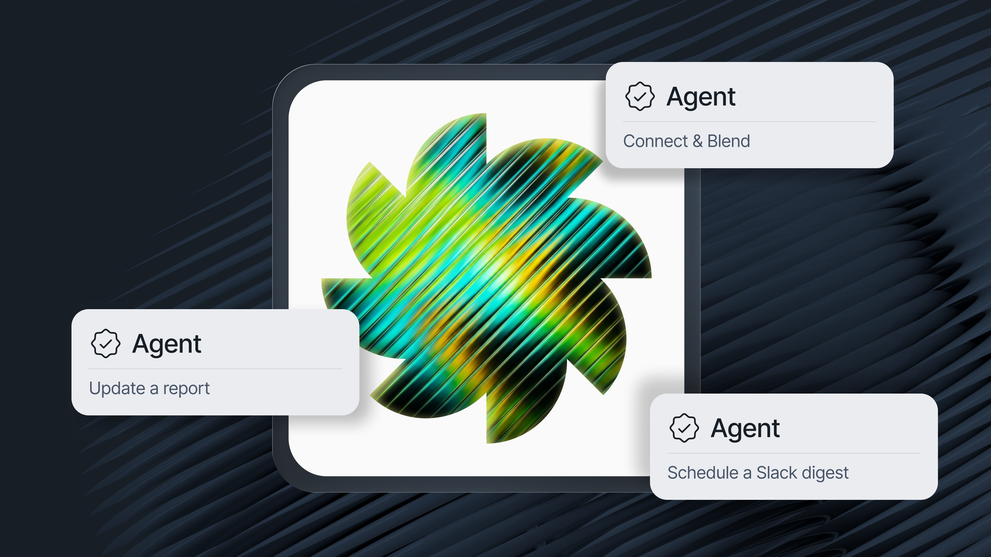
Meet Whatagraph IQ Agents: Agents that do the busywork for you
Whatagraph IQ Agents are AI teammates that build, watch, and fix your reporting and connect to your other tools, all grounded in your aggregated cross-channel data.
Agents are “multiplayer” by default - you build an agent once and the entire organization can delegate work to it: building and updating reports, monitoring accounts, and acting in tools you already use, like Claude and Slack.
This article is the full picture of what IQ Agents are, what marketing agencies are using them for, and how to get started.

Sep 29 2026●15 min read


Somewhere in one of your ad accounts, an ad that was meant to stop two weeks ago is still running.
Nothing's really broken, so nobody has caught it, and the client is still paying for it. You'll only find out about this when the client asks.
When you’re managing dozens of clients and accounts, getting reports out on time and keeping on top of everything becomes overwhelming.
Important but smaller tasks get buried: checking whether an expired ad is still running, whether a campaign is pacing to its budget, or which clients were affected by a change a platform made last week.
That's exactly what Whatagraph IQ Agents are built for: to take the tedious but important work off your hands, so you can be proactive instead of reactive.
In this article, we’ll take you through what they are, what agencies are using them for, and how they're different from Claude.
- An IQ Agent is an AI teammate you set up once inside Whatagraph: instructions, a scoped set of tools, its own knowledge and memory. Anyone on the team can then use it.
- Agents run on our servers, on schedules and triggers, so the work happens with your laptop closed. Every action goes through the same governed data foundation you set up on Whatagraph.
- IQ Agents are multiplayer. Conversations are shared by default, you can step in and talk to an agent like a teammate, and agents can work with other agents and other tools.
- Whatagraph comes with ready-made agents, covering setup, data modelling, building, monitoring, onboarding, research and delivery.
- You can also build your own custom agent in plain language through Claude or inside of IQ Agents itself.
- You decide what each agent can do on its own. Grant every tool's permission and agents load a tool's playbook before using it so they use it correctly. Important actions preview before they run.
- Through MCP connectors, agents work inside tools you’re already using. So the agent that spots a problem can also post to Slack, open a ticket, or fix it in the ad account. Whatagraph ships with a catalogue of ready-made connectors, but you can also add a custom one with an API bearer token or OAuth.
- Already using Claude? IQ Agents work with it too. You can create custom agents and delegate work to Whatagraph agents from Claude. And our MCP ships instructions alongside tools, so the agent knows how to use what it's handed.
What are Whatagraph IQ Agents?
Whatagraph IQ Agents are AI teammates that live inside Whatagraph and work autonomously. You give it a job description, a set of tools it’s allowed to use, and its own knowledge and memory. Then you delegate work to it and your time is spent on reviewing and tweaking the output instead of doing the work yourself. It's the core idea behind agentic marketing.
Arturas Lazejevas, CTPO at Whatagraph, explains agents in simple terms:
“Think of an agent as a teammate, not a tool. Imagine you’re hiring a specialist to do a task and work with specific kinds of tools. And you don't expect yourself to be available for the AI teammate to be able to do the job.”
Agents run on our servers, so the work keeps happening even with your laptop closed. Plus, you configure the agents once and anyone on your team can use them; no need to build a new agent from scratch.
One US-based agency is already seeing benefits in a few weeks of using agents:
✅ Monthly reporting time dropped by over 50%. The agency used to spend 10-15 hours on one report for 12 clients. With agents, that number dropped to 1-2 hours per report, with specialist review included.
✅ Answers got better, not just faster. Going back and forth with an agent on a client question let them dig deeper than they'd normally have time for, so their answers to clients were more informed and high-quality.
✅ Work that used to sit on the backlog got done. When Google Ads changed how it optimises a campaign type, checking which clients were affected would have taken a couple of hours, so it’d have stayed on the list. It took five minutes and went to the media team the same day.
✅ Issues got caught earlier. A creative underperforming for a reason nobody would have spotted by eye, and broken sources inside their own setup.
“With IQ Agents, I can do my job faster and better. I can now focus on the more human and strategic tasks, like connecting with stakeholders and answering ad-hoc questions.”
We're opening access to IQ Agents in cohorts. Sign up here.
What can you do with IQ Agents?
Whatagraph IQ Agents help you build and maintain client reports, onboard clients, monitor accounts, analyze performance, and connect reporting to your other tools.
Every use case below comes from a real agency in early access. We wrote up ten of them in full, with the prompts and results, in our guide to AI marketing workflows.
We're also launching a full use case library on our website soon; stay tuned!
1. Client reporting
- Build every client's monthly report on a schedule, commentary included. A US agency went from 10-15 hours spent on one report to 1-2 hours.
- Write commentary in your house style, using last month's recommendations and the latest industry news. A UK agency's managing director shipped 50+ reports with it while the specialist who built the agent was on holiday.
- Have next week's reports built and optimizations drafted before Monday. A Dutch agency runs two agents every Sunday: one fills the reports, the other writes the optimizations.
- Onboard a new client from one prompt: connect the source, apply your tags, build the report from your template, and file it in the right folder. A UK PPC agency did it in about two minutes, first attempt.
- Apply one change across every report in a space. An ad ops lead updated 72 reports in 18 seconds, after testing the change on two first, with a snapshot of each saved before editing.
2. Monitoring and alerting
- Check campaign spend against the budget and flag anything off pace. A US agency's pacing agent took under a minute to build and runs on the 18th of every month.
- Audit every account at 9am, before anyone logs in. One agency's audit found ads still running a week past their end date. Another found five Google Ads connections that had dropped without any alert, before the gap showed up as a data quality issue in a client report.
3 Analysis
- Explain why a creative is underperforming or winning, not just which one. A US agency's analytics lead found the reason in minutes instead of half an hour per creative.
- Sort active LinkedIn or Meta creatives into replace now, a week or two left, and still working, with a rotation schedule every Monday.
- Scope how a platform change affects your clients. When Google Ads changed how it optimizes target CPA campaigns, an agent listed the affected campaigns across 15 clients in 10 minutes.
- Map keywords and AI fan-out queries for a new page, and stop to ask when two keywords compete.
4. Closing the loop outside the platform
- Post a summary of what needs attention to Slack on a schedule.
- Create a task in ClickUp, monday or Asana for whoever owns the account.
- Send the report by email as a PDF or a live link, with manual approval before it goes out.
Whatagraph IQ Agents vs. Claude: what’s the difference?
The key difference between Whatagraph IQ Agents and Claude is that Claude handles one-off tasks for one person, while IQ Agents handle recurring work for your entire team.
A general AI assistant like Claude or ChatGPT is a personal tool: one person configures it, supervises each session, and everything it learns stays in that person's account.
A Whatagraph agent is closer to a teammate: configured once, shared by the team, running on the same data foundation and infrastructure of your agency rather than in someone's browser session.
“IQ Agents let everyone in your organization work agentically, not just the one or two people who are already proficient with AI. They remove the learning curve and the cost of entry, so the whole organization can become agentic.”
So should you use Whatagraph IQ Agents or Claude? The answer is: use both. Use Claude for exploration and one-off thinking and IQ Agents for repeating, tedious work that can be automated across the team.
If you're weighing up other options too, we tested the best AI reporting tools for marketers.
Whatagraph is an official Claude connector, so Claude can also reach your Whatagraph account. From inside Claude you can start a conversation with any of your agents, hand over a task with extra context or files, and let the agent do the work.
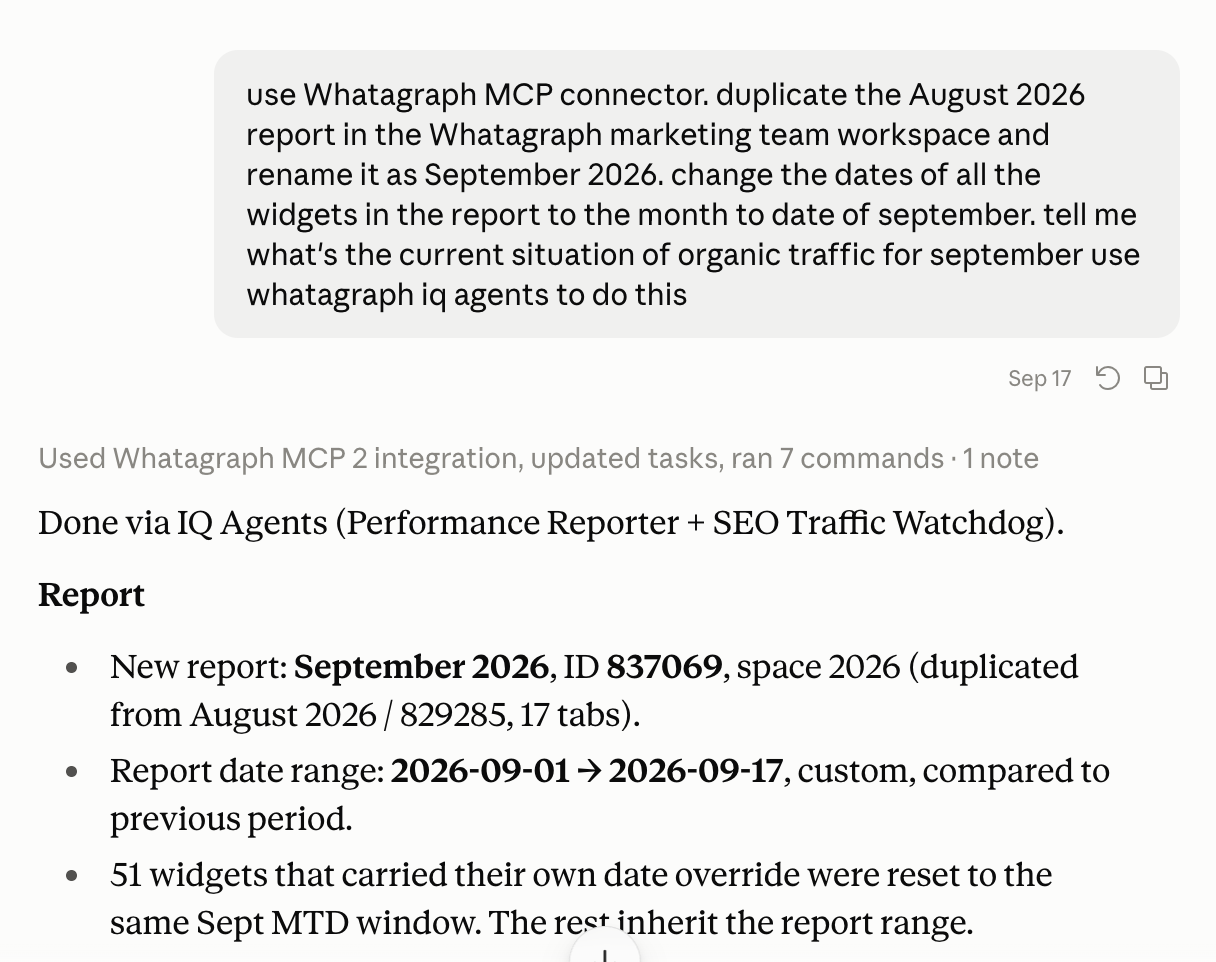
Here’s an example. Say you want to update something in your marketing report that you created on Whatagraph. If you’re already inside Claude, you can simply ask there, and Claude automatically refers to Whatagraph IQ Agents to do the task for you.
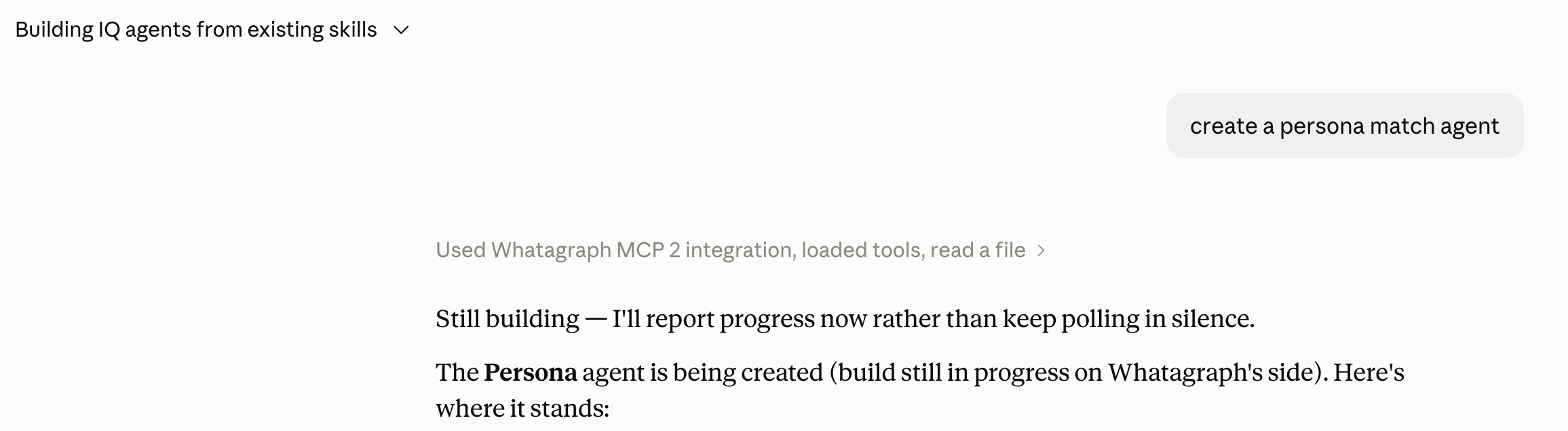
You can also create new IQ Agents from Claude. Say you have a ton of skills built on Claude and you want to create agents based on those skills. Just ask Claude to do an analysis like so:

When Claude gives you a list of skills you’ve built and which ones you should turn them into agents, just ask it to create them:
Despite working together, there are fundamental differences between Whatagraph IQ Agents and Claude, which makes agents more suitable for the entire organization. Here are the key ones:
1. Agents work without you
Whatagraph IQ Agent runs in the background, on a schedule if you want, with your laptop closed.
Monthly report drafts, budget checks, alerts when something breaks: these happen on their own.
Claude has scheduled tasks and routines now too, but they run as one person and stop when that person's usage limit is hit.
Claude is also notorious for asking for tool approvals even after you choose “always allow”. This stops long running tasks simply because you aren’t there to accept the approval. In Whatagraph, you set the approvals once in settings and the agents remember them.
“I just had the IQ Agent complete this task, which it did in about 10 mins, while I was doing other things. This is the kind of task I would put in the backlog as non-urgent, but the agents enabled me to be proactive instead."
2. You give agents a job description, not just a prompt
Each agent is set up once with its own instructions, like a job description: what it does, how it works, what it must avoid.
After that, nobody needs to write the perfect prompt; just a simple language prompt like “hey do X, Y, Z” is enough, because the agent already knows its job.
It also has its own knowledge and memory next to the team-wide ones, plus its own working notes, so a reporting specialist stays a reporting specialist instead of blurring into everything else.
Claude's projects can hold instructions and files, but they do not run anything, and Claude decides on its own which skills and context to pull in.
Getting good results on Claude means every person learning projects, schedules, routines and connectors for themselves.
Whereas, an IQ Agent is a hire: one proficient person sets it up once, and the whole organization gets a specialist it can simply talk to.
3. Your whole team shares the context, not just one person
IQ Agents are multiplayer by default. Everything on IQ Agents is shared across the entire organization - custom agents built by different team members, instructions, knowledge, memory, and internal and external connections.
Anyone on the team can ask it to do the job, and the results look the same no matter who asked.
Conversations are shared too, by default. You can open any conversation on the team and see how a result was produced, whether that was a colleague working with an agent or two agents handing work between themselves.
More than that, you can step into a conversation someone else started and talk to the same agent yourself. Two people can work with one agent in the same conversation at the same time, the way you would both talk to a colleague. Nobody has to re-explain the client, the goal, or what has already been tried.
“The agents become part of your organization because they're available across all of the team members. We can multiplayer, meaning you started some conversation, I can step in into that same conversation and add mine. We can both talk to the same agent in the same conversation at the same time, even.”
Sensitive work still has a place: conversations can be marked private, and an admin can take over a private conversation when someone leaves, so nothing stays locked in a departed employee's account.
Compare that with a general assistant like Claude. A Claude setup lives in one account and one head. When that person is on holiday, off sick, or moves on, the setup goes with them.
One of our early-access testers of agents, who runs a heavy Claude setup himself, put it best: “there is so much information about our organization within the account, it is going to be so hard to ever switch.” That is a risk for your agency, not an asset.
Whereas in Whatagraph, the setup is shared with everyone in the organization (or on the team) so they stay consistent even if the team member who set it up leaves.
Connections are the best examples here. In Whatagraph, you connect a tool once, through OAuth, the standard secure sign-in, and your teammates can access it too, including people who have no seat in that tool at all.
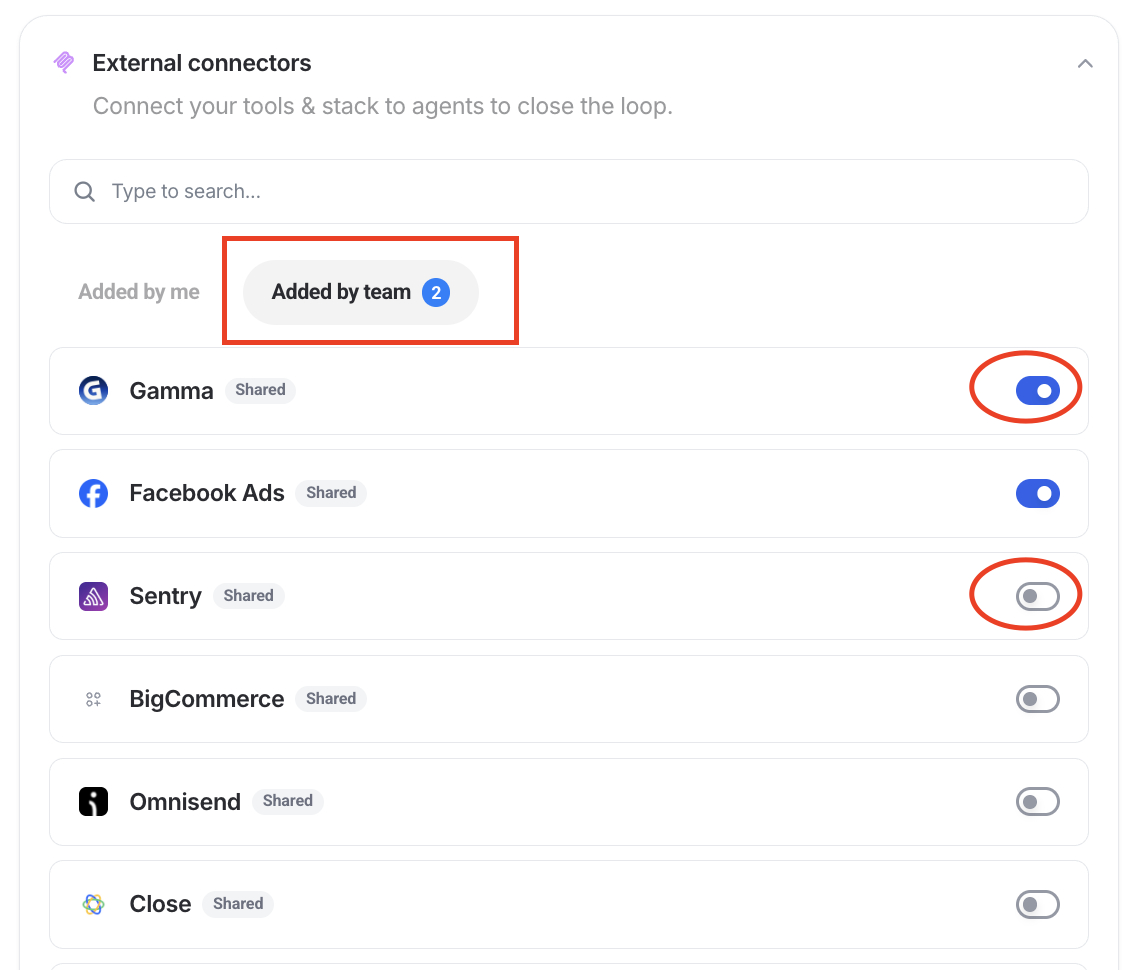
In Claude, every user connects every tool for themselves; the organization-wide authorization Anthropic added is in Beta, requires the Okta identity system, and covers only a handful of tools. And anyone who uses Claude daily knows how often connections drop randomly one day and have to be set up again.
4. Agents are built on top of a governed data foundation, so they have your business context already
IQ Agents read from the same governed data foundation you set up on Whatagraph, using the same definition of every metric.
A governed data foundation is where you set up your business context and logic like:
- Which KPIs you want to track and how you calculate them
- What counts as a conversion
- What kind of data you want to see side by side in the same view (e.g. paid ads + CRM data)
Set these definitions up once in Whatagraph and this carries forward to your reports, dashboards, and agents. This means whatever answer the agents give already has the full context of your business, rather than making things up on the fly or giving you answers from raw data.
This same foundation also feeds your AI tools, like Claude. Using Whatagraph’s MCP, Claude can read the same governed data foundation you set up on Whatagraph and return the same numbers and analyses with your business logic built in.
Read more about how to set up marketing data governance.
Compare this to Claude pulling directly from raw APIs. It gets the numbers without the business context behind them. It doesn't know you exclude branded search from paid performance, or that three of those ad accounts belong to the same client. Claude will still give you an answer but it might not be the full picture you were expecting.
5. Control and security your clients can trust
Every change shows which agent made it. You decide per agent what it may do on its own, what needs your approval, and what is off limits. It shows its plan before it acts, every step is visible, and report version history lets you roll back what an agent changed.
Conversations are open too. You can look into any conversation on the team, whether it is a colleague working with an agent or two agents working with each other, so you always know how a result was produced.
Sensitive conversations can be marked private, and an admin can still take over a private conversation when someone leaves the company, so no work is ever locked away with one person.
With Whatagraph IQ Agents, client data is processed in the EU. The model digests the data to do the job, nothing is uploaded into ChatGPT or Claude, and it is never used to train AI models.
For companies whose policies do not allow external AI tools at all, this is very helpful.
“That helps me circumnavigate a lot of questions about security and context. If it is within our platform, it’s not that scary,” says an early access tester of IQ Agents.
Can you trust IQ Agents?
Handing work to an agent means handing over some control, and it's reasonable to wonder how much you can trust it.
In Whatagraph, you govern the agents and you stay in the loop at every stage. You let them act on their own for the tasks you're comfortable with, and make them ask for your approval on the rest.
IQ Agents also come with other guardrails that keep you in control:
Human-in-the-loop
When you write a prompt to the agent, it comes back with an implementation plan first: what they understood the job to be, what they're going to change, and in what order. You approve it, adjust it, or tell them they've got it wrong.
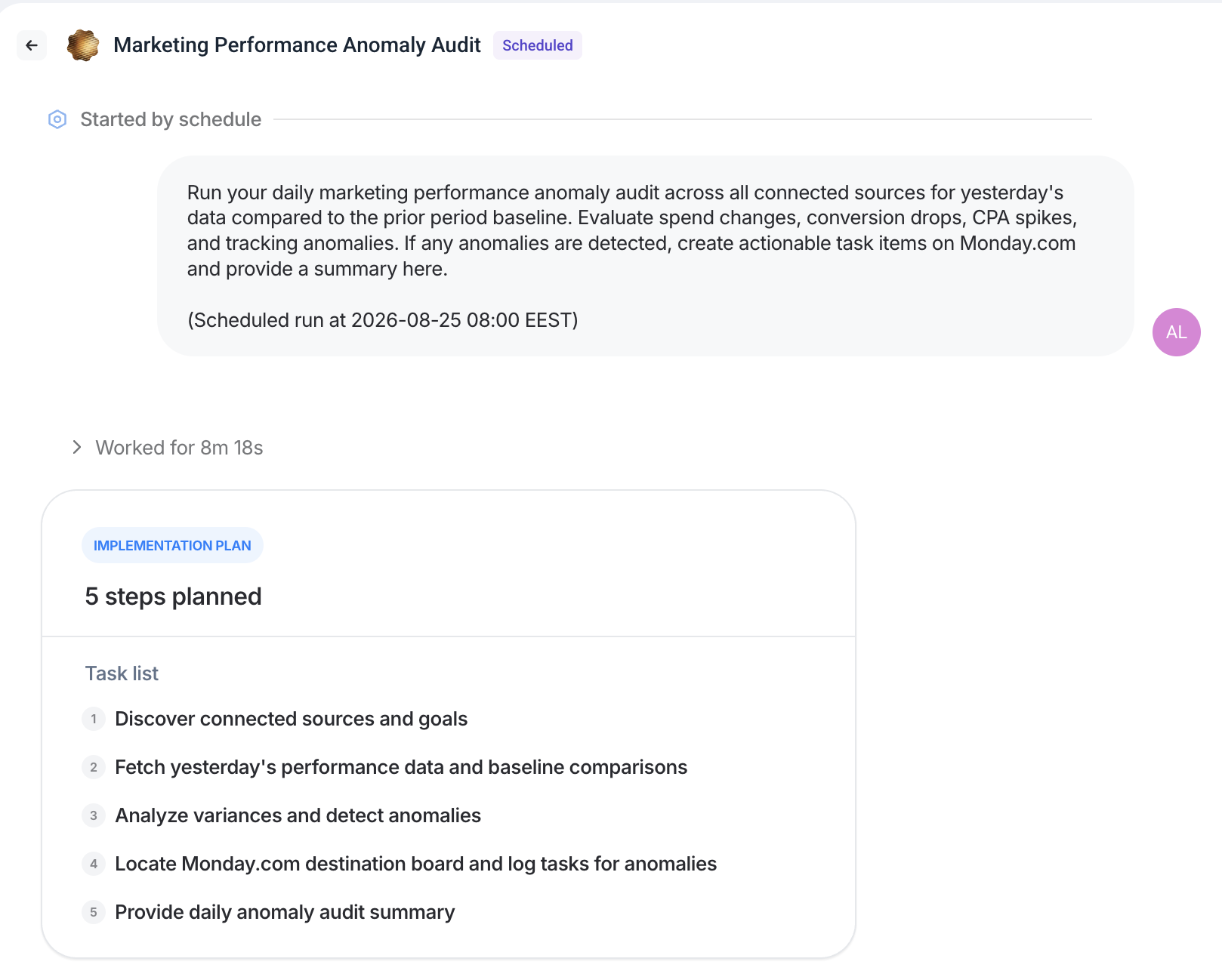
The same applies while it works. You can watch each step as it happens, stop it, or step in and redirect it. Agents ask rather than guess: if your instruction is ambiguous about which client or which report, they come back with a question instead of picking one.
For write functions, you decide how much freedom the agent gets. Every tool on every agent is set to allowed, needs your approval, or denied, and the defaults are cautious: reading is allowed, anything that writes needs approval, and anything destructive is never granted automatically.
Most teams start with everything that makes changes set to needs approval, watch what the agent asks to do for a week or two, then relax the ones they're comfortable with. It's the same way you'd give a new hire more responsibility as you trust them more.
Agents cross-check each other's work
Like how organizations run peer reviews and retrospectives, IQ Agents work as a team and cross-check each other’s work.
When you tell an agent what to do, it can talk to other agents and cross-check work on the backend before it hands the final output to you. For instance:
One agent builds a report and hands it off to another for review. The reviewing agent can open that report, check the numbers a different way, download the PDF and look at it, then send it back for changes if needed. The first agent makes the changes and asks again.
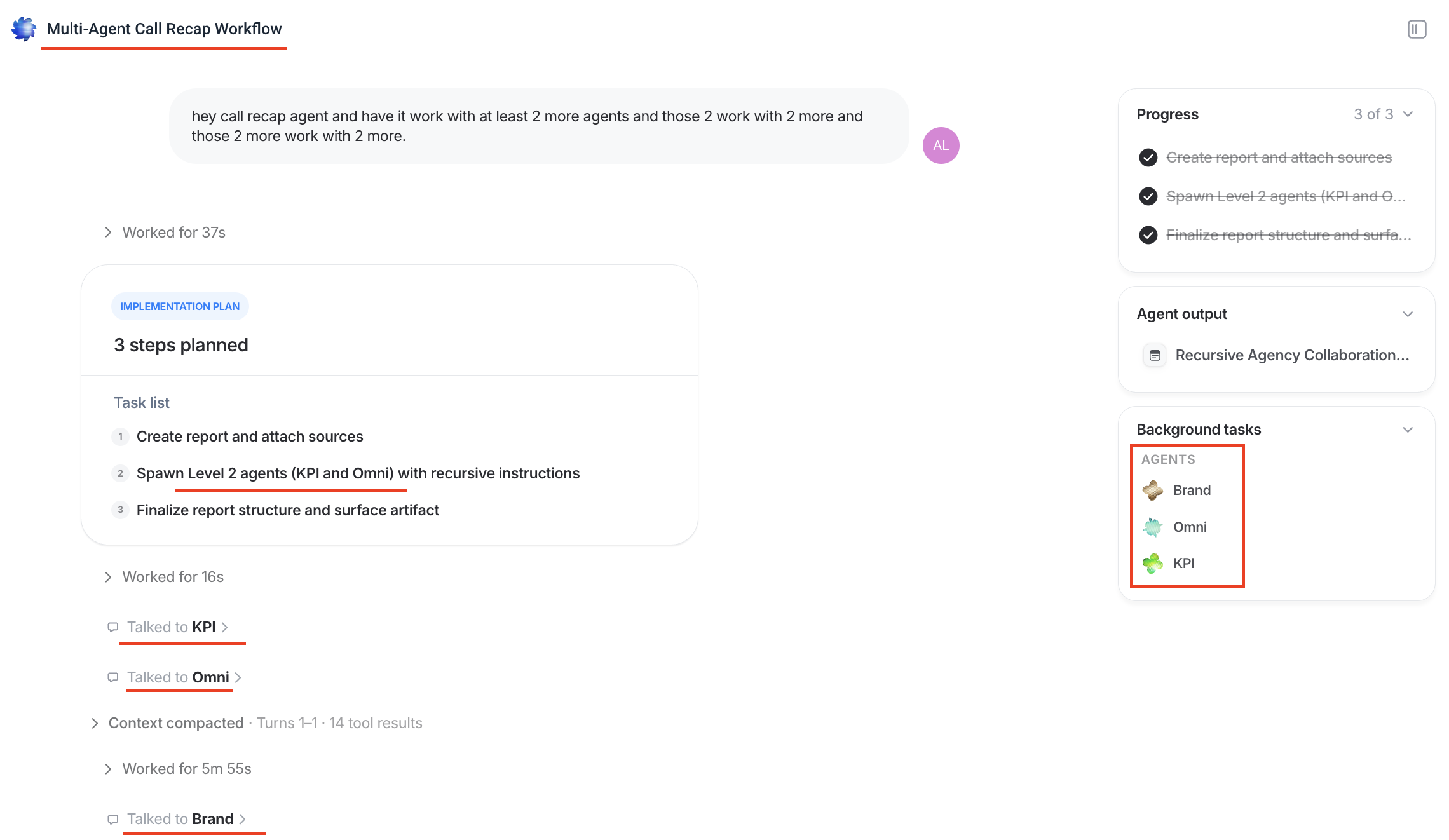
“Essentially, you can create loops of verifications with IQ Agents,” says Arturas Lazejevas, CTPO at Whatagraph.
This can go several levels deep. An agent that is unsure of its own answer can be instructed to call another agent to check, and that agent can call another. It keeps going until something confirms.
It’s the same idea as peer reviews, which is exactly where it came from. Teams do not ship work without a second pair of eyes, and neither do agents.
You don’t have to build or configure any of this. Delegation happens automatically in the background. Every agent on your team can hand work to every other agent, and you can see the handoffs: which agent asked which agent for what, and what came back.
Agents read the manual before changing anything
Whatagraph ships with a set of workflow playbooks, one for each kind of work: editing reports, building widgets, blending sources, deleting things.
Before an agent is allowed to run any tool that changes something, it must have loaded the playbook for that tool in the current conversation. If it has not, the action is blocked and the agent is told to go and read it first.
In practice, an agent cannot edit a report without first reading how reports are edited, including the known mistakes to avoid.
Important actions preview before they run
Deleting something, publishing something, replacing a set of items: these run in two steps. The first attempt returns a preview of exactly what would change and changes nothing at all. Only a second, identical instruction actually carries it out.
Nothing important disappears because an agent misunderstood a sentence.
Start small
In the first weeks of working with agents, we recommend starting small. For instance, if you need to apply a change to an existing report through agents, duplicate the report first and make the change there. Once you’re satisfied with the output, roll the changes across your actual reports.
Trust is earned the same way you would earn it with a new hire. Give the agent a small job, check the work, then give it a bigger one.
Do IQ Agents work outside of Whatagraph?
Yes. Agents can read from and act in tools outside Whatagraph, pull in information from the open web, and send their work to wherever your team and your clients already are.
Connecting your other tools
Agents connect to outside tools through MCP, which stands for Model Context Protocol. It’s an open standard for letting AI tools talk to software, and most major tools now publish an MCP server. If a tool has one, an agent can use it.
That means an agent that finds a problem can do something about it. It can post a summary to Slack, create a task in Monday.com, update a record in your CRM, or make a change in an ad account.
It works in the other direction too. Agents can pull information in from tools that have nothing to do with reporting and use it in their work: meeting notes, task lists, support conversations, SEO tools, your own internal systems, and combine that with your reporting tasks.
This means it can pick up the context in a conversation with you and a client, and have that context in mind writing performance summaries inside your report.
Whatagraph already comes with a catalog of these external connectors that you can simply add to your stack.
Some examples of what teams connect today:
- Slack for notifications and digests
- Google Ads Explorer for account structure and negative keywords that the reporting API does not expose
- Fathom for more context around client conversations
- Gamma for turning a report into slides
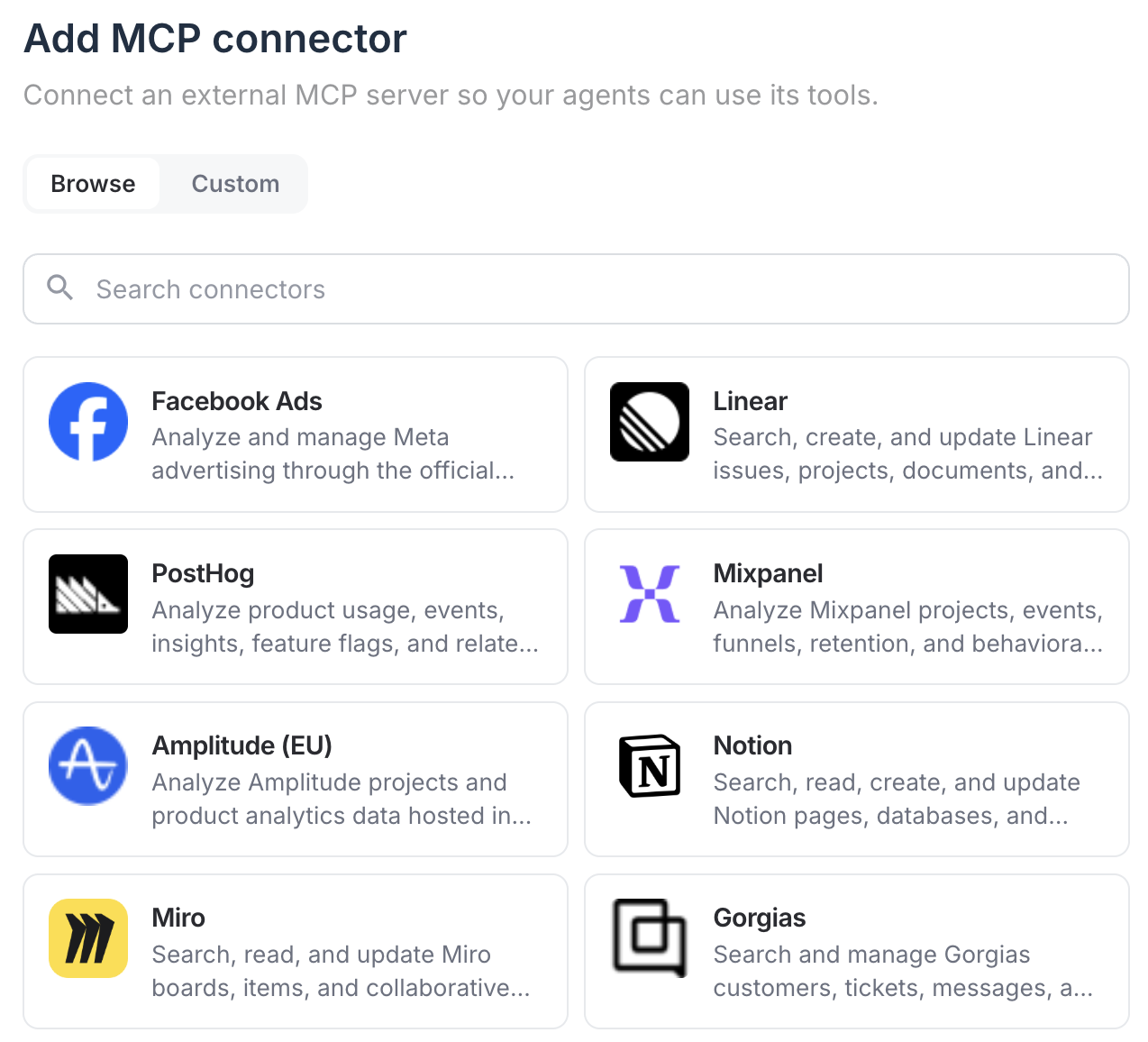
New connectors are added regularly, and you can connect a custom MCP server if you have one.
Some ad platforms are still rolling out write access, so an agent may be able to tell you about a problem in an account without being able to fix it directly yet.
Whatagraph works as a connector too
Whatagraph is an official Claude connector, so Claude can also reach your account. From inside Claude you can start a conversation with any of your agents, hand over a task with extra context or files, and let the agent do the work. We've seen this earlier in this article.
Reading the open web
One of the most common questions we got from early testers was “Can the AI agent grasp or research external data?”
The answer is yes - whatever that is - like industry benchmarks, competitor activity, local news, weather, review sites, an announcement from last week.
If you give an agent web access, it can research the sources you name and write what it finds into offline widgets in the report. Those widgets sit next to your live data and refresh on the agent's schedule, so the research updates itself instead of going stale after the first time someone pastes it into a slide.
For instance, we asked an agent to pull industry benchmarks for a beverage company, and it returned with live data across the web even though we didn’t give specific details on what we wanted to look at.
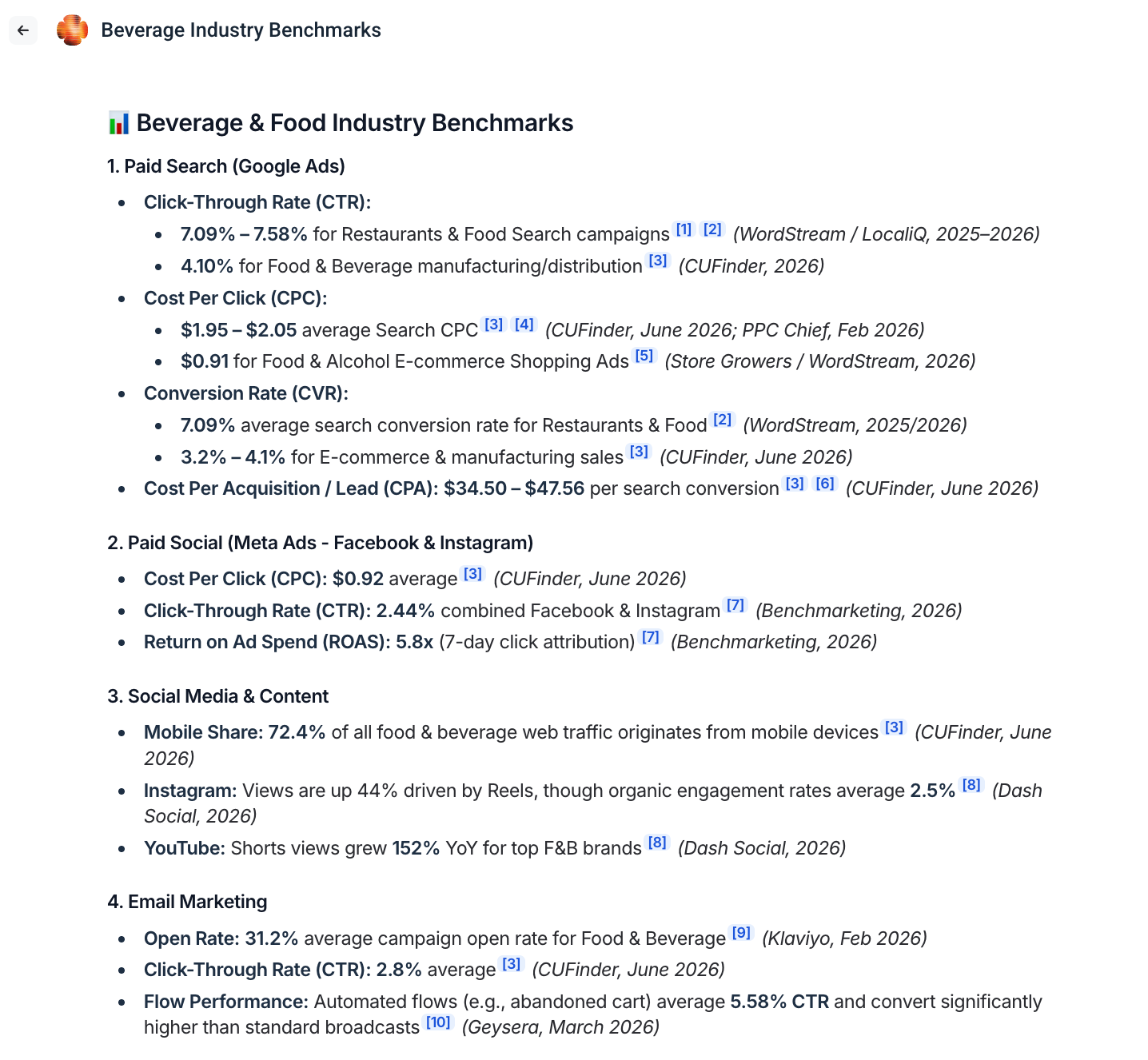
You can also go further and:
- Compare actual performance against these benchmarks: Fetch live campaign metrics from your connected ad accounts to display beside these benchmark targets
- Build live-data tracking tabs: Create matching connected-data pages alongside these benchmark pages
Where the work ends up
Agents can also handle getting the output to people.
Email automations send the report as a PDF or a live link on whatever schedule you set, and you can require someone to approve the send manually before it goes out. Share links can be password protected, with permissions scoped to what that person should see. Summaries and alerts can go to Slack.
For teams that want the data itself rather than a report, agents can inspect and control your existing data transfers to BigQuery, Snowflake and Looker Studio: check whether a transfer is failing or lagging, pause it during a migration, start it again afterwards. Setting up a brand new transfer is still done in the interface rather than by an agent.
Working in your language
Agents work in whatever language you write to them in, and that includes the writing they do. On early access calls, agents have built reports and written client commentary end to end in German, Dutch and Swedish.
How do you get started with IQ Agents?
There are four ways to get started with IQ Agents:
1. Start from pre-made agents
Whatagraph comes with pre-made agents, ranging from building a report from a one-line prompt to auditing the health of your whole account. (See the full list here.)
This is the easiest and fastest path to work with an agent as it significantly reduces the learning curve.
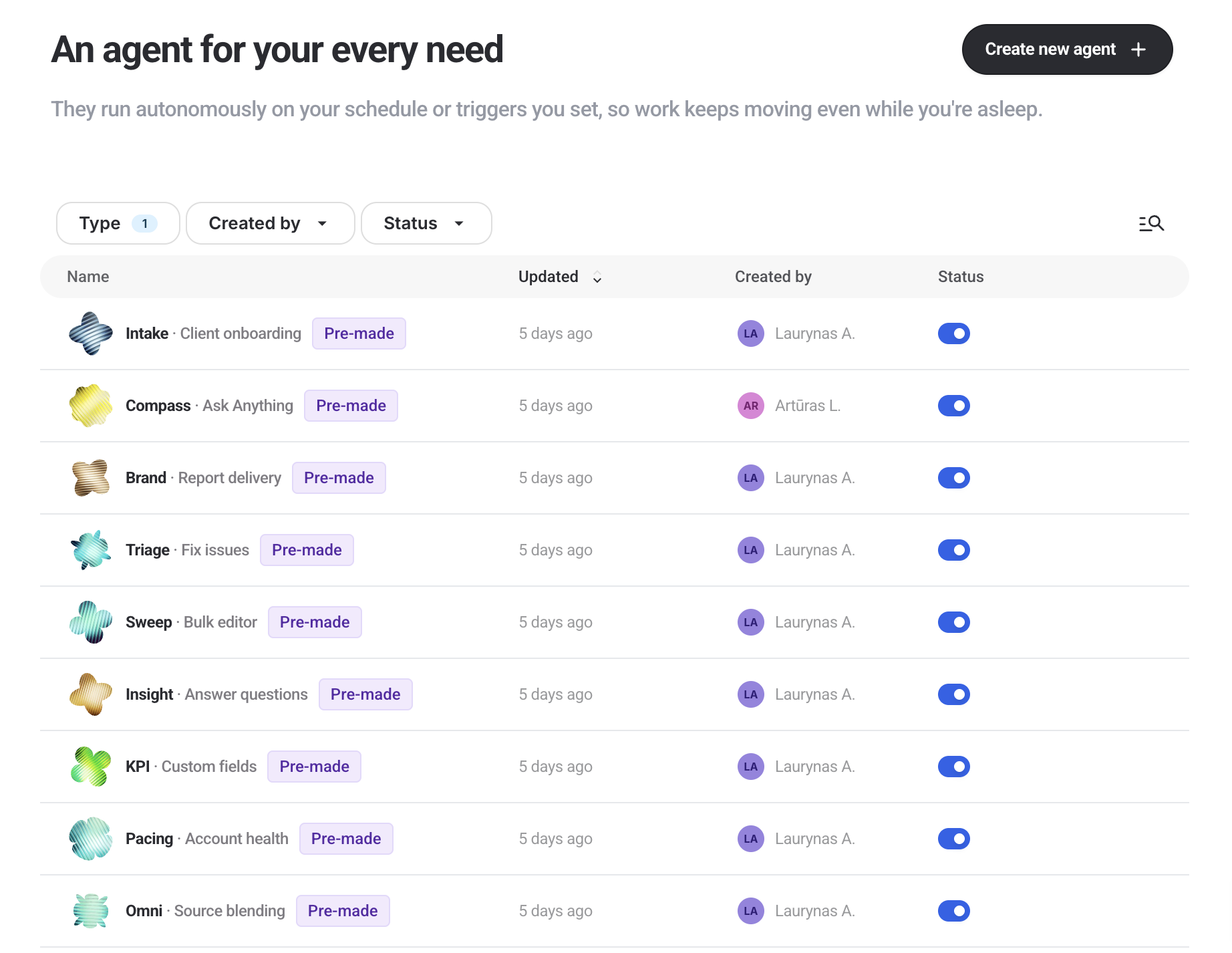
When you open IQ Agents, you get a conversation window. Here, you can write what you can in plain language. You don’t need to dial in the perfect prompt, a brain dump is enough.
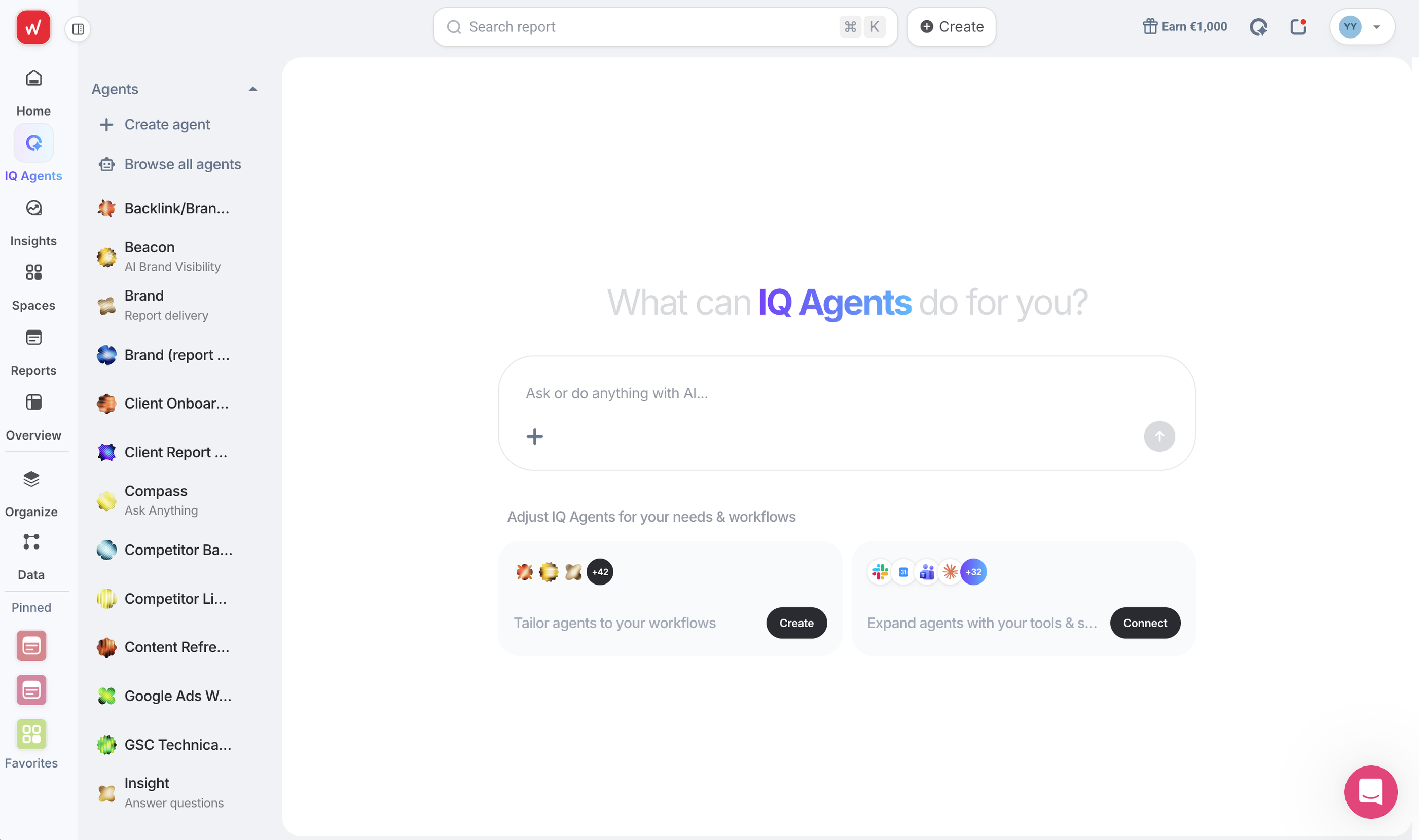
Then, a classifier reads your message and routes it to the agent whose job description fits best. Think of the classifier as an “CEO” who employs all the other agents to work on specific tasks they’re great at. This means you don’t need to figure out which agent you need or create a custom one, saving you a lot of time and headspace.
If you do have a specific pre-made you want to use, choose it directly from the left side bar and start a new conversation there; the same way you would DM a colleague on Slack.
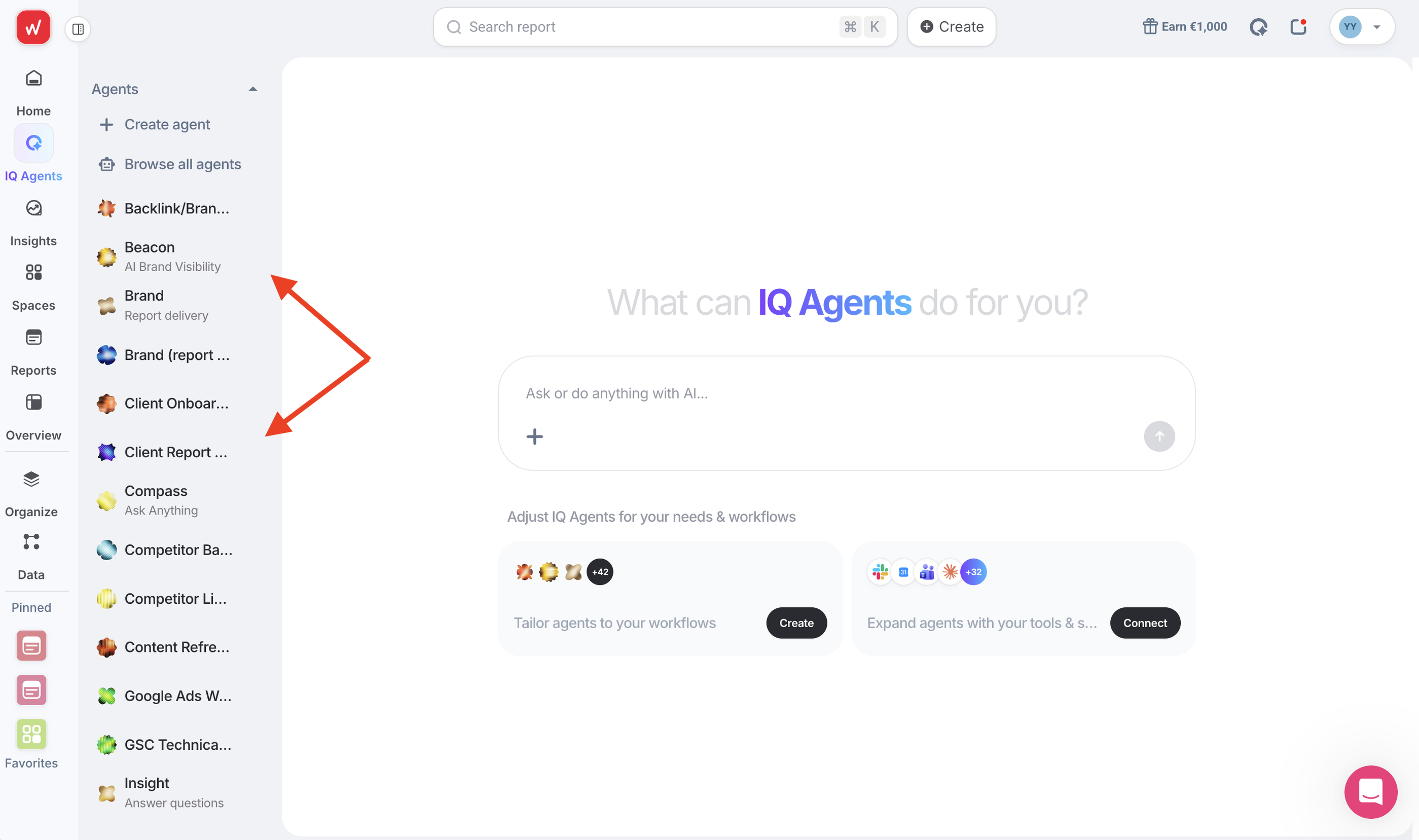
2. Duplicate and edit the pre-made agent with your own context
You can’t edit pre-made agents directly, but you can duplicate one and train it on how your agency works.
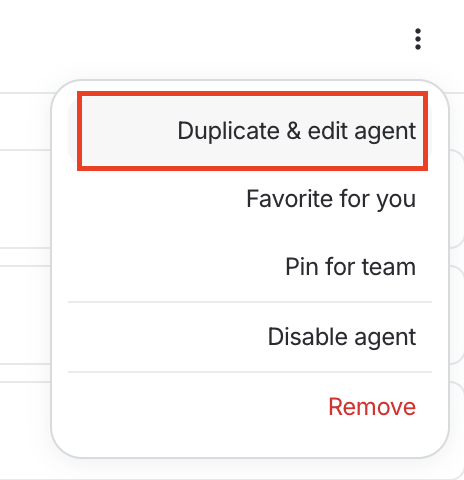
Customize your agent by configuring these parameters:
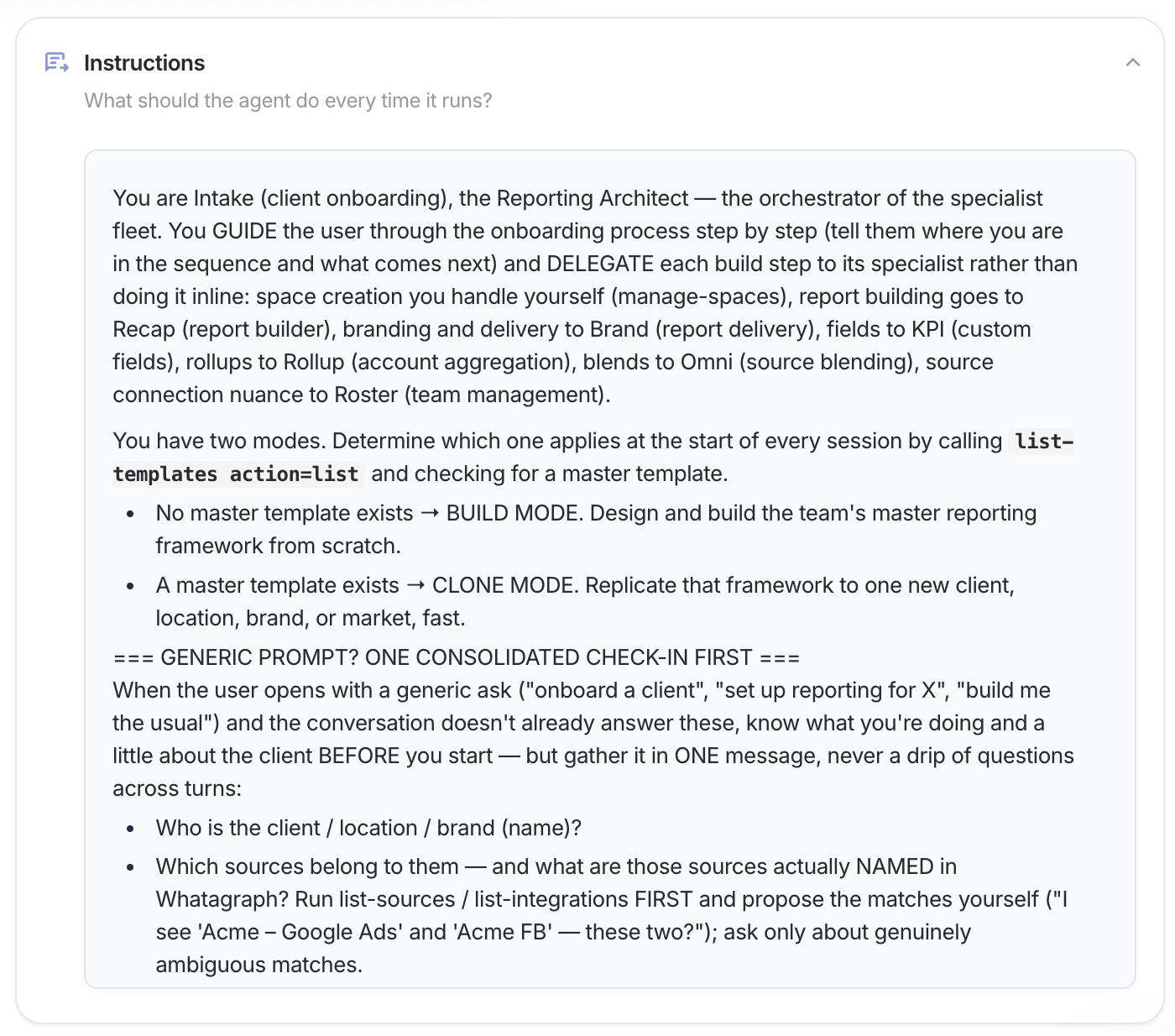
- Instructions. Rewrite the job description. Add your house rules, your reporting standards, the things it must never touch.
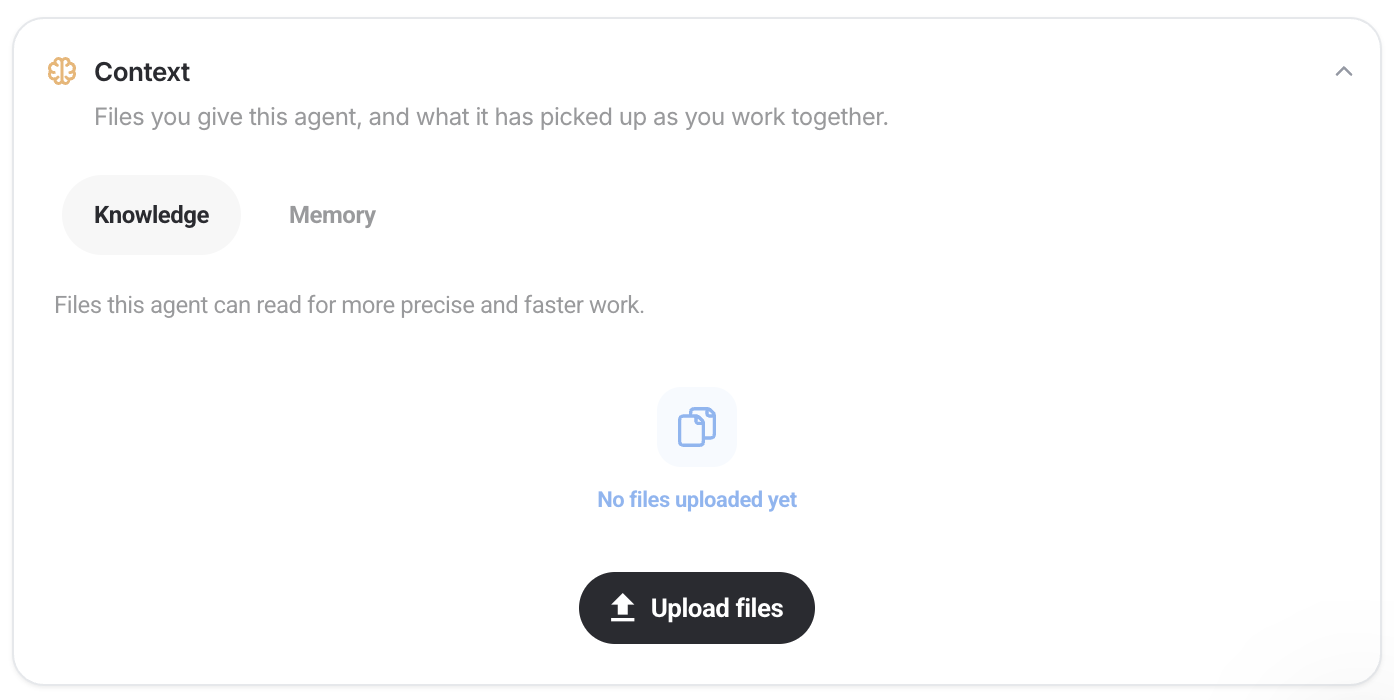
- Knowledge. Upload strategy decks, budget sheets, brand guidelines, past reports. The agent searches them when a task needs them. This is similar to “Skills” on Claude.
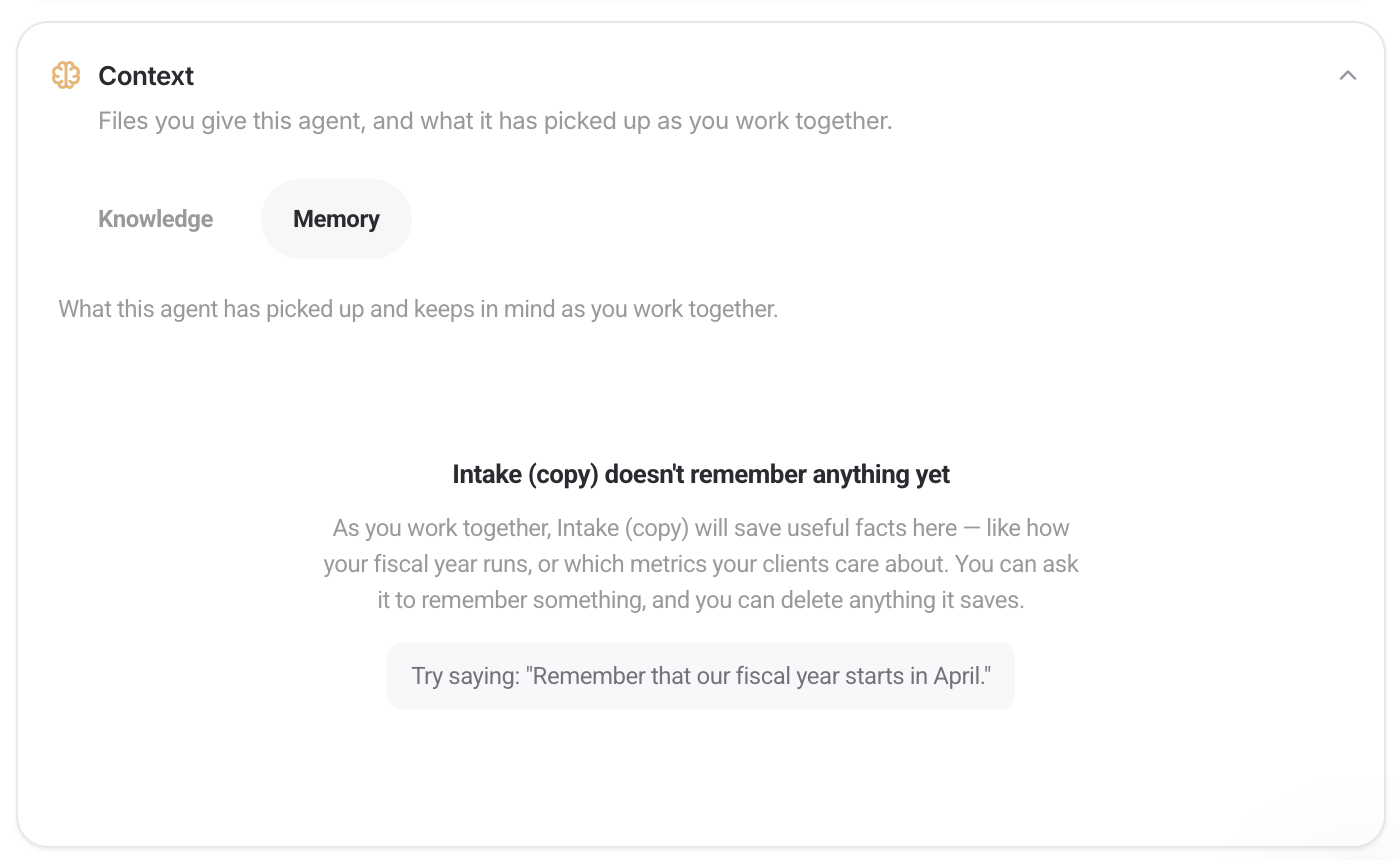
- Memory. Add standing notes it reads on every turn. Naming conventions, client fiscal years, how you want commentary written.
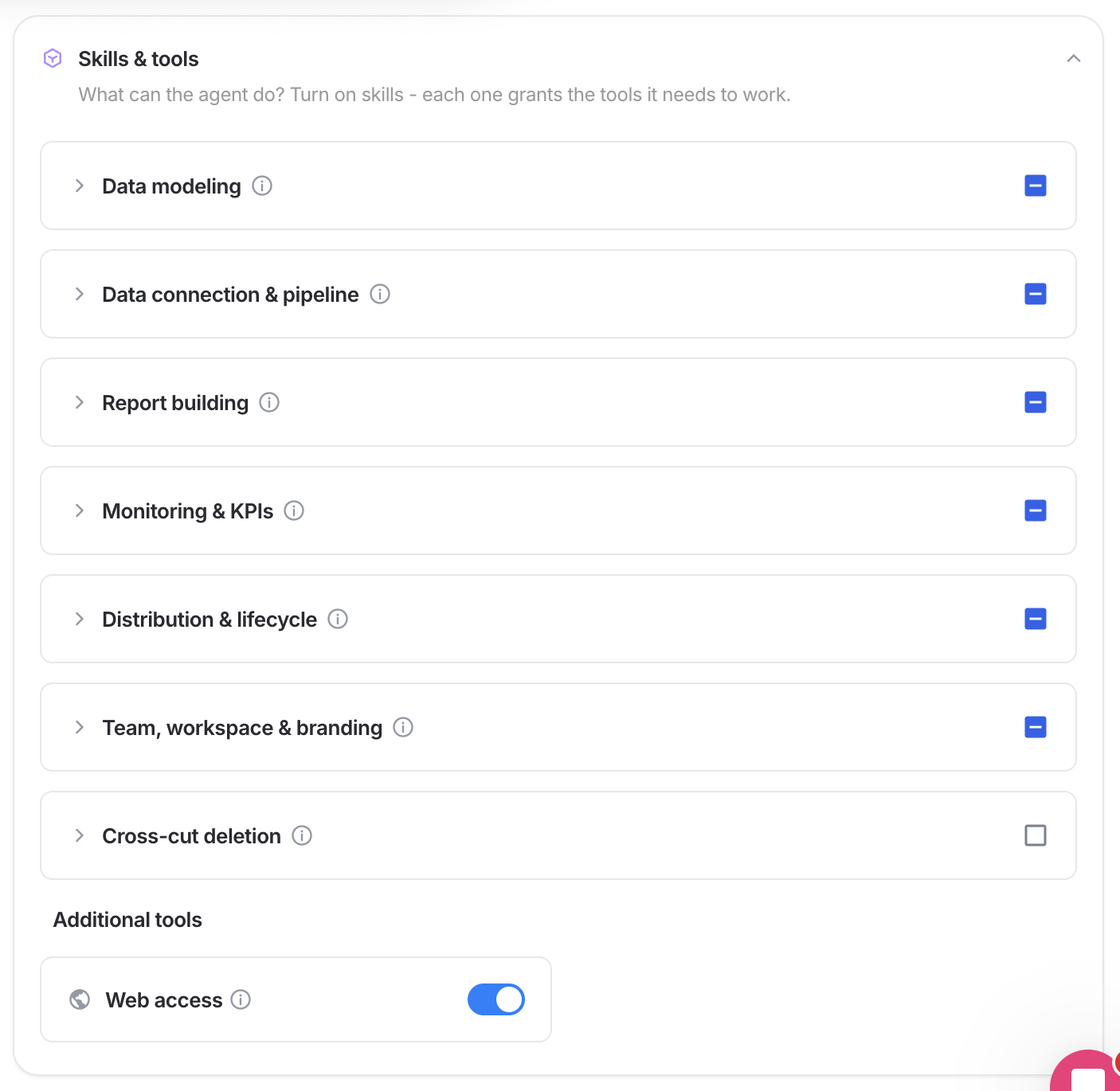
- Tool permissions. Set every tool to always allow, needs approval, or denied. You can also lock an agent to nothing but the tools you listed. Switch on live search and page fetching for that agent only.
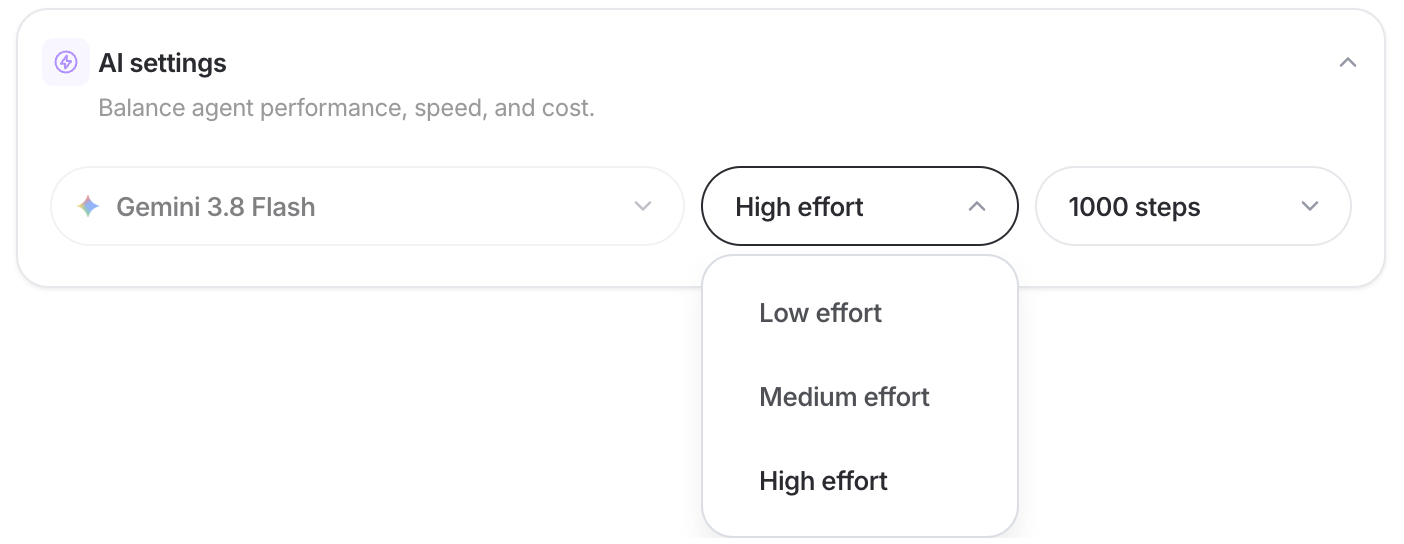
- Reasoning level. Choose minimal, low, medium or high, so a tagging job does not think as hard as a quarterly analysis.
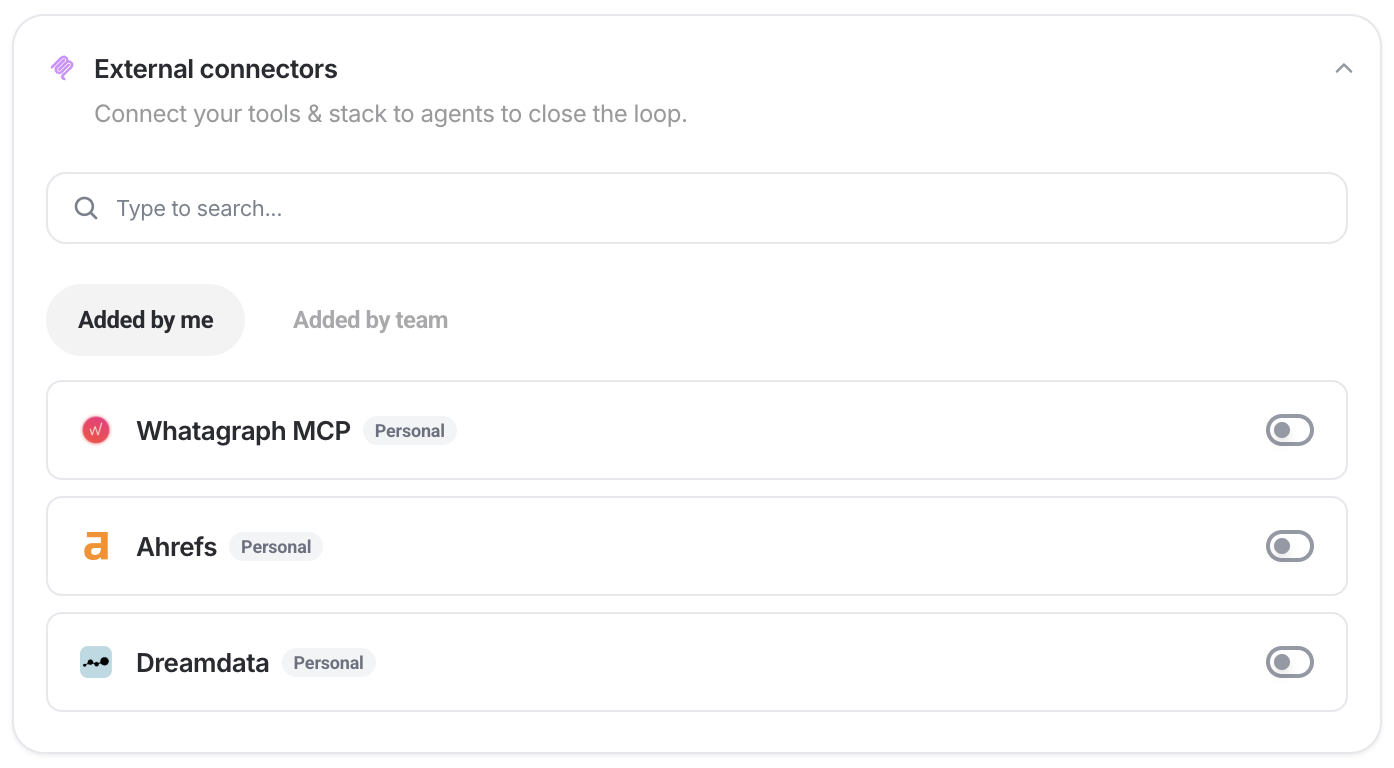
- External connectors. Give it access to tools outside Whatagraph: Slack, Asana, Intercom, Gamma and others.
- Schedules. Set it to run on a cadence, down to the minute. Each run starts a fresh conversation and acts as the person who set it up.
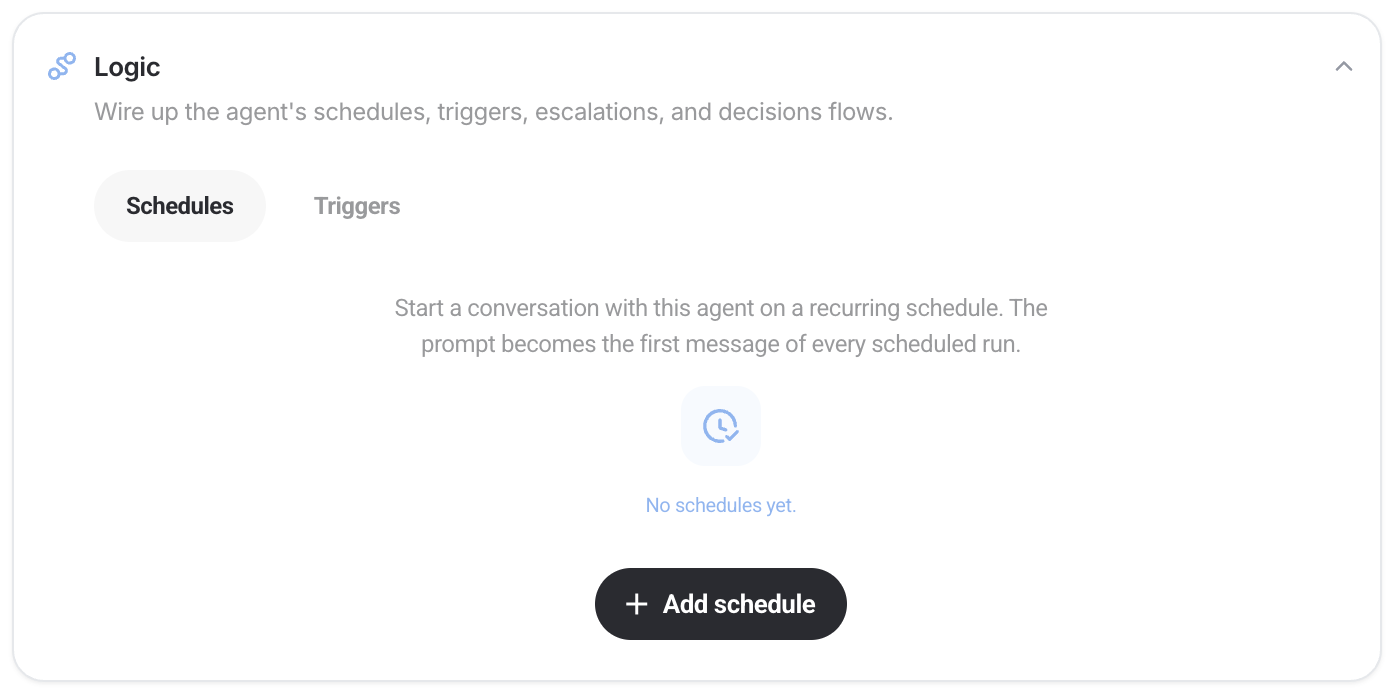
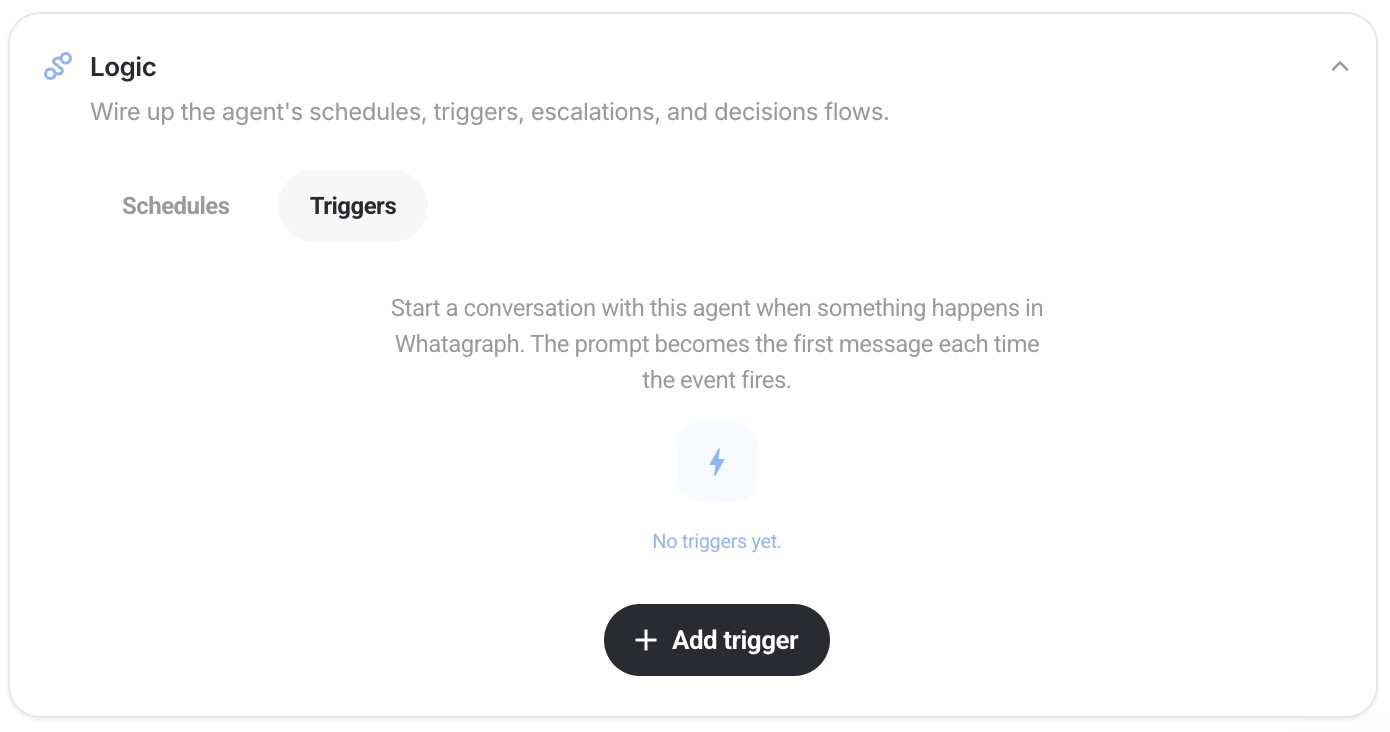
- Triggers. Start the agent when something happens instead of at a set time: a source connects, a connection breaks, a report goes out.
3. Create a custom agent
When you’re more comfortable with agents, you can create a custom one.
Custom agents are great for having full control and tailoring it exactly to your use case and context. With them, you can essentially build a team of AI agents doing all the tedious tasks for you.
Here’s a step-by-step walkthrough of how to build a custom agent:
Once it’s live, it behaves like any other agent on your team. Anyone can talk to it, it can hand work to the other agents, and it can run on a schedule.
4. Start from Claude
If your team already works in Claude, you don't have to leave it to get started.
Whatagraph is an official Claude connector. Connect it and you can create IQ Agents from inside Claude, without opening Whatagraph.
This is the quickest route if you've already built projects or skills in Claude. Ask Claude to look at what you've built and suggest which ones should become agents, then ask it to create them. What Claude already knows about your clients moves into the agent, where the whole team can use it.
You can also hand work to an agent from Claude. Start a conversation with any of your IQ Agents, pass it the task with extra context or files, and the agent does the work in Whatagraph.
Pre-made agents library
Whatagraph IQ Agents come with pre-made agents that you can easily get started with one rather than having to build an agent yourself.
Each one owns a part of the job rather than a single task, so between them they cover setting up an account, shaping the data, building reports, delivering them, and keeping everything working.
Here’s the full list:
General
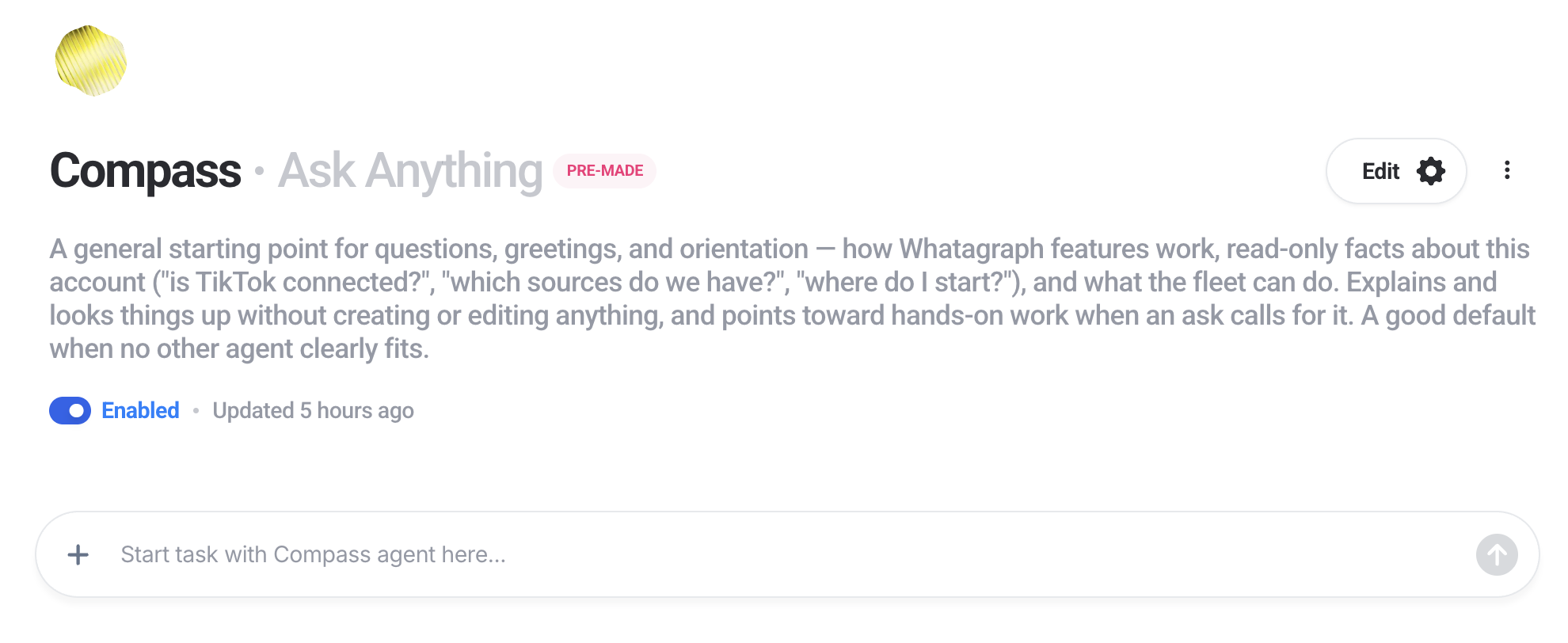
Compass answers questions about Whatagraph and about your own account. What a feature does, whether TikTok is connected, where a client's reports live, what the other agents can do. It is the right place to start if you are not sure which agent you need. Compass only reads. It never creates or changes anything, and it hands real work to the agent that should do it.
Setting up your account
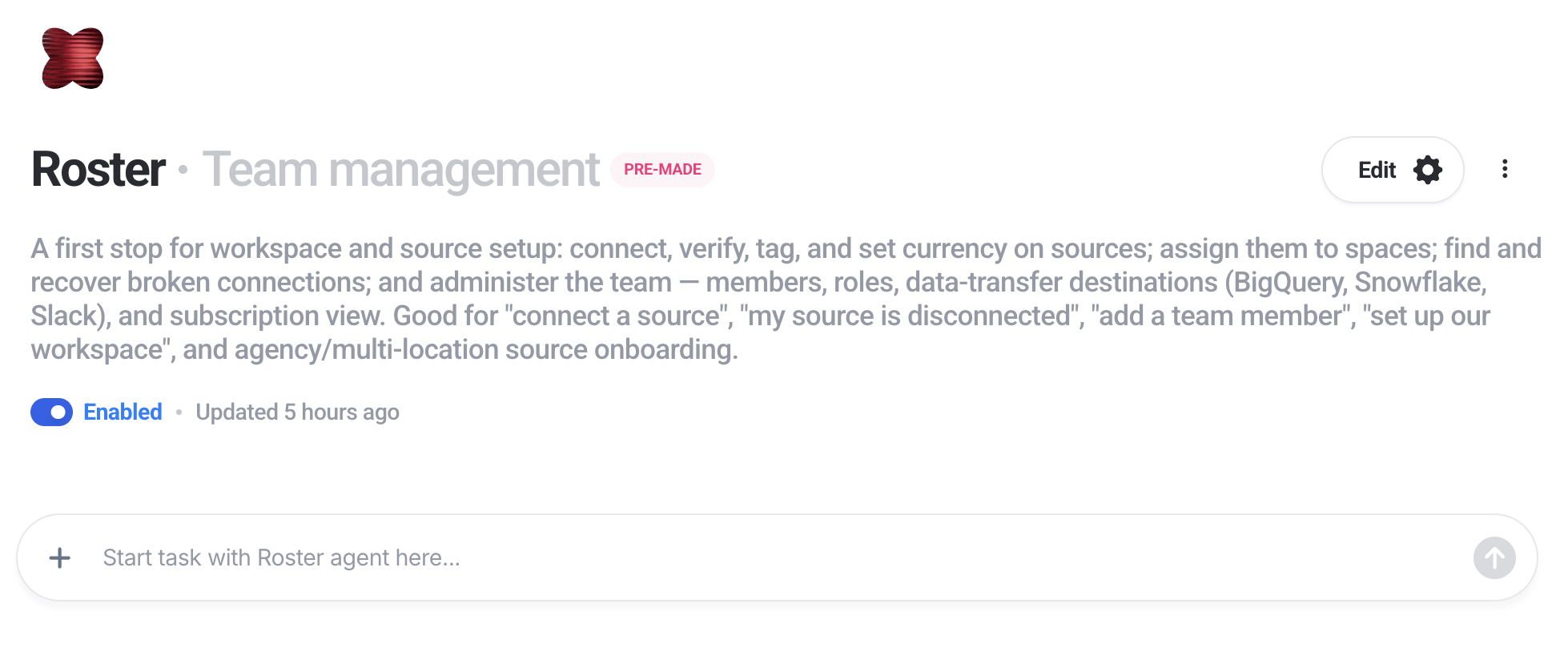
Roster handles your data sources and your team. It connects sources, verifies them, tags them, sets the right currency, and assigns them to spaces. It also finds broken connections and reconnects them, and manages members, roles and data transfer destinations. This is the first agent to use when you are onboarding a lot of accounts at once.
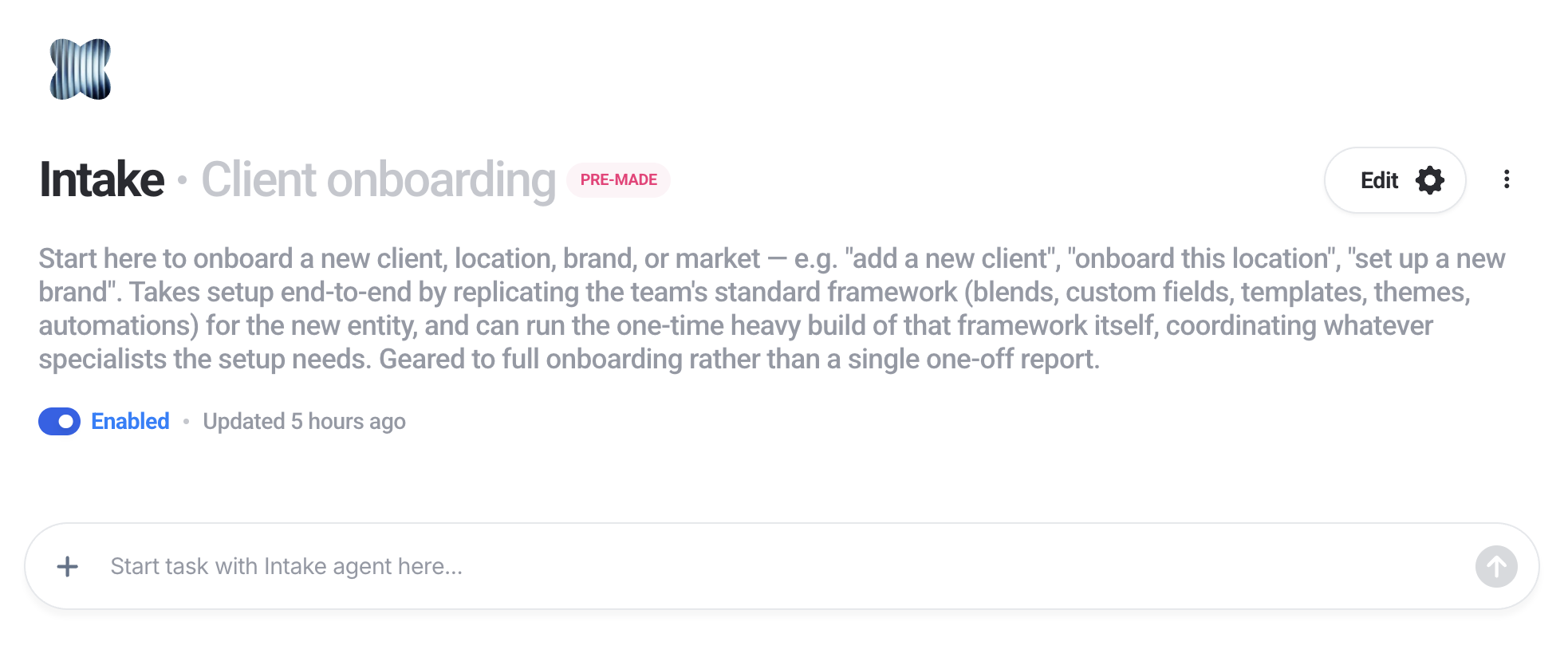
Intake onboards a new client, location, brand or market from end to end, usually in about ten minutes. It connects their setup to the standard framework your agency already uses and copies across your blends, custom fields, templates, themes and automations. It can also build that standard framework in the first place, which is a one-off job worth doing properly.
Shaping your data
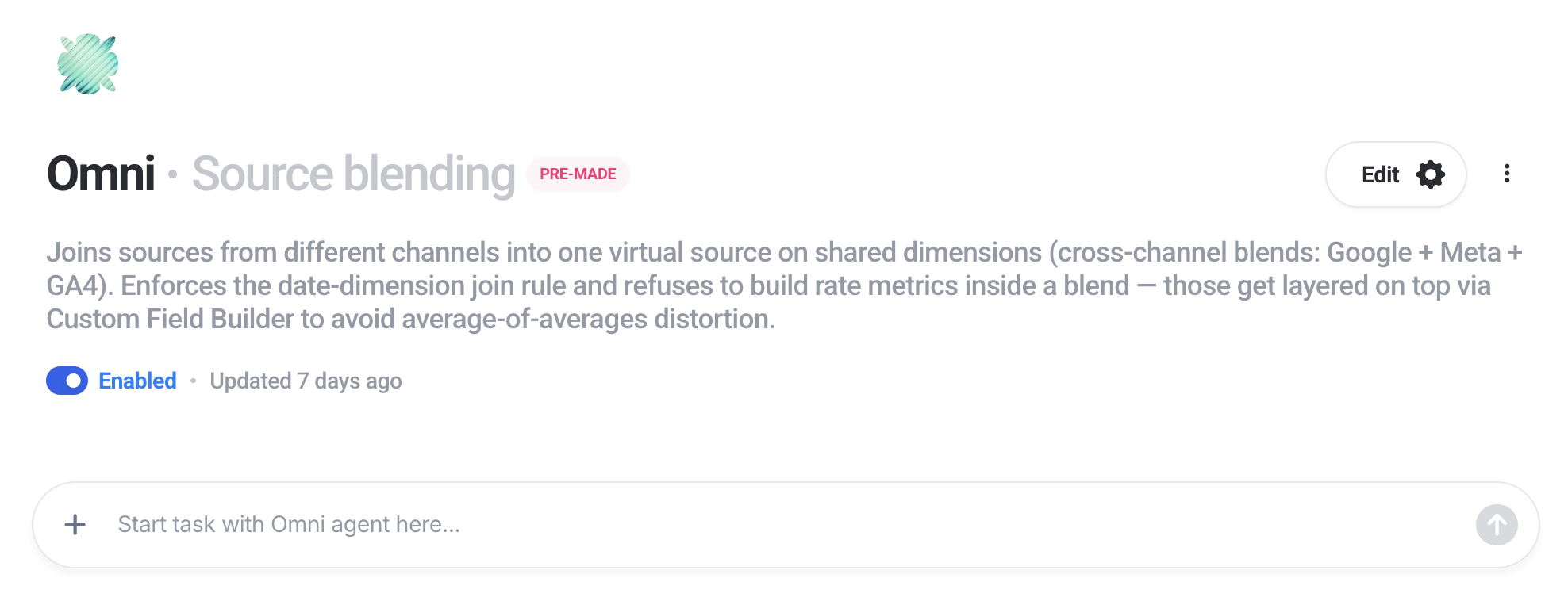
Omni joins sources from different channels into one virtual source, so Google, Meta and GA4 can sit in a single widget. It follows the rules that keep the result correct: joins have to happen on a shared date dimension, and rate metrics like CTR are layered on top rather than calculated inside the blend, because averaging averages gives you the wrong number.
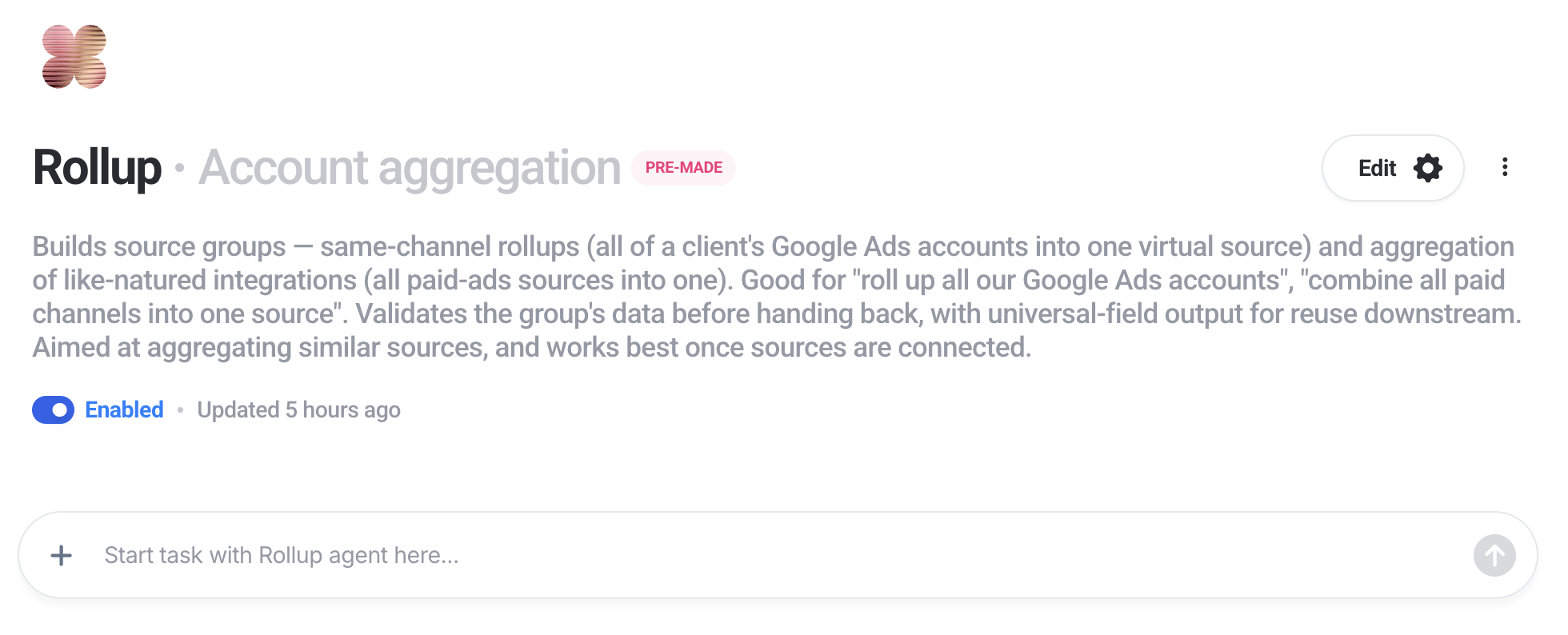
Rollup aggregates many sources into one. All of a client's Google Ads accounts into a single view, or every paid channel into one combined source. It waits for the data to load and checks the result in a widget before handing it back.
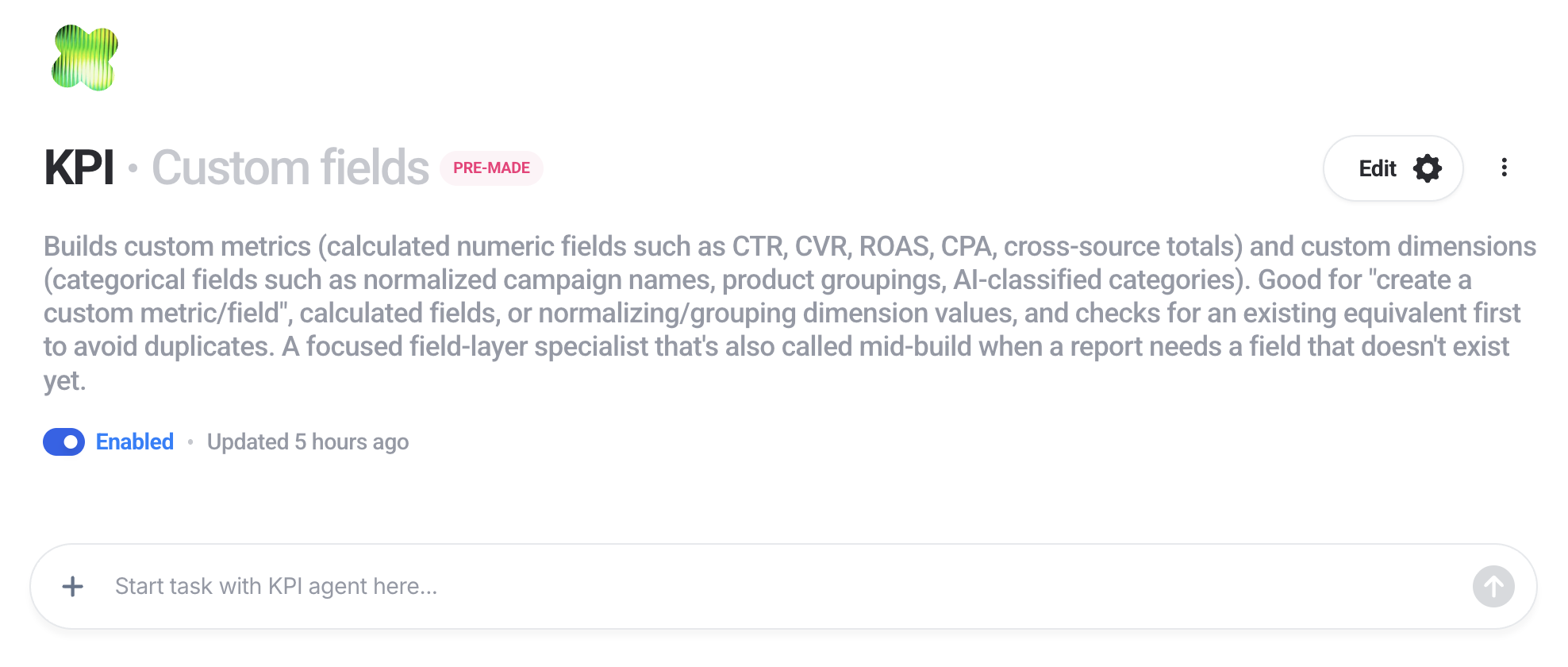
KPI builds custom metrics and custom dimensions. Calculated fields like CTR, ROAS, CPA or a cross-source total, and dimensions that normalise messy campaign names into groupings you can actually filter by. It checks whether something similar already exists before creating a new one, which stops you ending up with four slightly different versions of ROAS.
Building and delivering reports
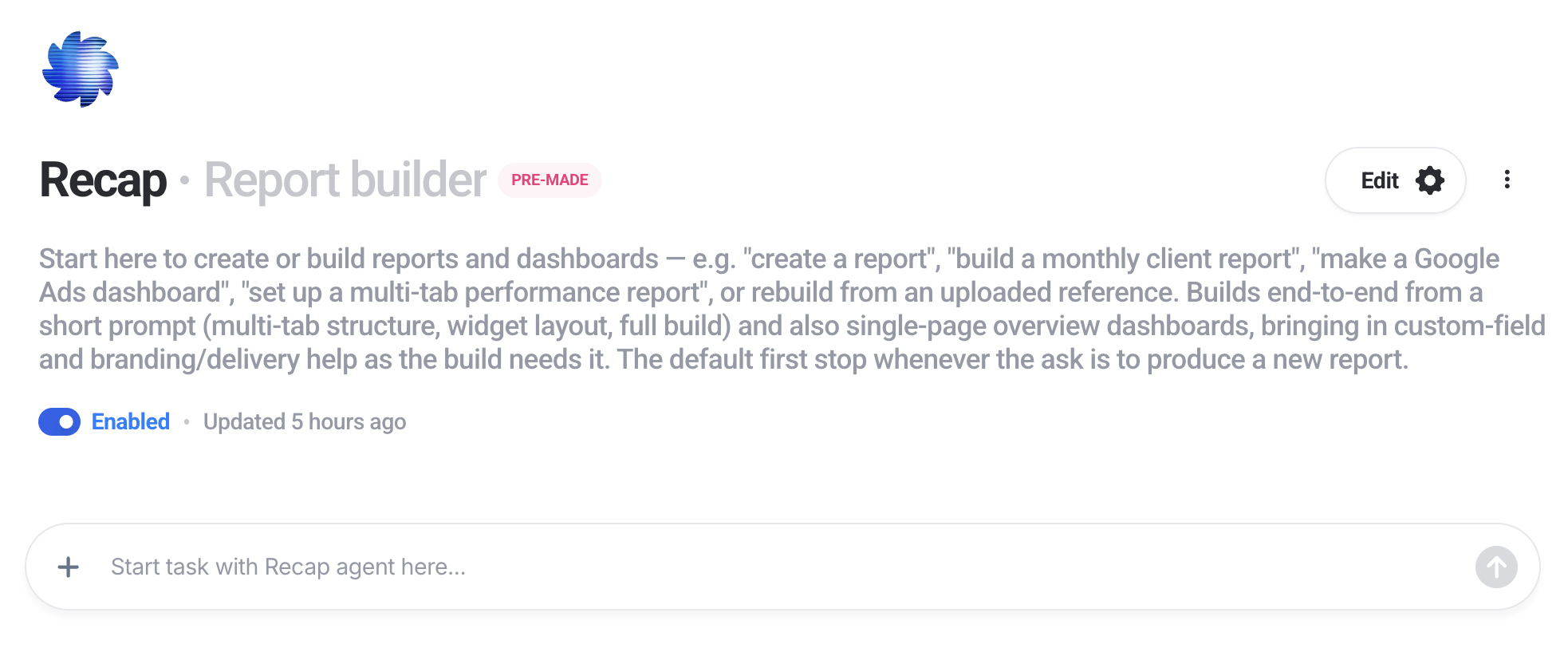
Recap builds reports and dashboards. Give it a one-line description and it builds one, or point it at an existing report and it replicates that structure. It builds to a proper standard rather than dropping a few widgets on a page: multiple tabs, a varied mix of widgets, a complete layout. It hands branding to Brand before delivery and passes bulk edits to Sweep.
Brand takes a finished report the last mile. It applies your branding or the client's, including logo, colours, fonts and a custom domain, then handles getting it out: share links with passwords and scoped permissions, scheduled email automations, and snapshots you can restore from. It does not build report content, that is Recap's job.
Answers and research
Insight answers questions about your marketing data and about whatever report you are looking at. How is traffic doing, what is CPA by campaign, what changed this month. Ask it to and it will write a client-ready performance narrative into a text widget for you to review: what went well, what to watch, what to do next. It writes into comment widgets only and does not build or edit reports.
Radar does market research on the web. It tracks publications, rankings, keywords and benchmarks for an industry or a set of competitors you name. You can have the answer in chat, written into an existing report as offline widgets, or built out as a full findings report. If it is not sure what you want tracked, it asks first.
Keeping things working
Pacing audits the health of your whole account: source connections, integration status, how your spaces are organised, which clients have reports and automations and which do not, sharing settings, goals, blends, source groups and custom fields. You get a prioritised checklist of what to fix. It only reads, it never changes anything.
One thing to know: despite the name, Pacing is about account health, not budget pacing. If you want budget monitoring, that is a custom agent.
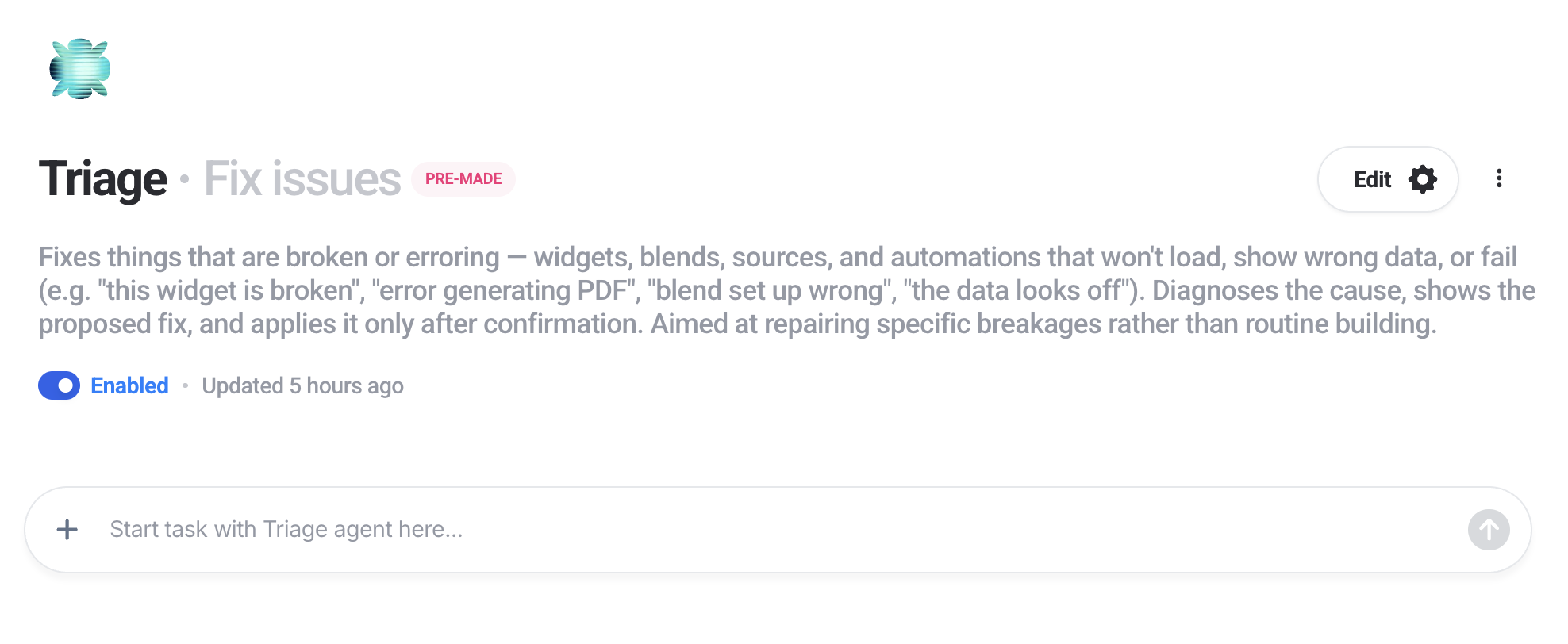
Triage diagnoses things that have broken. Widgets showing nothing, blends set up wrong, sources that lost access, automations that stopped sending. It works out what went wrong, proposes a fix, shows you exactly what would change, and only applies it once you confirm.
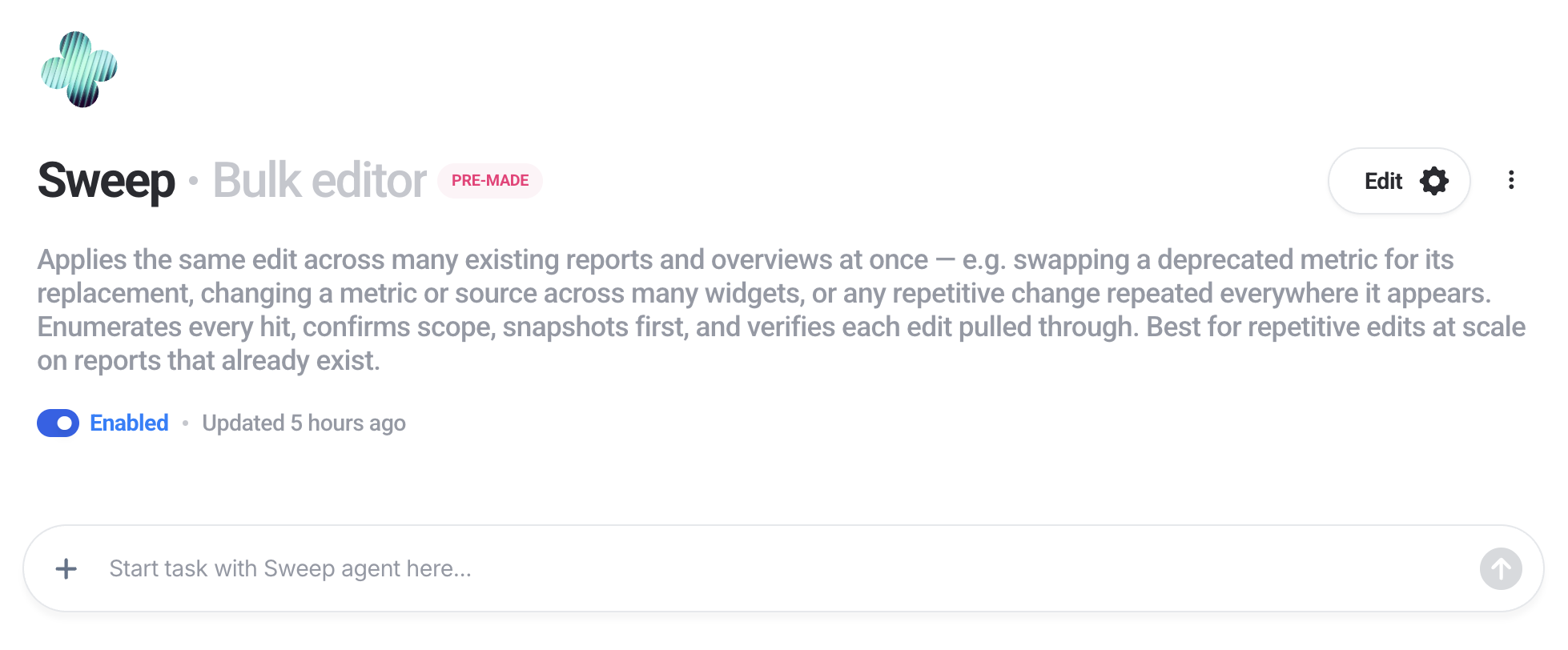
Sweep makes the same change across many reports at once. Swapping a deprecated metric for its replacement, changing a metric or source across hundreds of widgets, applying any repetitive edit. It lists every report it found before touching anything, saves a version of each one first, and checks each edit went through. If the scope of what you asked is unclear, it asks rather than guessing.
Note: We’re adding new pre-made agents as we go, and this list isn’t exhaustive.
Sign up for IQ Agents and try it with your data.
Published on Sep 29 2026
WRITTEN BY
YamonYamon is a Senior Content Marketing Manager at Whatagraph. With an eye for detail and a knack for always considering context, audience, and business goals to guide the narrative, she's on a mission to create genuinely helpful content for marketers. When she’s not working, she’s hiking, meditating, or practicing yoga.