The Only 14 Marketing Agency Tools You Need in 2026
Let’s be real for a moment: the number of tools out there for marketing agencies is overwhelming.
It feels like a new tool is introduced every day that you must use to run a successful agency.
The truth is, using too many tools complicates rather than simplifies your agency work.

May 08 2026●7 min read


- The ONLY 14 Marketing Agency Tools You Need in 2026
- 1. Airtable: Best for project & workflow management
- 2. Productive: Best for agency project management & resource planning
- 3. Notion: Best for knowledge base & task management
- 4. Whatagraph: Best for marketing reporting and insights
- 5. Leadsie: Best for getting access to clients’ social and marketing accounts
- 6. Statusbrew: Best for social media management
- 7. SE Ranking: Best for SEO planning, analytics, and tracking
- 8. Planable: Best for streamlining content creation
- 9. HeyReach: Best for scaling LinkedIn outbound and agency reporting
- 10. SPP.co: Best for client portal & service delivery automation
- 11. Fathom: Best for automated meeting notes & CRM sync
- 12. Claude: Best for marketing strategy & content generation
- 13. Perplexity: Best for research, competitive analysis & proposal writing
- 14. Gong: Best for sales intelligence & conversation analytics
You don't need hundreds of tools for your agency; you just need the right ten (or twelve, in this case).
To help you find the right ones, we asked other agency leaders like yourself what tools they’re using to scale up and save time in 2025.
Below, you’ll find the tools they swear by, how they’re using them, and how much budget you should set aside for each of them.
The ONLY 14 Marketing Agency Tools You Need in 2026
In a nutshell, these are the best marketing agency tools according to agency leaders:
- Airtable
- Productive
- Notion
- Whatagraph
- Leadsie
- Statusbrew
- SE Ranking
- Planable
- HeyReach
- SPP
- Fathom
- Claude
- Perplexity
- Gong
Want more tool recommendations + AI prompts and agents + strategies to implement them successfully at your agency? Grab a copy of our AI Playbook for Agencies here.
1. Airtable: Best for project & workflow management
Airtable is a low-code tool for organizing, managing, and collaborating on data. As Airtable mentions in their blog article, digital marketing agencies mainly use it for:
1. Project and campaign planning - Track tasks, resource allocations, workflows, and more.
2. Site building and development - Create an organizational chart to help clients understand the components of their upcoming website or landing page.
3. Event planning - Integrate event information from third-party tools and access it from a unified location in Airtable.
4. Content production - Oversee editorial calendars and easily show documents to clients.
Key features:
- Customizable templates and forms
- Automation and integrations
- User access control
- Team collaboration
- Airtable API
Airtable reviews from other agency owners:
“Airtable has been fascinating for our agency.
Our Head of Operations has implemented it to aggregate data from our project management tool and gather the important information that we need to see, like utilization rates, and how that is allocated to specific clients and profitability.”
Robin Emiliani, Founder and CEO at Catalyst Marketing
Airtable pros:
- Comes with many templates
- Multiple views (Kanban, Gantt, etc.)
- Unlike Excel, you can store files in a cell
- Streamline operations and project management
- Unlike alternatives like Trello or Asana, Airtable is fully customizable
Airtable cons:
- Comes with a learning curve
- Teams quickly outgrow the free plan
Airtable pricing:
Airtable’s pricing is based on the number of users and the monthly usage.
As of 2025, Airtable offers four plans:
- Free: Free for individuals
- Team: $20/user/month, billed annually
- Business: $45/user/month, billed annually
- Enterprise Scale: Based on a custom quotation
2. Productive: Best for agency project management & resource planning
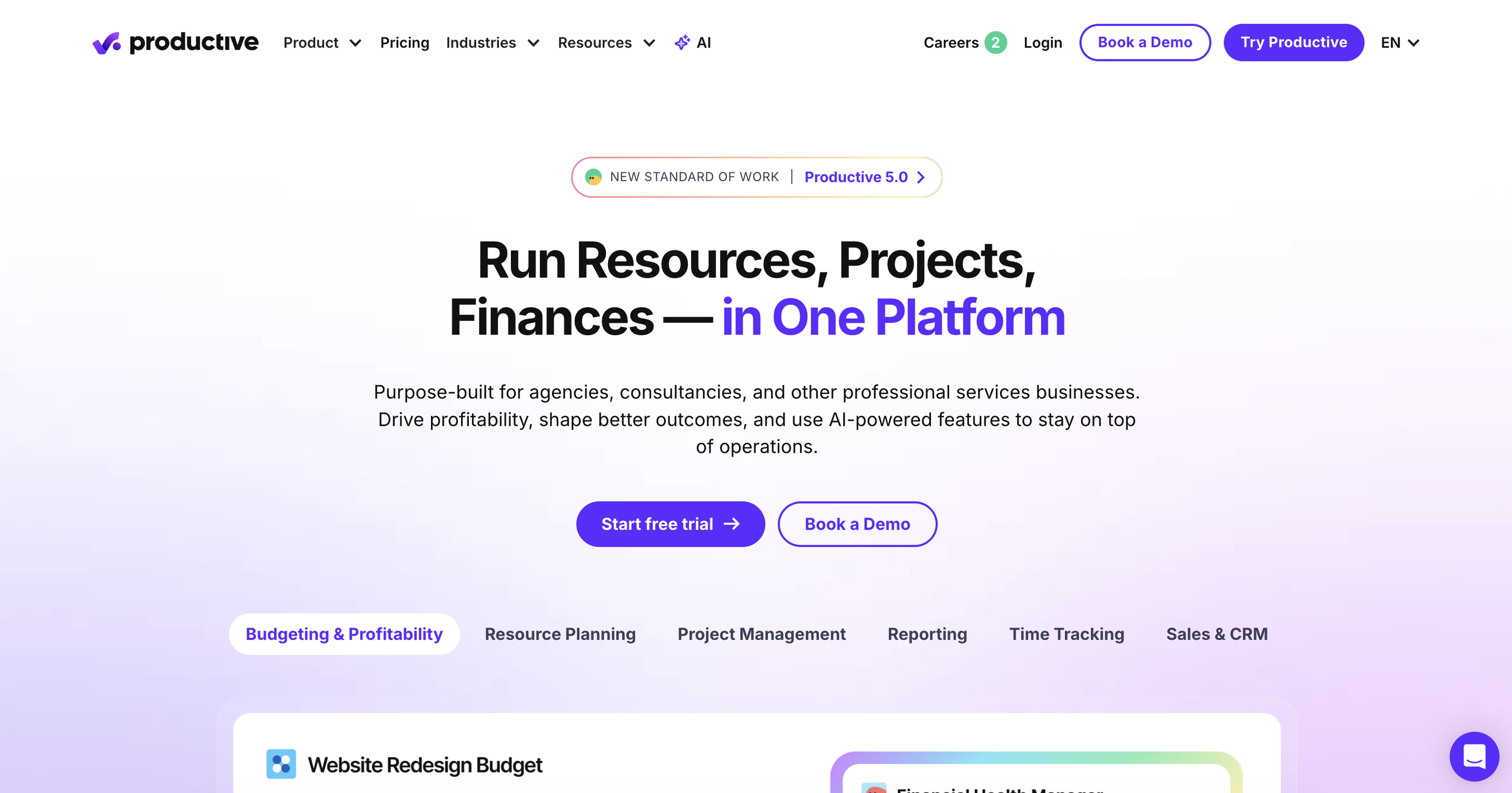
If you’re looking for an all-in-one platform to manage projects, budgets, resources, and client work, Productive is a strong choice for agencies and professional service teams.
Agencies use Productive to bring project management, time tracking, financial management, and team collaboration into one centralized workspace. Each client, project, task, and budget can be managed from a single platform, helping teams improve visibility and keep projects profitable.
Key features:
Project & task management
Budgeting and profitability tracking
Resource planning
Time tracking
Client management (CRM)
Invoicing and expense management
Reports and dashboards
AI assistant and automation tools
Productive reviews from other agency owners
Produtive pros:
Manage projects, finances, and resources in one place
Built specifically for agencies and service-based businesses
Improve visibility into project profitability and team workload
Free client access without additional client fees
Productive cons:
Can feel more complex compared with simpler task management tools
Some users find the mobile experience less powerful than the web version
Better suited for agencies than individual users or small personal projects
Productive pricing:
Productive pricing:
Productive’s pricing is based on user seats and plan level.
As of 2026, Productive offers three main pricing plans:
Essential: Starts at $10/month per user (monthly billing) and includes project management, budgeting, resource planning, time tracking, reporting, and AI features.
Professional: Starts at $25/month per user (monthly billing) and adds advanced reporting, teams, recurring budgets, integrations, approvals, and additional management features.
Ultimate: Custom pricing for larger organizations needing advanced financial controls, forecasting, and enterprise-level features.
3. Notion: Best for knowledge base & task management
If you’re looking to sync up your projects, knowledge base articles, client management, and other resources on one platform, Notion is a great choice.
Agencies like Raw Studio use Notion to have a centralized team space where each client and project has its own folder. Clients can easily access project files on the pages they have been granted access to.
Key features:
- Project, wiki, docs, & calendar management
- Team collaboration tools
- Ready-to-use templates
- User-based role access
- Client portal
- AI assistant
Notion reviews from other agency owners"
“By centralising all project tasks, client communications, and resources into Notion, we’re saving our team hours every week that used to be spent juggling multiple tools.”
Daniel Radovich, Managing Director at Raw Studio
Notion pros:
- Keep clients informed without constant back-and-forth
- Centralize project tasks, resources, and communication
- A fair free plan available
Notion cons:
- No offline mode is available
- Lack of a native form builder
- Mobile app UI lacks functionality
Notion pricing:
Notion’s pricing is based on the number of users.
As of March 2025, Notion offers four pricing plans:
- Free: Free for individual users, with up to 10 guests allowed
- Plus: $12/user/month for individual power users
- Business: $18/user/month for small businesses & agencies
- Enterprise: Based on a custom quotation
4. Whatagraph: Best for marketing reporting and insights
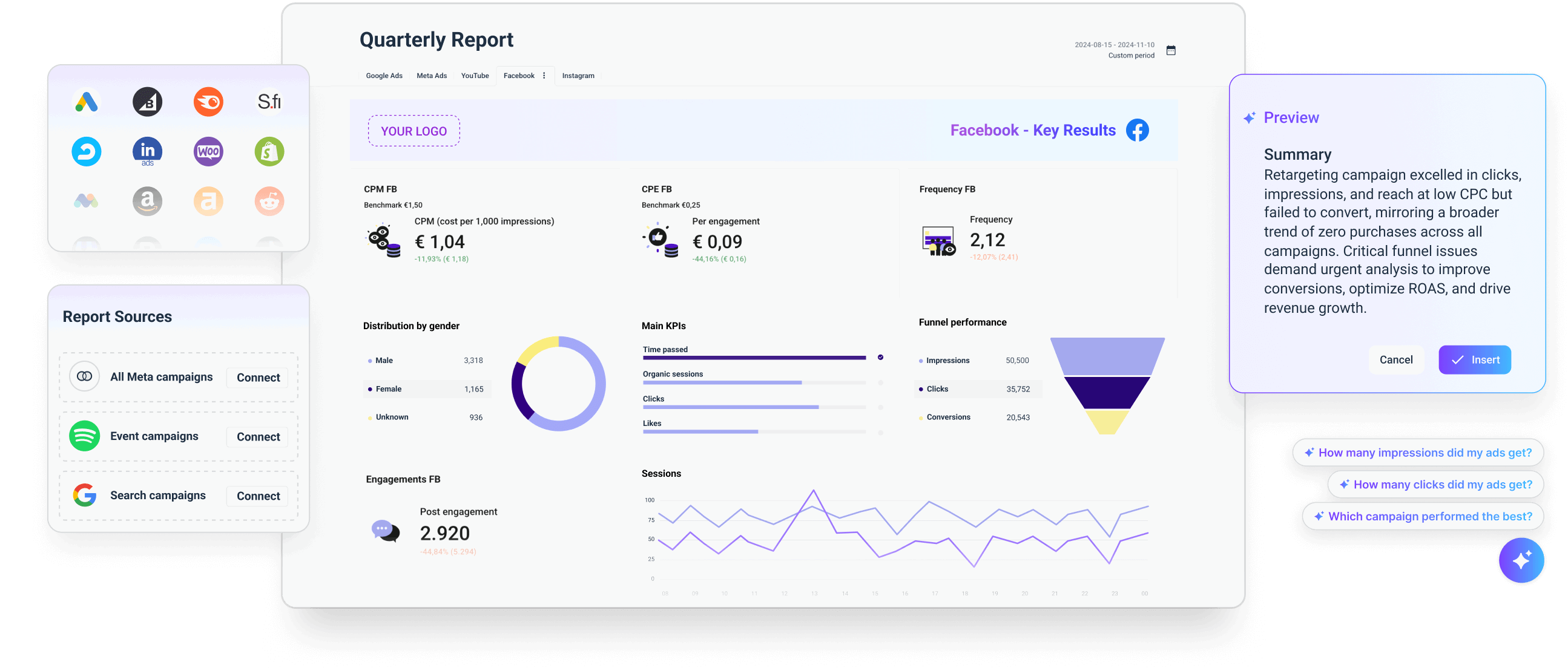
Whatagraph lets you collect, analyze, and report all your marketing data in one place, whether it's PPC, social media, email marketing, or website performance.
Agencies like Peak Seven use it to save 63 hours per month on reporting.
Here's what you can do with Whatagraph:
- Connect to 55+ marketing channels through stable, pre-built integrations. All your data will flow in automatically onto Whatagraph. No need for third-party connectors.
- Organize and unify your data to prepare it for analysis. Create custom metrics, dimensions, and data blends without writing a single line of code.
- Visualize your data using drag-and-drop widgets or ready-made templates. Create white-labeled reports with custom logos, domains, and colour schemes.
- Share reports as live links, PDFs, Excel spreadsheets, or automated emails.
- Ask your personal AI chatbot anything about your marketing performance. It gives you accurate answers in seconds. You can also ask AI to write out performance summaries and add them to your reports. (But don’t worry, you’ll be able to fully edit them to still maintain that human touch.)
Plus, Whatagraph is built to be easy on the brain. Anyone on your team—whether that’s an intern or an Account Manager—can start analyzing data and building reports right away.
Key features:
- Drag-and-drop widgets for reports and dashboards
- Report templates and a library of pre-made dashboards
- Automated report sharing via email
- Export to Excel and CSV
- Links to live dashboards
- Eye-catching visual reports
- 55+ native integrations
- AI insights and chatbot
Whatagraph reviews from other agency owners:
“Whatagraph has helped everyone on our team get on the same page about clients, what’s important, and how to talk to them. Our relationships with clients have been amazing, and we’ve even been able to retain them longer.
Whatagraph is now our Bible—both for our clients and internal teams.”
Kim Strickland, Digital Marketing Specialist at Peak Seven
Whatagraph pros:
- Easy to use for anyone in your team
- Stable platform—99.95% uptime according to data from the last 6 months
- Cross-channel marketing reporting and monitoring
- Shows accurate data on your reports
- Consistent 30-min data refresh rate for every data source, blend, and channel
- Linked templates that allow you to edit similar reports in one go, instead of one by one
- Pre-made widgets and metrics (no need to create from scratch)
- Fast campaign performance and insights through AI
- Live chat customer support that responds within 30 seconds and resolves issues within 1 hour (on average)
- Personalized onboarding
Whatagraph cons:
- No freemium plan
- Small agencies (under 10 employees) and freelancers may find it expensive
- 55 integrations might not be enough for you
Whatagraph pricing:
Whatagraph's pricing scales with your needs. Check out our pricing page for the most up-to-date information.
5. Leadsie: Best for getting access to clients’ social and marketing accounts
When we think about improving efficiency, client onboarding is often overlooked.
Waiting for new clients to give your agency access before you can start billable work? There’s a better way to get access to clients’ Facebook ads (and other marketing accounts) without sharing passwords or logins.
Leadsie was built to simplify and solve this “access dance” for marketing agencies. In just a few clicks, new clients can give you access to 31+ analytics, ads, and social media accounts at once. Even if they’re non-tech-savvy.
Key features:
- Secure, one-link access to multiple accounts
- Unlimited custom links
- Troubleshoot access problems easily
- Auto-assign Meta assets to your team
- Dashboard to manage access for clients and your team
- Offboarding clients
- Webhooks and APIs for automation
- Fully compliant with GDPR and CCPA
Leadsie reviews from other agency owners
“It’s the only tool we use where the client has no idea how powerful it is, they just click a link, and everything’s connected. No more chasing logins, 2FA codes, or “can you try it from your desktop?” nonsense. It’s so seamless, it’s become the handover point between our sales and delivery.”
Leadsie pros:
- Makes life easy for clients, even non-technical ones
- Get notified when clients grant you access to their accounts
- Saves time when onboarding new clients, conducting marketing audits, and whitelisting influencers
- Enterprise-level security
Leadsie cons:
- Mainly a client onboarding tool that specializes in access management
- While it automates getting access for most platforms, a few still require clients to take some manual steps
- Costs more than competitors, but it is the most secure and has the most integrations available
Leadsie pricing:
Leadsie’s pricing is based on the number of clients onboarded or prospects audited.
There are four plans and their monthly quotas:
- Starter: Up to 3 new clients and 10 marketing audits @ $49/month
- Agency: Up to 10 new clients and 50 audits @ $99/month
- Pro: Up to 50 new clients and 250 audits @ $249/month
- Enterprise: Contact for pricing
6. Statusbrew: Best for social media management
Statusbrew is a social media management tool agencies can use to create, schedule, and manage content for multiple clients.
Many users like the unified inbox, which stores all organic/paid social interactions in one location. It helps moderate comments through filters like “Ad comments,” “Brand mentions,” and “Negative comments.”
Key features:
- Schedule posts, Reels, shorts, stories, TikToks, etc
- Campaign performance and social media reports
- Internal/external notes and approvals
- Built-in calendar
- Bulk scheduling
Statusbrew reviews from other agency owners:
“Statusbrew gives us the ability to manage our engagement across multiple social media platforms efficiently.
With our diverse range of languages, including English, French, German, and Spanish, this tool helps divide and handle the interactions within each market effectively.”
Vladimir Trofimov, Community Manager at Vivid
Statusbrew pros:
- Access all client workspaces from a unified dashboard
- More affordable option than most competitors
- Bundled pricing that is suited for agencies
- Quick reply templates for comment replies
- Schedule social media posts
Statusbrew cons:
- Fewer app integrations as alternatives like Hootsuite and Sprout Social offer
- Steep learning curve and few resources available
Statusbrew pricing:
As of March 2025, Statusbrew offers one plan designed for agencies, which costs $49/month/client.
It comes with unlimited spaces, reports, calendars, and more.
7. SE Ranking: Best for SEO planning, analytics, and tracking
If you need a tool to manage all things SEO and content marketing, SE Ranking is a good choice.
SE Ranking allows agencies to build their ideal bundle of features. Don’t need content & local marketing, or social media features? You can leave them out and save money.
With the Agency Pack add-on, users can share real-time performance reports with clients and generate more leads by adding an On-Page checker widget to their website.
Key features:
- Content editor (AI writer, plagiarism checker, etc)
- Analyze Facebook & Google Ads with the SMM tool
- Competitive and keyword research
- Backlink checker and monitoring
- On-page checker and optimization
- SERP analyzer
- SEO tools
SE Ranking reviews from other agency owners:
“We use SE Ranking to build winning SEO strategies for our clients. Their suite of tools allows for robust market research, competitive analysis, and website audits—all of which serve to inform our SEO campaign roadmaps.”
Connor Wilkins, CMO at Direction.com
SE Ranking pros:
- Broad feature set, meaning you don’t need other SEO or content marketing tools
- The base plans are more affordable than competitors, like Semrush or Ahrefs have
- A wide range of integrations, such as Google Analytics
- The reports are highly customizable
SE Ranking cons:
- With all the add-ons, the pricing can get expensive quickly
- The Agency Pack is only available with annual subscriptions
SE Ranking pricing:
SE Ranking’s pricing is based on the amount of users, usage, and keywords tracked.
Its four pricing plans are:
- Essential: $65/month, one user seat, and five projects
- Pro: $119/month, three user seats, and 30 projects
- Business: $259/month, five user seats, and unlimited projects
8. Planable: Best for streamlining content creation
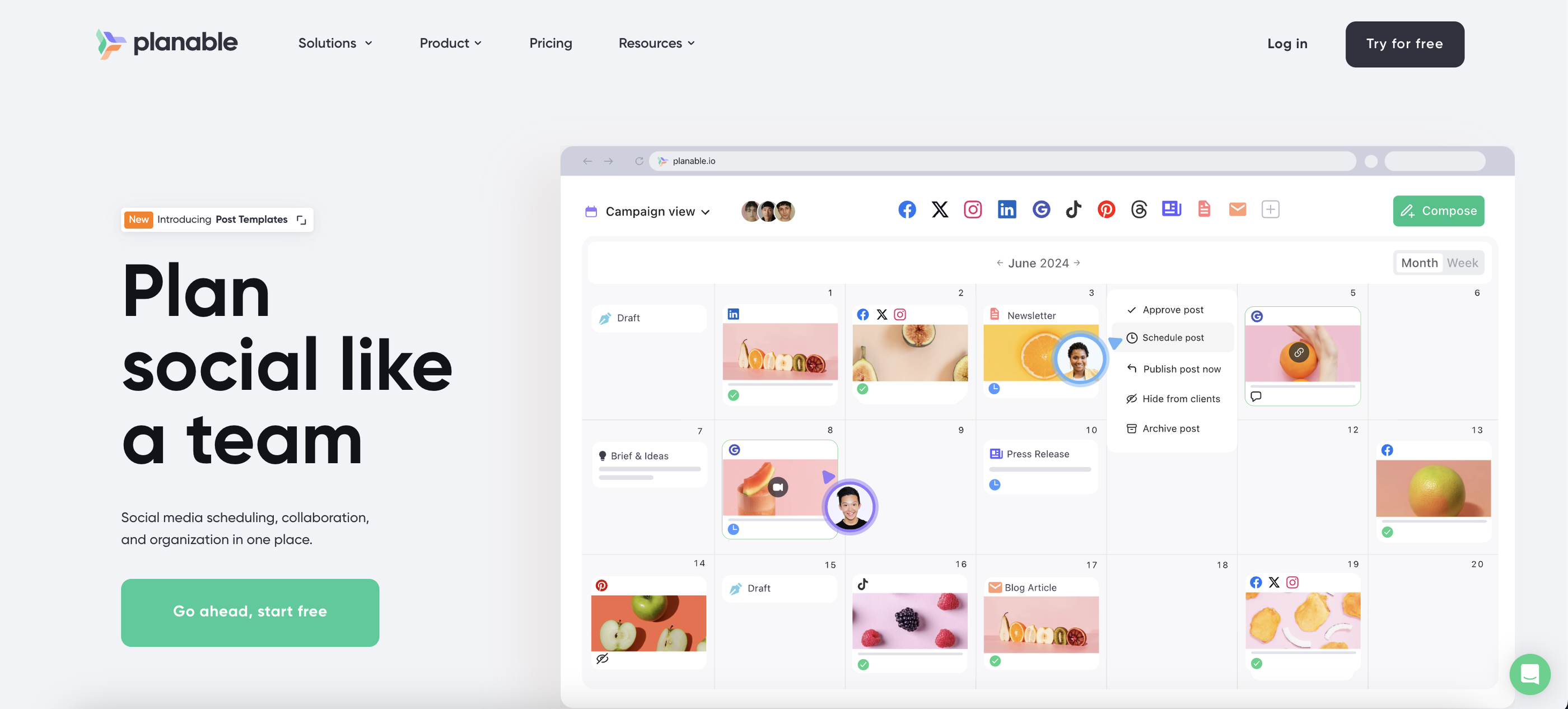 If you need a tool to streamline content creation, collaboration, and social media scheduling, Planable is a great choice.
It’s the central hub where you can create, plan, approve, schedule, and analyze your marketing content, ranging from social media posts and blogs to newsletters and press releases. Planable’s intuitive drag-and-drop calendar and real-time feedback features keep everything organized and hassle-free.
Key features:
- Separate, organized workspaces for managing clients or brands
- Drag-and-drop calendar to easily plan and schedule content
- Collaboration features like comments, annotations, and real-time feedback
- Customizable approval workflow, from no approvals to multi-step reviews
- Social media built-in analytics
- Generate reports quickly for clients and stakeholders with ease.
Planable reviews from other marketers:
"As a marketing agency managing multiple client accounts, Planable has been a total game-changer for us. It’s super intuitive and makes it so much easier to collaborate, plan, and schedule content across all the accounts we handle. Prior to using Planable we had tried 2 different social media management platforms that just didn't quite hit the mark."
Planable pros:
- Simple and intuitive interface—no learning curve
- Real-time collaboration speeds up approval processes
- Supports multiple social media platforms in one place
- Affordable compared to other social media management tools
Planable cons:
- Limited automation features compared to some competitors
Planable pricing:
- Free: 50 posts, unlimited experience
- Basic: $33/workspace/month, unlimited users
- Pro: $49/workspace/month, includes 3 types of approval
- Enterprise: Custom pricing for large teams and agencies
9. HeyReach: Best for scaling LinkedIn outbound and agency reporting
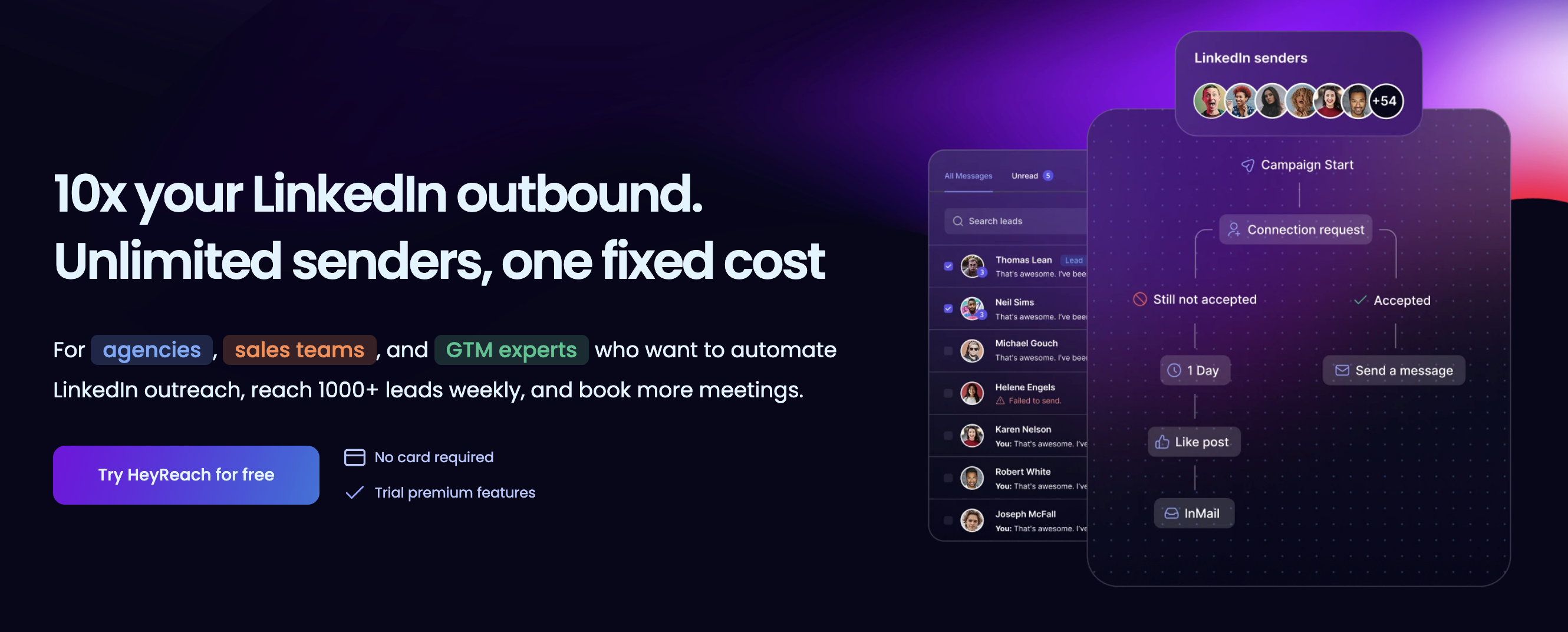
Scaling LinkedIn outreach for multiple clients often involves a messy dance of switching browser profiles and risking account flags. HeyReach is an agency-first tool that solves this by allowing you to connect unlimited LinkedIn accounts and manage them from a single dashboard.
The platform also streamlines the "reporting tax" that often eats up agency margins.
With dedicated multi-workspace organization and a unified inbox, account managers can handle all client conversations in one place and export performance data in minutes. It integrates natively with tools like Clay and Instantly, making it a powerful addition to a modern, multi-channel growth stack.
Key features:
- Unlimited LinkedIn sender rotation to protect account health.
- Unified agency inbox for managing all client replies.
- Multi-workspace organization to keep client data siloed.
- Native integrations with Clay, Instantly, and Smartlead.
- Whitelabel dashboard options for a professional client experience.
HeyReach reviews:
“I've used HeyReach for over a year across my agency and client accounts, and it's hands down the most reliable LinkedIn automation tool available.”
Sönke Venjacob, Founder @ Platinum Agency
HeyReach pros:
- Fixed cost for unlimited senders makes scaling predictable.
- Superior account safety features compared to standard automation.
- Agency-specific features like sub-accounts and white-labeling.
HeyReach cons:
- Focused exclusively on LinkedIn (no native email outreach).
- Advanced features have a slight learning curve for new teams.
HeyReach pricing:
HeyReach offers a 14-day free trial. The Growth plan starts at $79/mo for individual users. Agencies typically opt for the Agency plan at $999/mo (which includes 50 senders, white-labeling and onboarding) or the Unlimited plan at $1,999/mo for high-volume operations. For annual billing, you get 25% off.
10. SPP.co: Best for client portal & service delivery automation
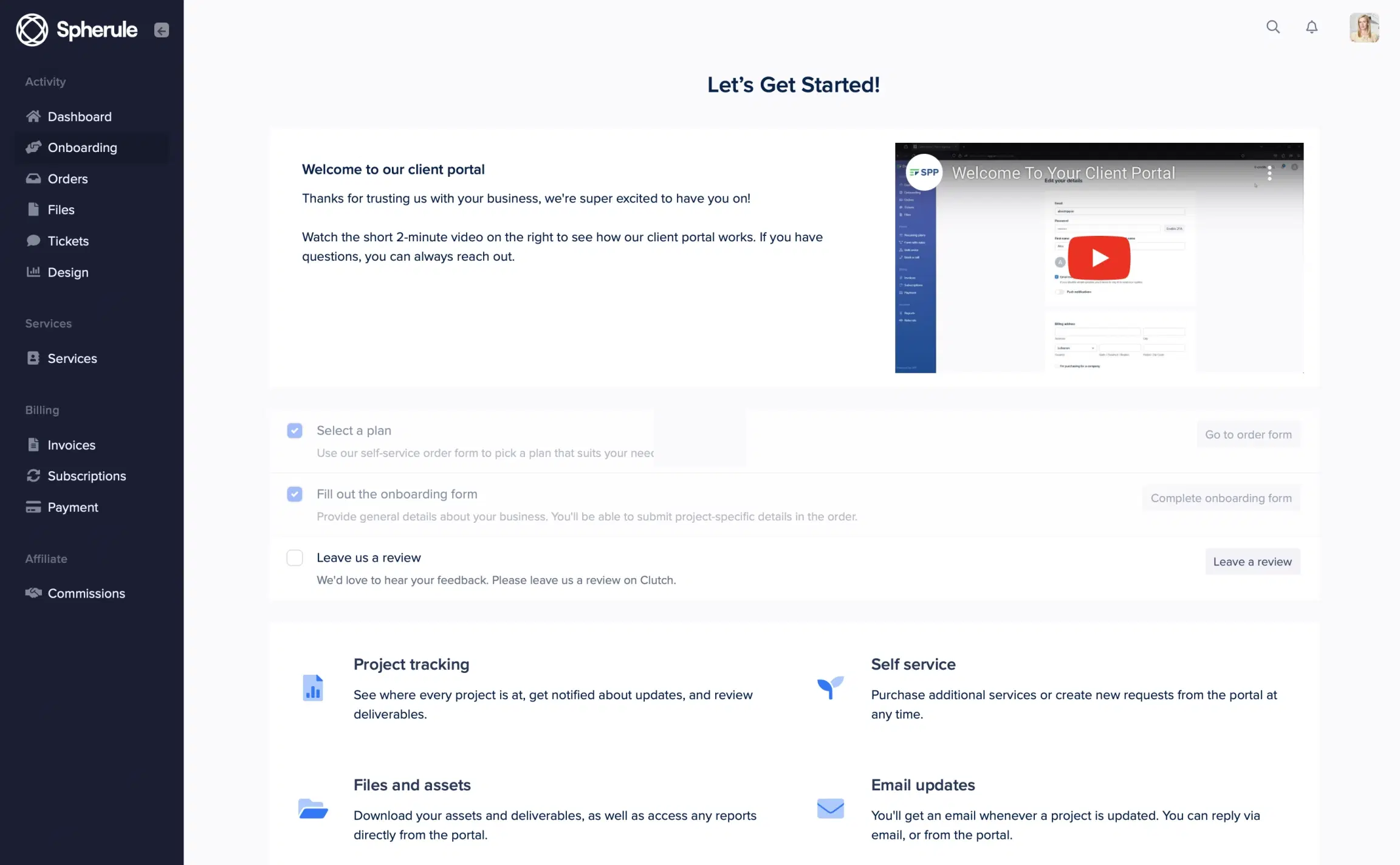
This all-in-one client portal platform is built specifically for digital service agencies. If you're running an SEO, content, link building, or social media agency, it brings your scattered tools and processes under one roof.
With SPP.co, you'll give clients a professional, self-service experience while cutting out the manual work through automated workflows. Many agencies use the system to handle everything from order intake to delivery and billing, freeing up hours of admin work each week.
Key features:
- White-labeled client portal with custom domain and branding
- Flexible billing system with multiple payment options (Stripe, PayPal)
- Custom order forms and intake questionnaires
- Project management with adjustable statuses and task templates
- Client relationship management and team access controls
- Performance metrics and reporting dashboard
SPP.co reviews from other agency owners:
"This platform is for businesses that want to bring clarity to the chaos. To organise and structure client orders, subscriptions and communication in one place. From day one we've used SPP and client communication has been a breeze. You can set up browser notifications so the right people are notified as soon as a client sends a message. Allowing you to respond promptly to client queries."
Ahmad B., Growth Partners Media
SPP.co pros
- Purpose-built specifically for digital marketing agencies
- Built-in referral/affiliate program system
- Custom forms with conditional logic and e-signatures
- Detailed analytics for revenue and team performance
- Handles both one-time and subscription-based services
- Powerful automations via Make, Zapier, API
SPP.co cons
- Technical knowledge required for some customizations
- Limited to transactional emails (no mass email campaigns)
- Some advanced features only available on higher-tier plans
SPP.co pricing:
As of May 2025, SPP.co offers three pricing plans:
- Basic: $99/month, billed annually
- Pro: $249/month, billed annually
- Plus: $1,500/month
11. Fathom: Best for automated meeting notes & CRM sync
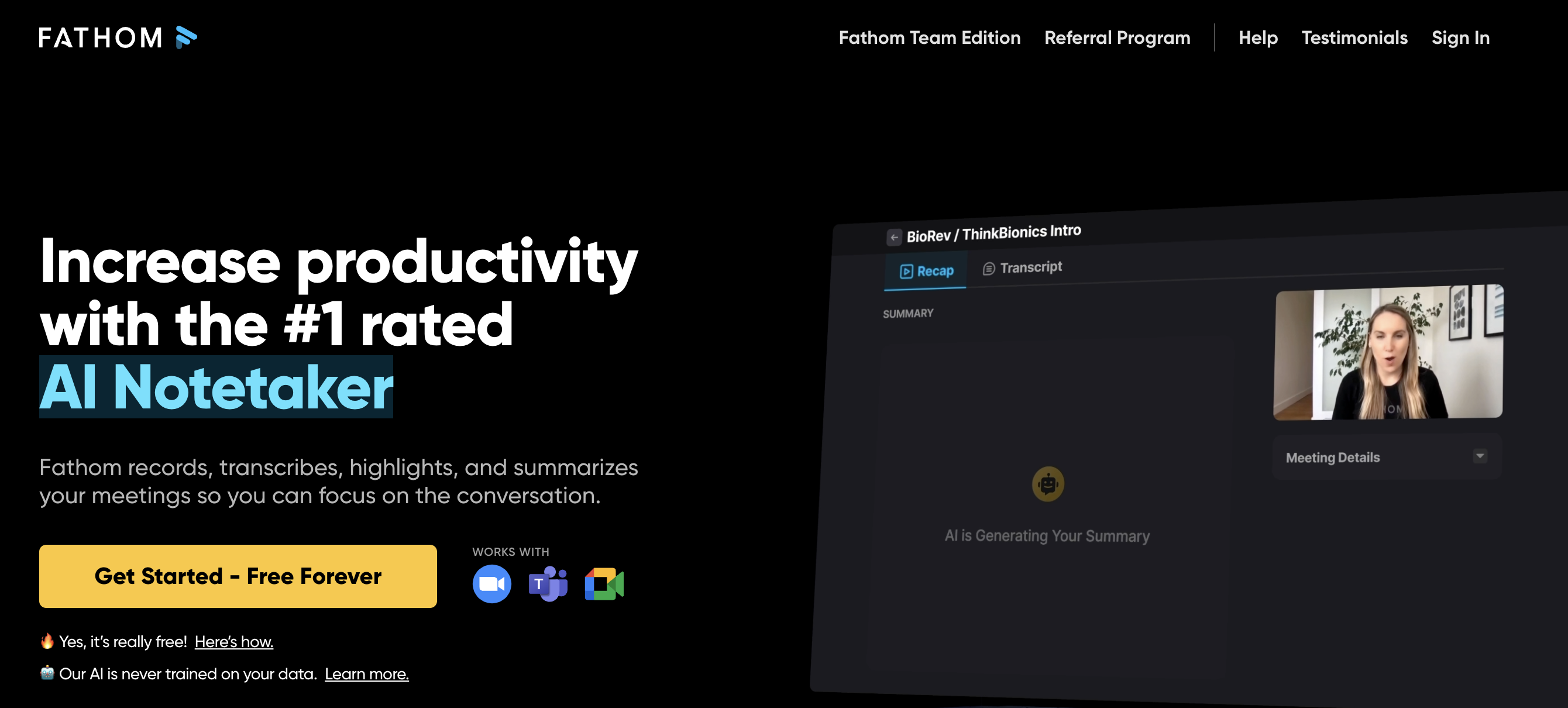 If you still write your meeting notes manually, try out Fathom.
Fathom automatically transcribes and summarises your meetings so you can fully focus on your calls with clients.
After the call, you can select parts of the meeting (or the entire meeting) and drag and drop them into your Slack channel.
Key features:
- Automatic transcription and summarization
- Ask Fathom AI assistant
- Clip & meeting sharing
- Automatic action points
- Access control
Fathom reviews from other agency owners
“We love Fathom for client meetings—it captures the conversations and automatically generates actionable to-do lists, making sure nothing falls through the cracks.”
Ameet Khabra, CEO & Founder at Hop Skip Media
Fathom pros:
- Customer relationship management (CRM) integrations for easy meeting summary syncs
- Improve client relationships through a better knowledge
- Fathom supports 28 languages
- Custom branding options
- Advanced security features
- A fair free plan
Fathom cons:
- No offline capability
- The AI notetaker can be inaccurate at times—for example, it would misspell people’s and software’s names according to this G2.com review
Fathom pricing:
Fathom pricing is based on the number of users.
As of March 2025, the two pricing plans for teams are:
- Standard: $19/month/user
- Pro: $29/month/user
12. Claude: Best for marketing strategy & content generation
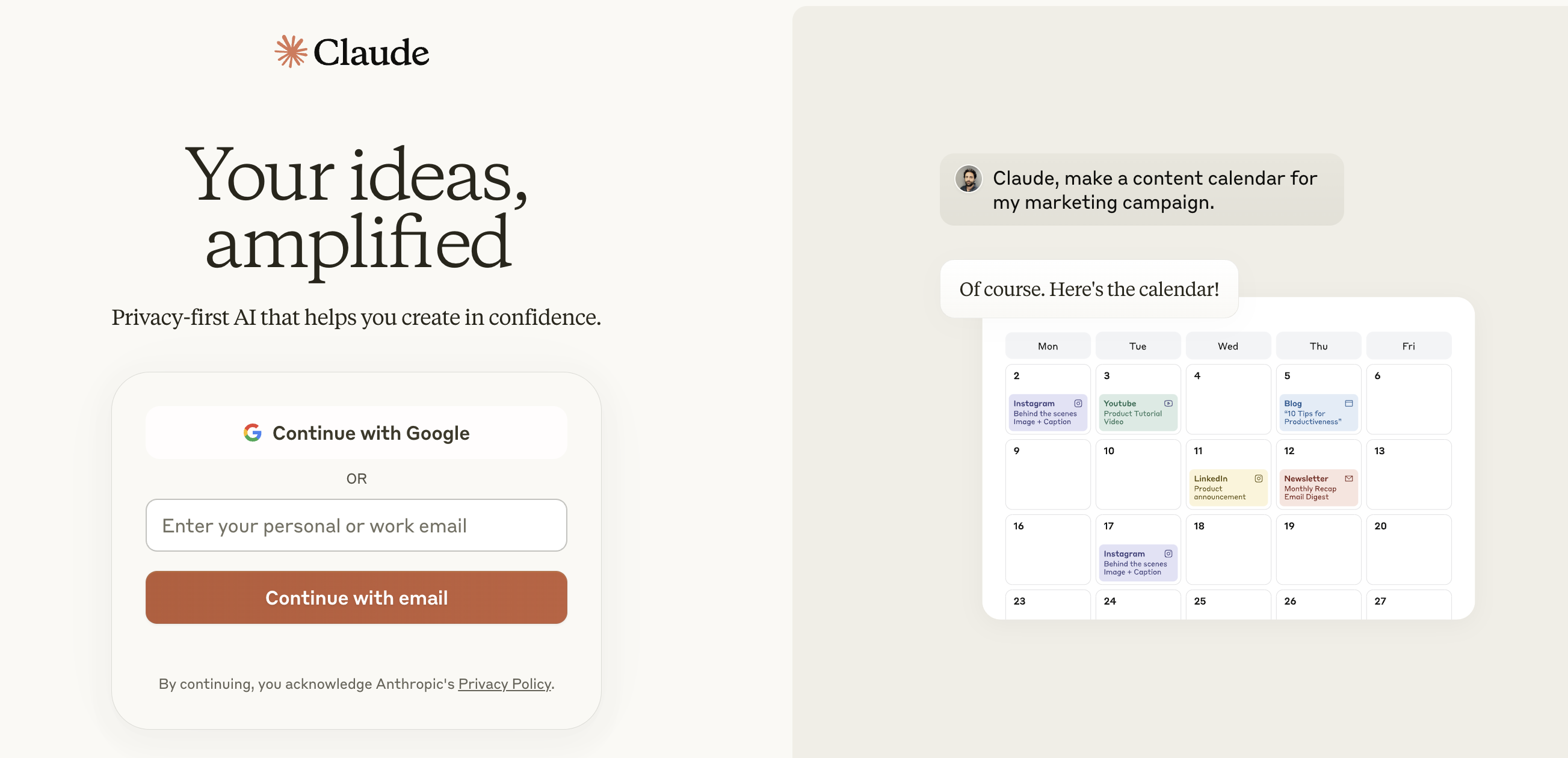 Claude is an AI assistant for brainstorming, content generation, and research. If you’re unsure if your hypothesis is true or if you need help with new ideas or perspectives, simply ask Claude.
Claude’s Team plan allows to ingest 200k tokens (500 pages of text), which is ideal for processing long documents or discussing complex topics (e.g., product roadmapping or financial forecasting).
Key features:
- Writing and idea-generation assistant
- Long-form content generation
- 200K context window
- iOS app available
- Claude 3 model family
Claude reviews from other agency owners
"I use Claude 20 times a day for just about anything I’m doing. It’s great for discerning what's the BS and what are some good nuggets of information—whether it’s for SEO, content strategy, or competitive intelligence.
I also use it to evaluate my hypotheses. If I have a hypothesis about the client's strategy or what Catalyst should do as an agency, I put it into Claude to see what I might be missing."
Robin Emiliani, Founder and CEO at Catalyst Marketing
Claude pros:
- Access to a knowledgeable AI tutor 24/7
- Quickly share the best chats with team members
- Streamline content creation
Claude cons:
- Unlike ChatGPT, Claude doesn’t have access to search engine information
- Potential for inaccuracies
Claude pricing:
Claude offers four different pricing plans, which are the following:
- Free: Free for individuals
- Pro: $20/month for individual users
- Team: $30/month/user
- Enterprise: Based on a custom quotation
13. Perplexity: Best for research, competitive analysis & proposal writing
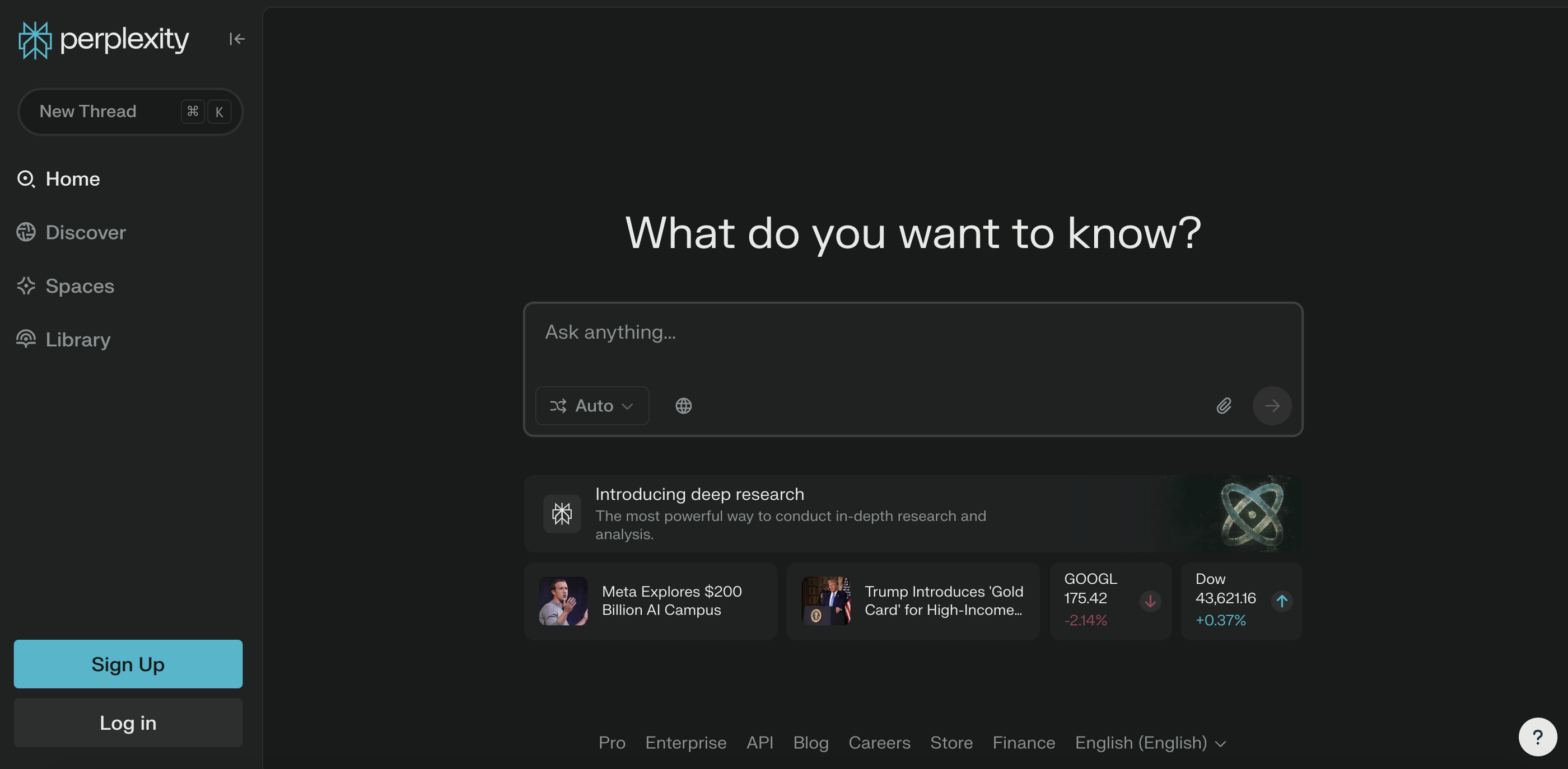 Perplexity is a free AI search engine that serves as a research assistant, answering queries based on sources.
Unlike Claude (and most other chatbots), Perplexity can access the open internet, meaning it can pull information from Reddit, competitor websites, and other indexed sources.
This makes it ideal for competition analysis, market research, and other “internet-based tasks”.
Key features:
- AI-powered search
- Real-time data retrieval
- Citations & sources
- Contextual understanding
- Summarization
Perplexity reviews from other agency owners
“We’ve responded to quite a few RFPs in the past 9 years of business, so we built a system where we loaded this information into Perplexity.
It then draws on this information and creates a new response in literally a tenth of the time. This helps us respond to more RFPs in a shorter period of time.”
Robin Emiliani, Founder and CEO at Catalyst Marketing
Perplexity pros:
- Free to use with no character limits or other restrictions
- Access real-time information quickly
- Summarize long texts into short answers
- Answers are backed by source citations
Perplexity cons:
- Since it has access to the open internet, it might pull information from unreliable sources
- A Reddit user says Perplexity’s writing style can feel robotic at times
Perplexity pricing:
- Standard: Free to use with unlimited quick searches
- Professional: $20/month/user with 300+ Pro searches
- Enterprise: Based on a custom quotation
14. Gong: Best for sales intelligence & conversation analytics
Gong helps agencies who want to close more deals with AI-powered sales insights.
After recording and transcribing your meetings, Gong correlates the conversations' content into actionable insights. With these insights, you can identify which behaviours lead to closed-win opportunities and reinforce them.
Key features:
- Call recording and transcription
- Call and email campaign analysis
- Advanced analytics
- Team activity overview
- Deal course correction
- Deal and pipeline management
Gong reviews from other agency owners
“We use Gong for meeting recording, transcription, and summaries. It has been a huge help and unlock for us in assuring we are plugged into calls, and present.”
Ryan Anderson, President at Markiserv
Gong pros:
- Wide integrations with sales and CRM, such as Hubspot
- Helps to remove repetitive tasks, such as taking call notes
- Comes with conversation analytics tools
- Improved lead generation
- Offers actionable insights
- Scalable solution
Gong cons:
- According to a Reddit user, calls can take up to 60 minutes to become available after recording
- Steep learning curve
- High cost
Gong pricing:
Gong’s pricing is based on a custom quotation.
---
Want more tool recommendations + strategies to implement AI successfully at your agency (straight from other agency leaders)? Download the AI Playbook for Agencies here.
Published on Mar 02 2025
WRITTEN BY
Elmeri PalokangasElmeri is a content strategist and writer helping SaaS firms scale up with long and short-form content. He has written dozens of SEO- and conversion-optimized blog articles for SaaS brands like Atera, Cognism, Scribe, Drip, QuickMail, Time Doctor, and TechnologyAdvice. When he's not working, he's off exploring Switzerland's stunning mountains.