







What is a white label report tool?
A white label report tool is software that lets you pull marketing data from multiple channels, build reports and dashboards, and deliver everything to clients under your own brand, with zero trace of the underlying platform.
That means your own logo, your own colors, your own custom domain [reports.youragency.com], and automated emails sent from your own email address. Clients interact with what looks and feels like your agency's proprietary reporting software. They never see a vendor name, a third-party subdomain, or an unfamiliar login screen.
For marketing agencies, this matters for two reasons.
First, it's a professionalism signal: branded reports tell clients that your agency owns the entire experience, not just the strategy.
Second, it protects the client relationship. When reports arrive from a tool they don't recognize, clients start wondering whether they could just buy that tool themselves and cut you out. White label reporting removes that question entirely.
What features should I look for in a white label reporting tool?
A good white label reporting tool does more than swap logos, though. Here are the key features to look for in the best one:
✅ All-in-one white labeling, not just a logo swap: Custom domain, branded email delivery from your own address, custom headers and footers, and zero "Powered by" anywhere clients can see.
✅ Stable, native integrations: Direct connections to Google Ads, Meta, LinkedIn, SEO tools, and social media platforms - with real-time data that matches source platforms and connectors that don't break.
✅ Data organization without the technical overhead: Cross-channel data blending, custom metrics and dimensions, and standardized naming across all your clients' accounts, without formulas or coding.
✅ Flexible report and dashboard building: Drag-and-drop widgets, AI-powered report creation, reusable branded templates, and per-client branding controls so every account looks tailored.
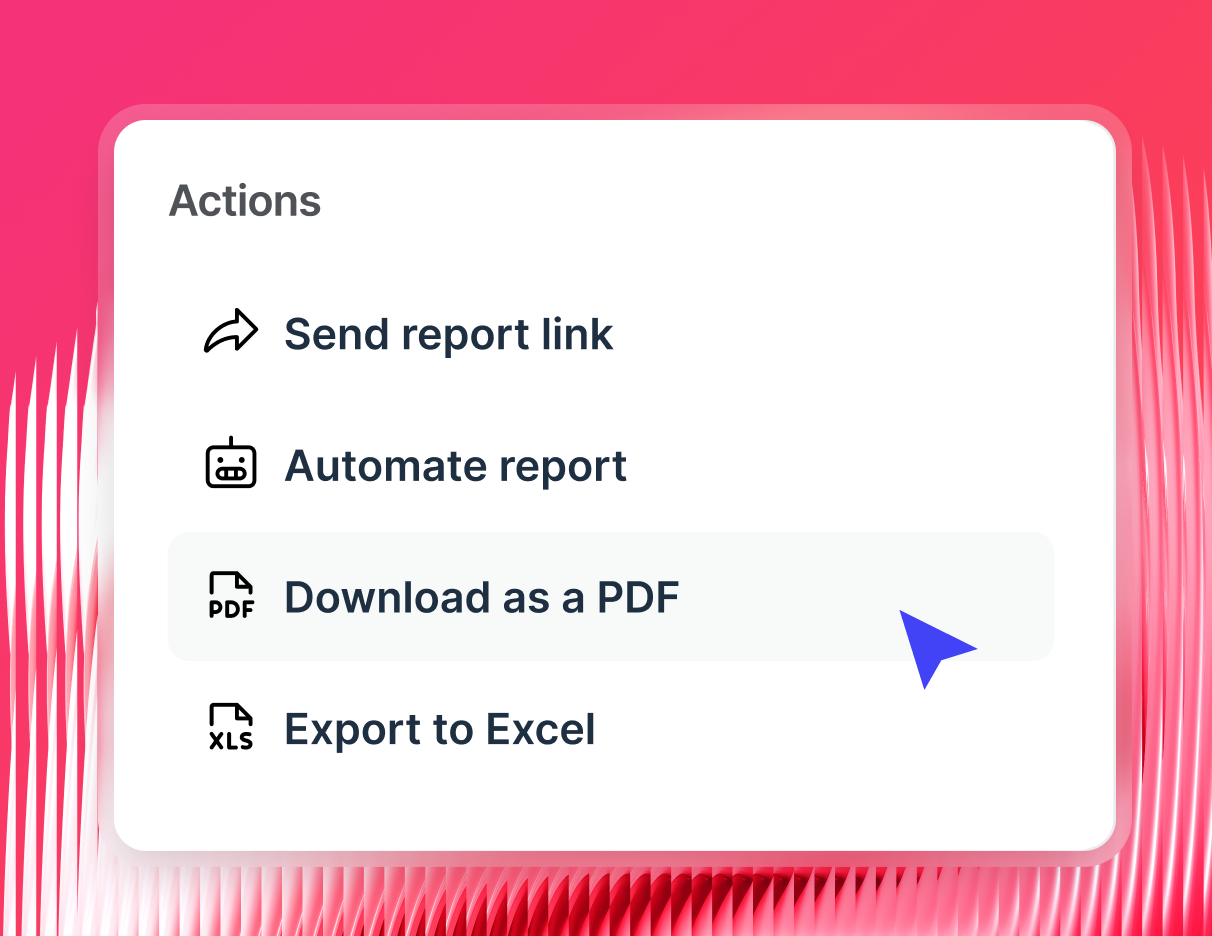
✅ Automated reporting that runs itself: Scheduled white label reports, live dashboard links, and PDF or CSV exports - all delivered automatically on your cadence.
✅ Client access and scalability: Controlled client logins, role-based access controls, and a platform that scales to 50+ clients without your manual reporting workload scaling with it.
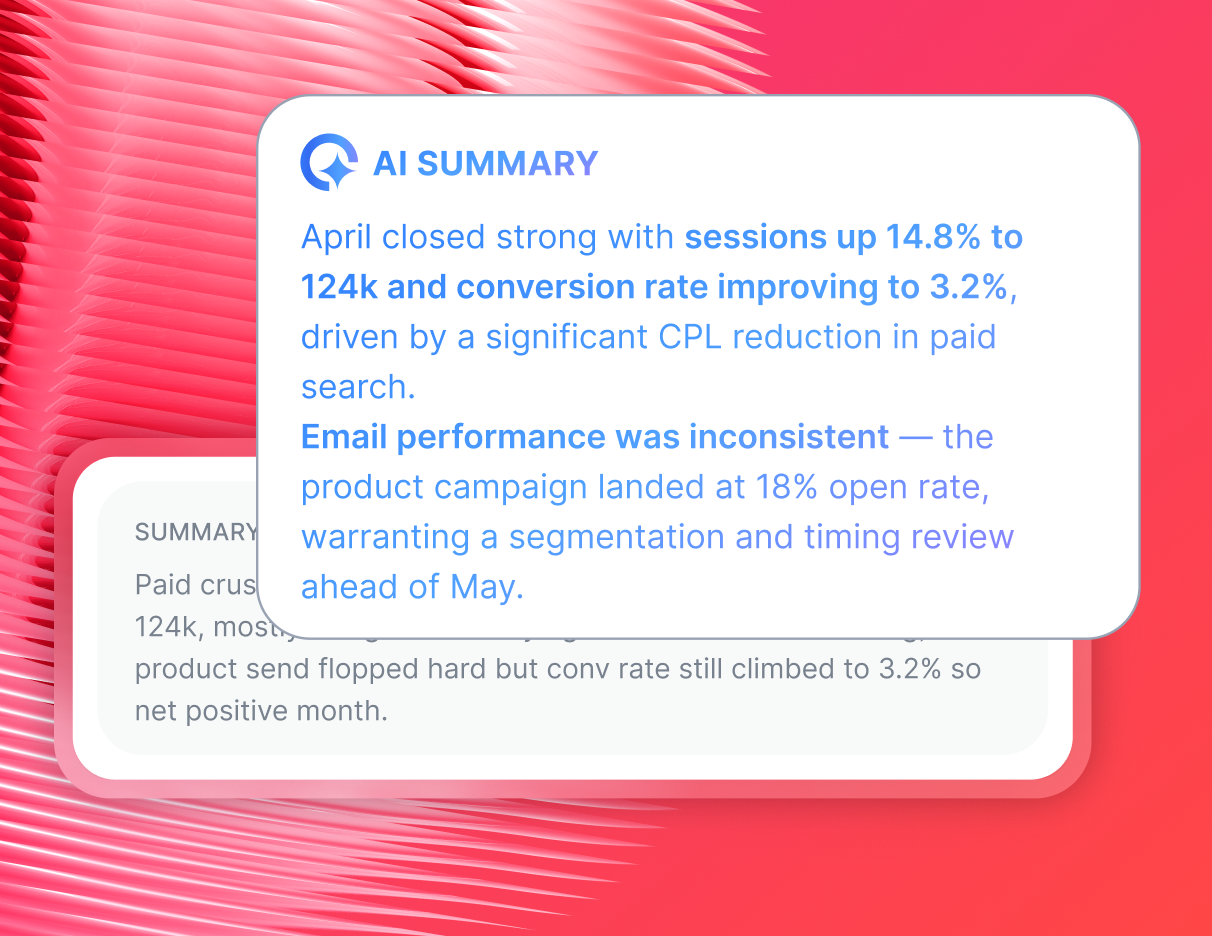
✅ AI-powered insights & workflows: Automated plain-language summaries, instant answers to campaign questions, and narratives you can edit and send directly to clients.
The deeper your white-label features go, the more your agency looks like it built its own proprietary reporting platform. That's what keeps clients from questioning your value — and from going anywhere else.
What is the best white label reporting tool for agencies?
Whatagraph checks every box on that list - and then some.
1. True white label reporting, end to end
Whatagraph removes every trace of itself from your client experience.
Marketing reports live on your custom domain (reports.youragency.com), automated emails go out from your own email address, and every client-facing screen shows your logo, your colors, and your fonts, not ours. There's no "Powered by Whatagraph" anywhere.
Clients interact with what feels like your agency's own proprietary reporting platform.
2. 60+ native, stable integrations
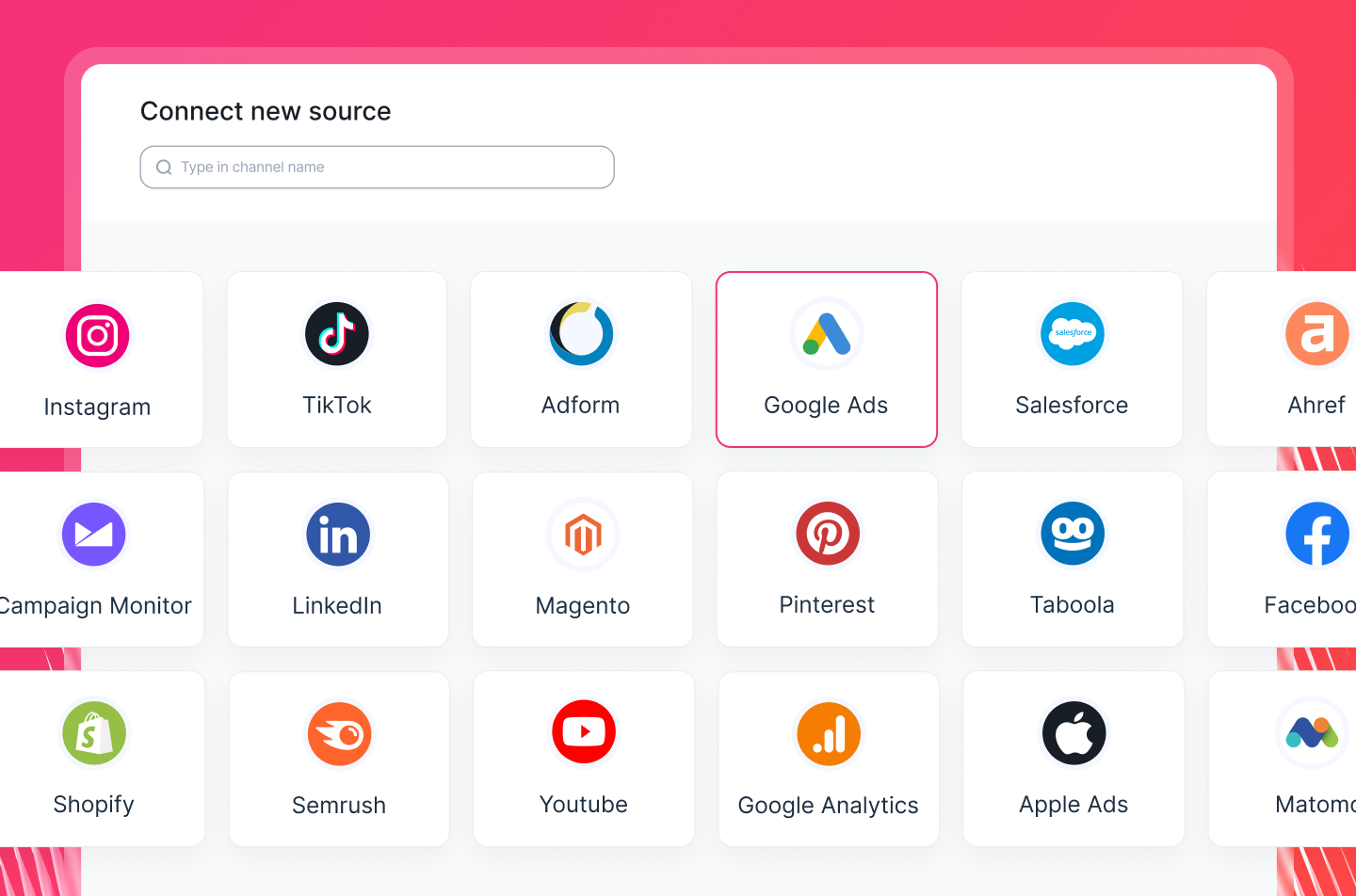 Connect Google Ads, Meta, LinkedIn, TikTok, Instagram, GA4, SEO tools, email platforms, and more, all through managed native integrations that pull accurate, real-time data automatically.
No third-party connectors, no broken pipelines, no manual exports.
Whatagraph's integrations have averaged 99.95% uptime over the past six months. When something does go wrong, engineers are notified immediately — not you.
Hear from Tanja Keglić, Performance Marketing Manager at Achtzehn Grad who used to struggle with broken connectors on Supermetrics and Looker Studio:
We don’t have any connection issues on Whatagraph at all and it’s very, very quick when loading the data.
This meant she could focus on campaign insights and strategy rather than waste time fixing issues.
3. Data organization without coding
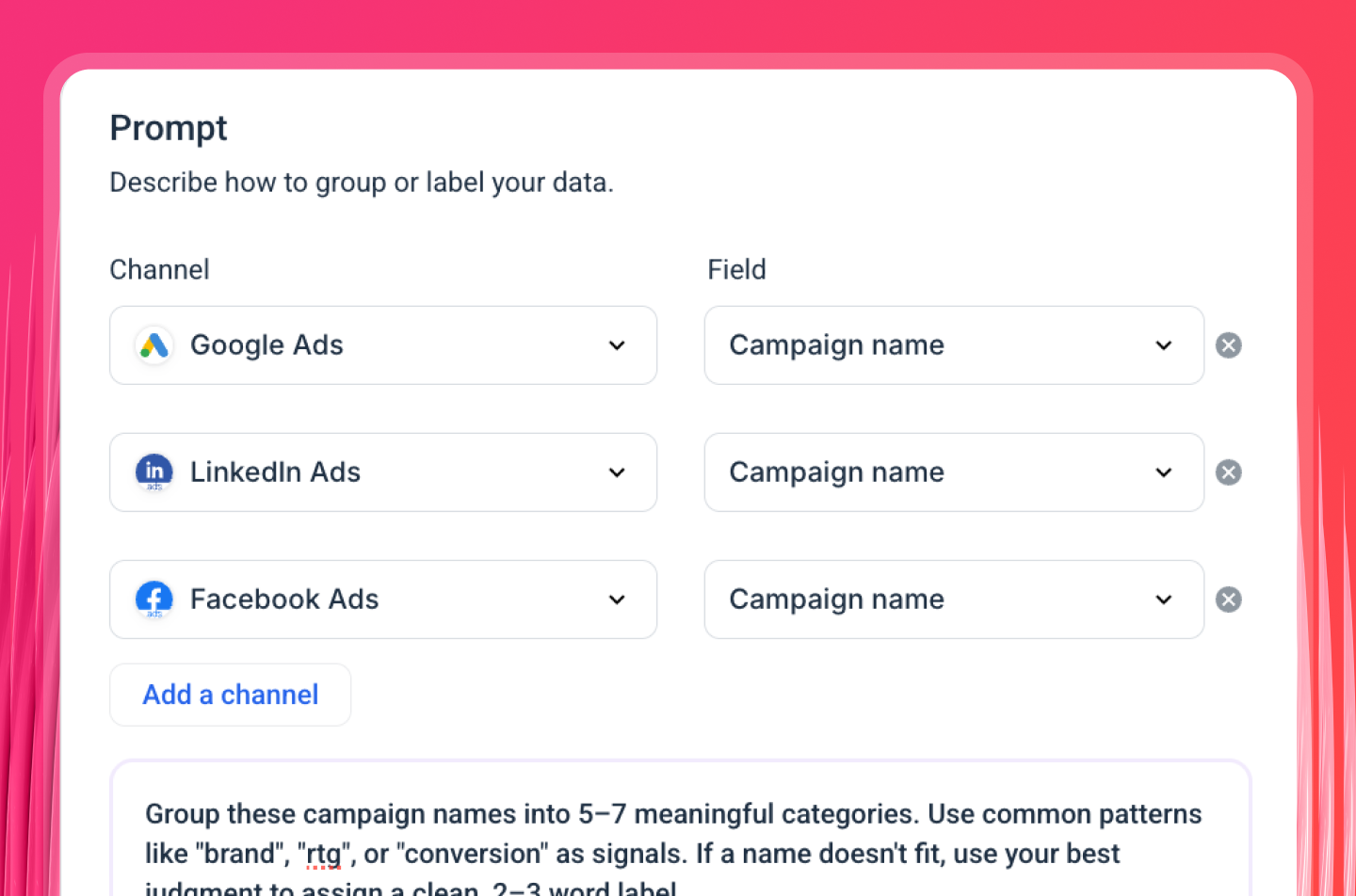
Blend cross-channel data, create custom metrics, and build dimensions that match the way your clients think about their business, all without formulas or developer help.
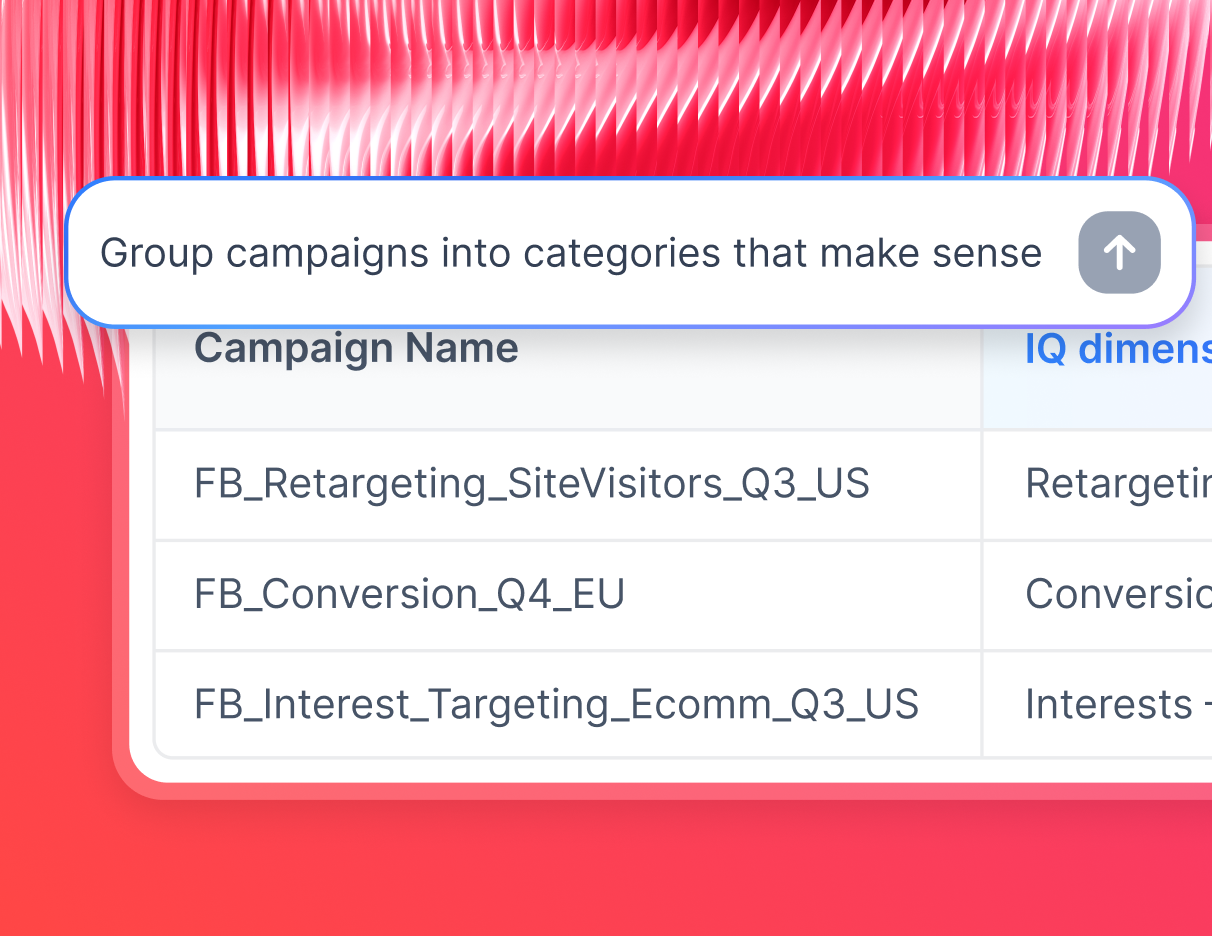
Need something specific? Ask Whatagraph IQ in plain English and it builds the blend or dimension for you instantly.
4. White label reporting dashboards built in seconds
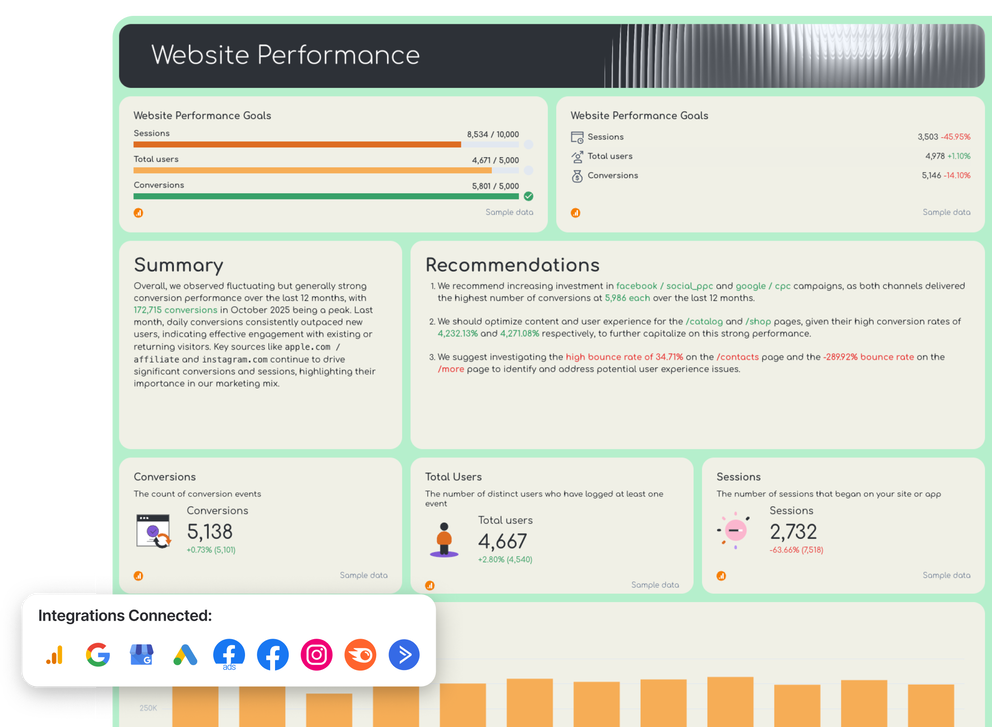
With Whatagraph IQ, you just type what you need and it assembles the full white label analytics reports - charts, tabs, KPIs, layouts included. Or you can also use a white label marketing report template to quickly get started.
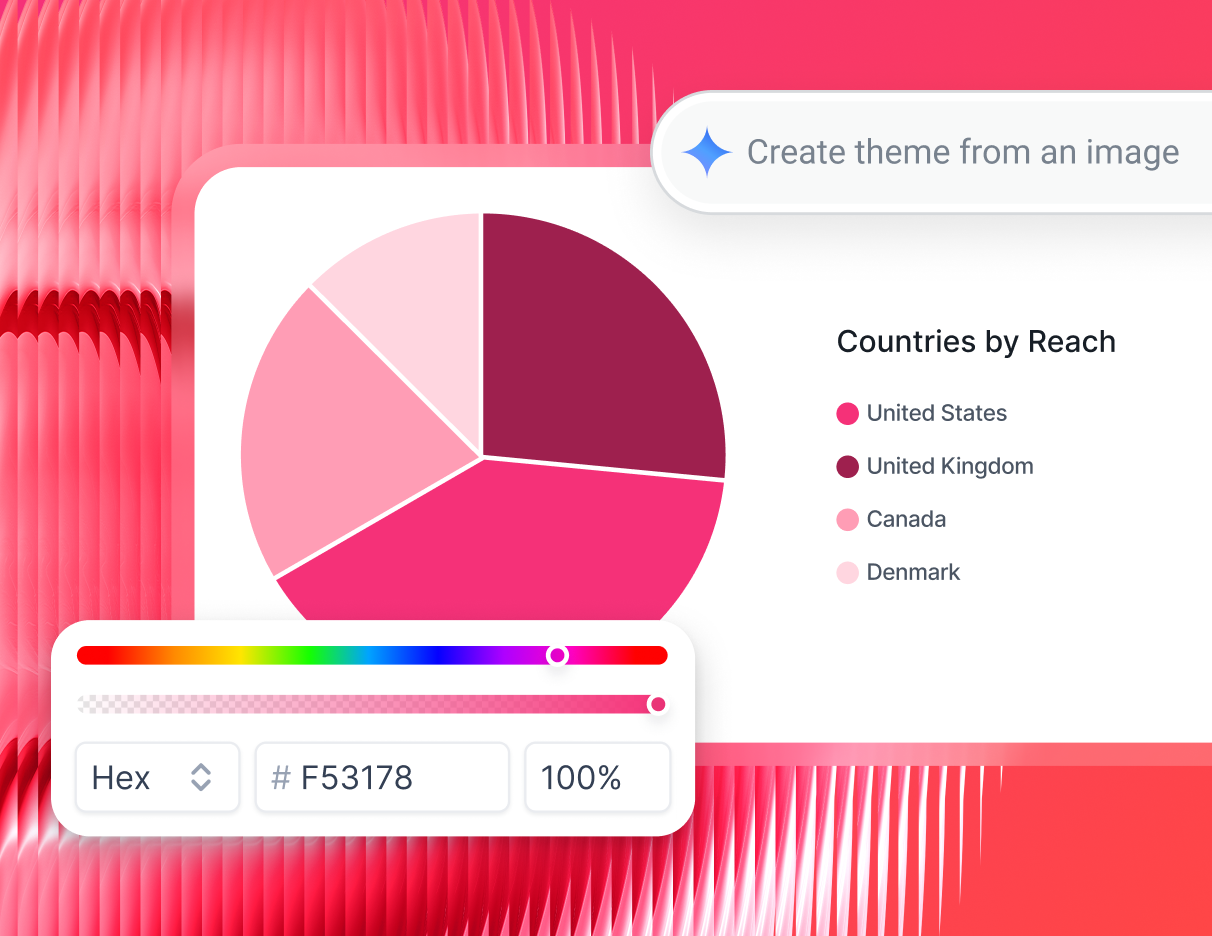
Upload a client logo or brand asset and IQ Themes generates a matching branded theme with the right fonts, hex codes, and icons automatically. You can then save these themes and reapply them to new dashboards you create.
One of our customers, Dtch. Digitals, reduced client churn by 50% and increased client retention after switching to Whatagraph, directly attributing it to the quality and professionalism of their custom-branded reports.
As Stef Oosterik, Quality Manager at Dtch. Digitals, put it:
Thanks to Whatagraph's attractive visuals, clients can see the professionality behind our agency. It helps us get clients on board, but also to keep our clients within the agency. Our churn rate is very, very low.
5. Automated reporting that runs itself
Set your schedule once and Whatagraph sends white label automated reports automatically - from your domain, with your custom subject line, header, and footer.
Clients can also access live dashboard links anytime without logging into any third-party platform.
PDF and CSV exports are available for clients who prefer static reports over scheduled reports.
6. Scales with your agency
Whatagraph's linked templates let you edit a master report once and push changes across every client report instantly, no updating accounts one by one. Role-based access controls let clients self-serve their own data without contacting your team. Whether you're managing 10 clients or 200, your reporting workload doesn't have to grow with your client list.
7. AI that writes the insights for you
Whatagraph IQ Summaries generate plain-language performance narratives directly in your reports, so clients get clear takeaways instead of a wall of numbers.
Try it out here:
IQ Chat lets your team - or your clients - ask questions about campaign data in plain English and get instant answers. It's like having a data analyst on call, without the headcount.
Whatagraph has also launched an MCP that lets you connect your data to Claude or ChatGPT and analyze your data there.
These powerful AI features are helping agencies like Maatwerk Online save 100 hours a month on reporting.
Lars Maat, Co-Founder of Maatwerk Online, says:
Whatagraph’s AI saves time and energy, and the hours we're saving is just pure profit. We now have the time to focus on more strategic things that help both our agency and our clients grow.
3 best white label agency dashboard with reporting examples
Seeing is believing. Here are three real white label dashboards built on Whatagraph, each co-created with an agency expert and fully branded to their agency's identity.
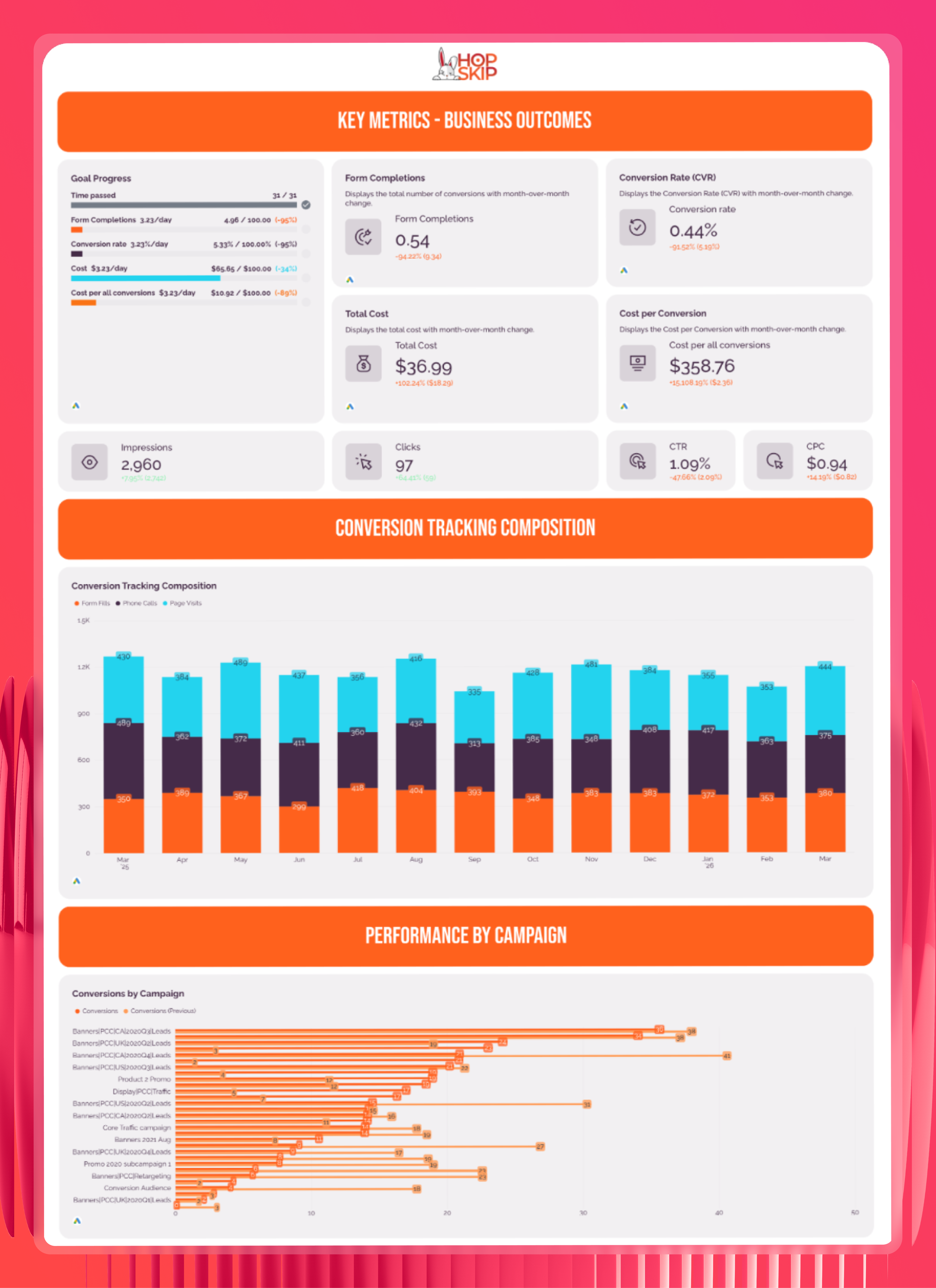
1. Google Ads Report co-created with Ameet Khabra, Hop Skip Media
Use this Google Ads white label report template for free
We co-created this Google Ads report with Ameet Khabra's PPC agency, Hop Skip Media. It shows clients exactly what their budget is doing, from conversion tracking and campaign performance to keyword-level insights and audience breakdowns.
Every element is branded in Hop Skip Media's orange and navy color scheme, with their logo in the header and footer.
- Own branding: Hop Skip Media logo and brand colors applied across every section
- Custom layout: Tabbed structure separating key metrics, campaign performance, keyword performance, and audience insights
- Client-ready visualizations: Stacked bar charts, conversion trend lines, and pie charts — no raw data dumps
- AI summaries: Key insights and next steps section built directly into the report
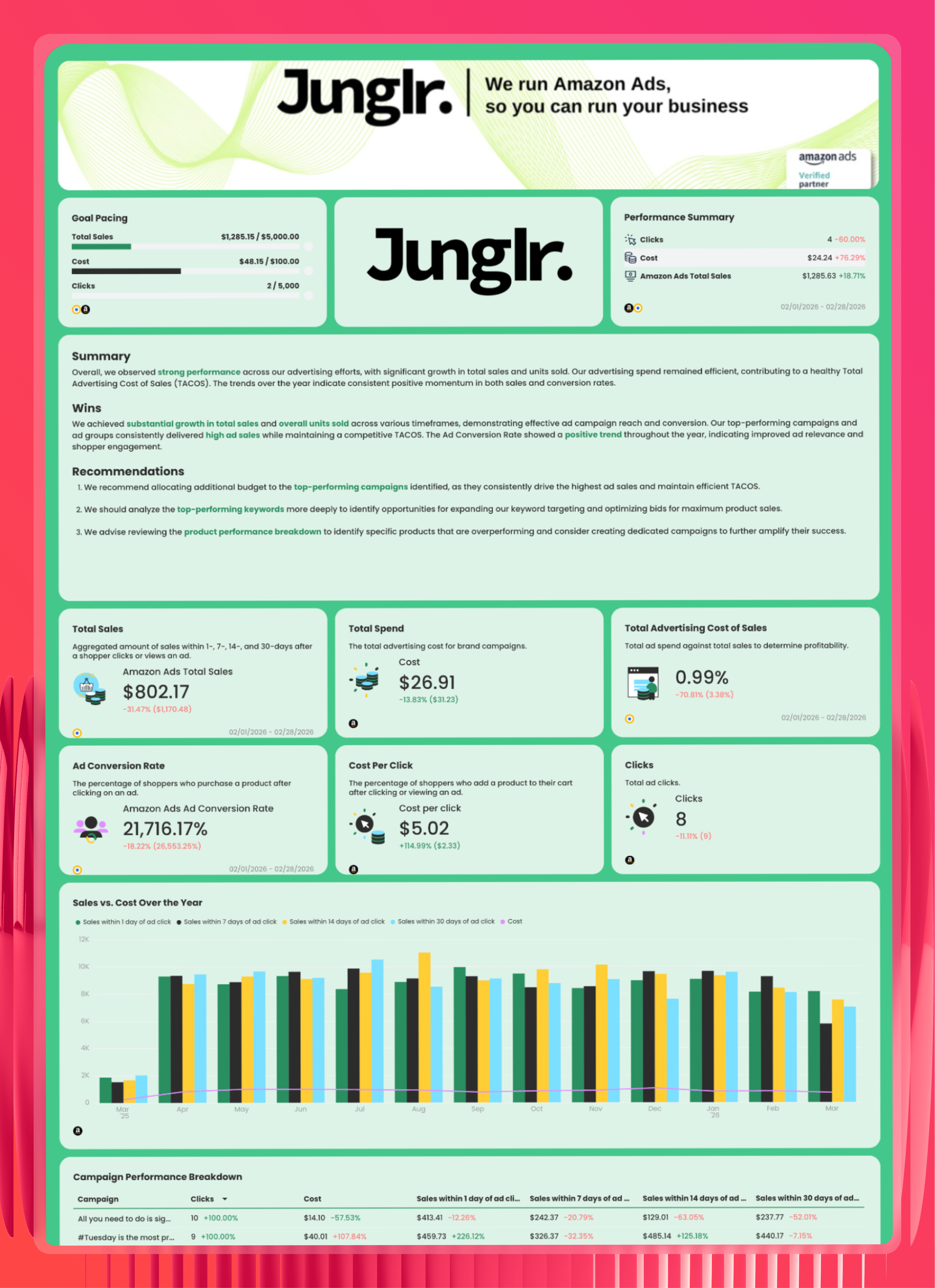
2. Amazon Ads report co-created with Elizabeth Greene, Junglr
Use this white label Amazon Ads report template for free
We built this together with Elizabeth Greene, Co-Founder of Junglr, to give eCommerce clients a full picture of their Amazon Ads performance: TACOS, total sales, campaign breakdowns, and product-level data.
The report is fully white labeled in Junglr's black and green branding, with their tagline ("We run Amazon Ads, so you can run your business") front and center on the cover.
- Own branding: Junglr logo, brand colors, and agency tagline on the cover page
- Custom metrics: Amazon-specific KPIs like TACOS, Ad Conversion Rate, and Sales vs. Cost Over the Year
- Granular breakdowns: Campaign, product, ad group, and keyword performance in one report
- AI summaries: Wins, recommendations, and next steps written in plain language for clients
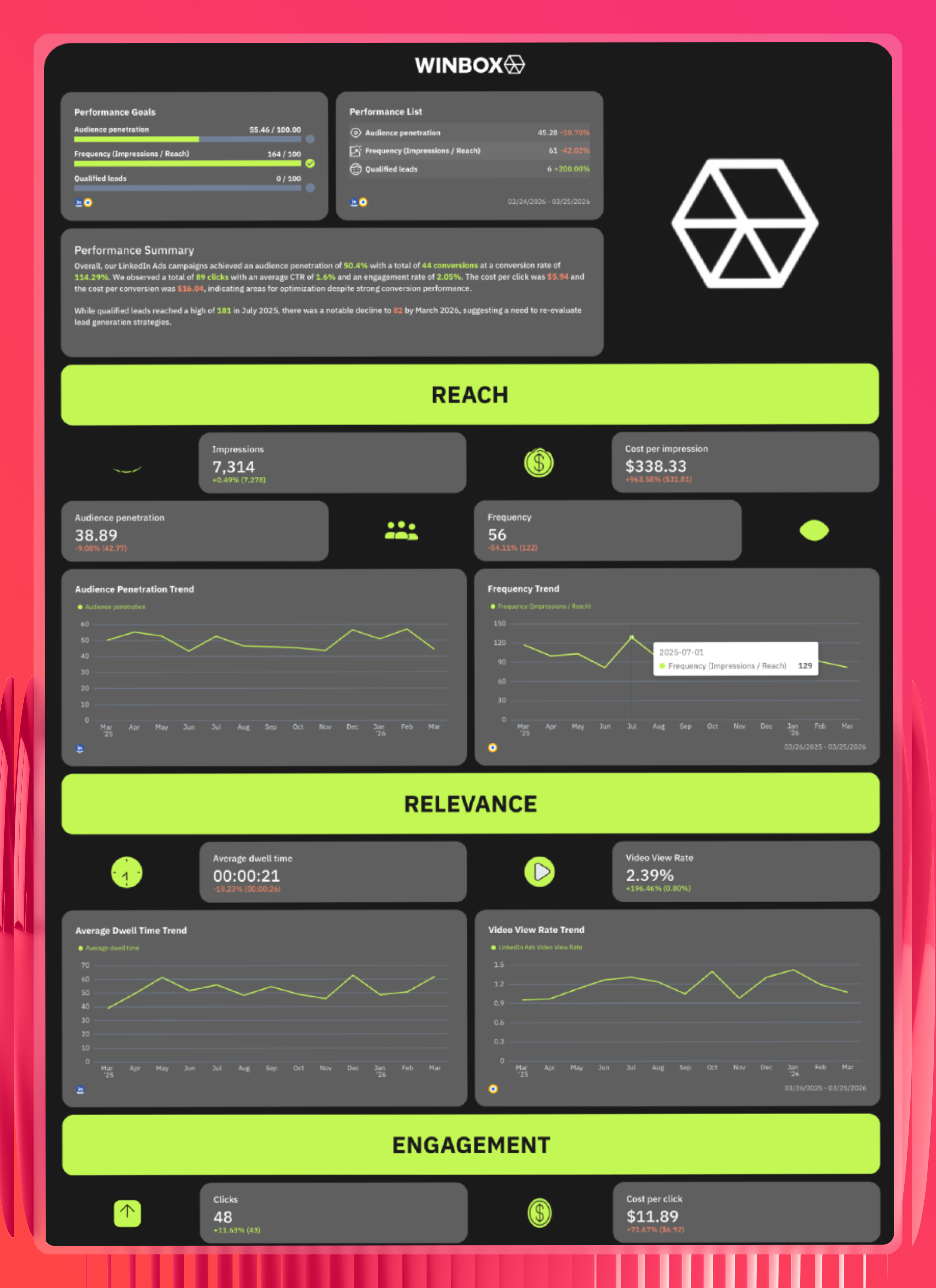
3. LinkedIn Ads Report Co-created with Marc Woodland, Winbox
Use this white label LinkedIn Ads report template for free
We partnered with Marc Woodland, CEO of Winbox to build this LinkedIn Ads report for B2B clients who care about pipeline, not just impressions.
The report is structured around the full funnel - Reach, Relevance, Engagement, and Pipeline - and white labeled in Winbox's dark theme with neon green accents, making it instantly recognizable as a Winbox deliverable.
- Own branding: Winbox logo, dark color scheme, and neon green accent applied throughout
- Funnel-first layout: Four distinct sections mapping LinkedIn performance from awareness to qualified leads
- Top ad creatives: Visual preview of best-performing LinkedIn ads embedded directly in the report
- AI summaries: Strategic recommendations for next month written in plain English